Why HTML escaping prevents XSS
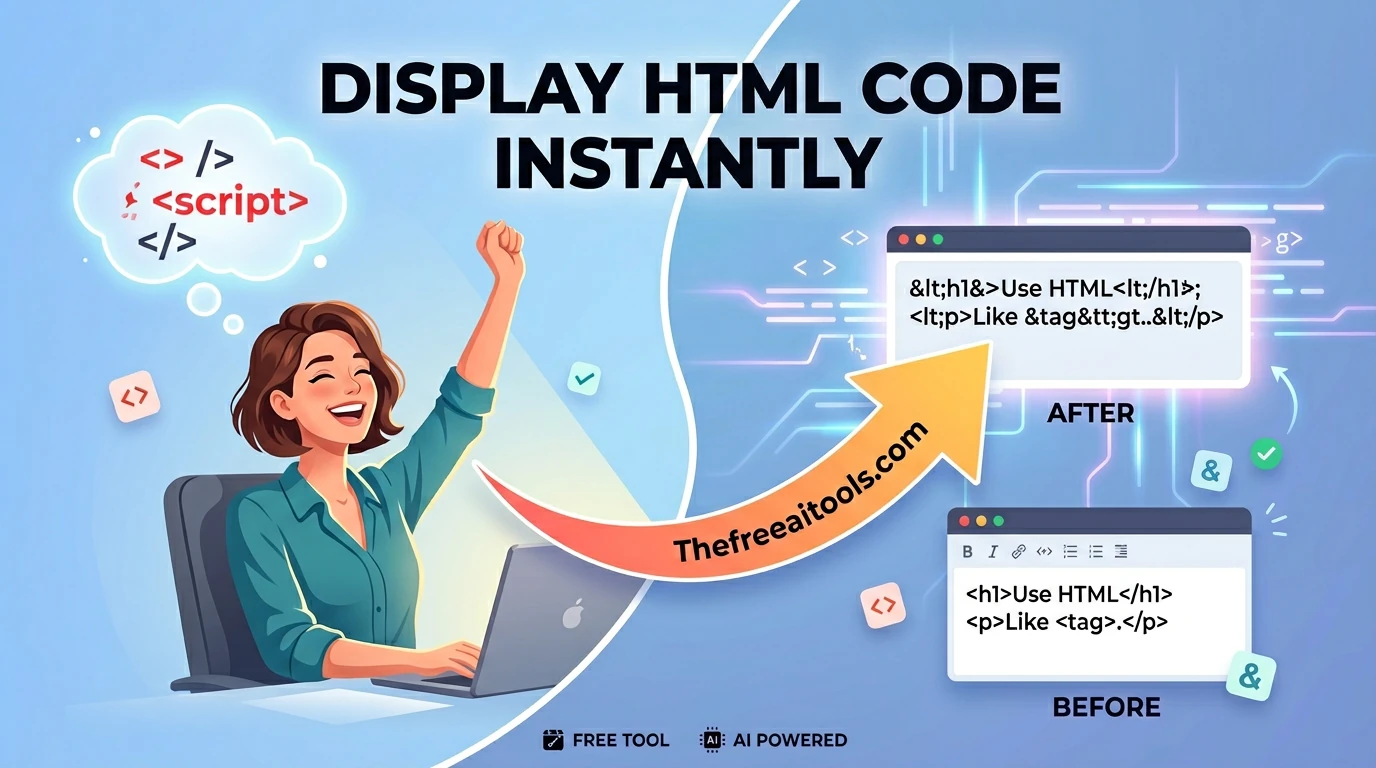
Cross-site scripting (XSS) happens when user-supplied text is rendered as HTML instead of text. If a user submits <script>document.cookie</script> and your server inserts it into the page without escaping, the browser executes it as code. Escaping converts < to < — the browser then renders a literal angle bracket instead of interpreting a tag boundary. The script never executes.
Modern frameworks (React, Vue, Angular) escape HTML in their template systems by default. The risk is in places where you bypass the framework: raw innerHTML assignments, server-side template strings, dangerouslySetInnerHTML in React — anywhere user text is inserted into HTML without the framework's sanitization layer.
The five characters that must always be escaped
| Character | Entity | Why |
|---|---|---|
| < (less than) | < | Opens an HTML tag; enables tag injection |
| > (greater than) | > | Closes tags; not always dangerous but consistent escaping is safer |
| & (ampersand) | & | Starts HTML entity sequences; double-escaping bugs if not escaped |
| " (double quote) | " | Closes attribute values in double-quoted attributes |
| ' (single quote) | ' or ' | Closes attribute values in single-quoted attributes |
Escaping for HTML attributes requires escaping both " and ' in addition to the others — an unescaped quote inside an attribute value closes the attribute and allows attribute injection (a vector for event handler injection like onclick=).