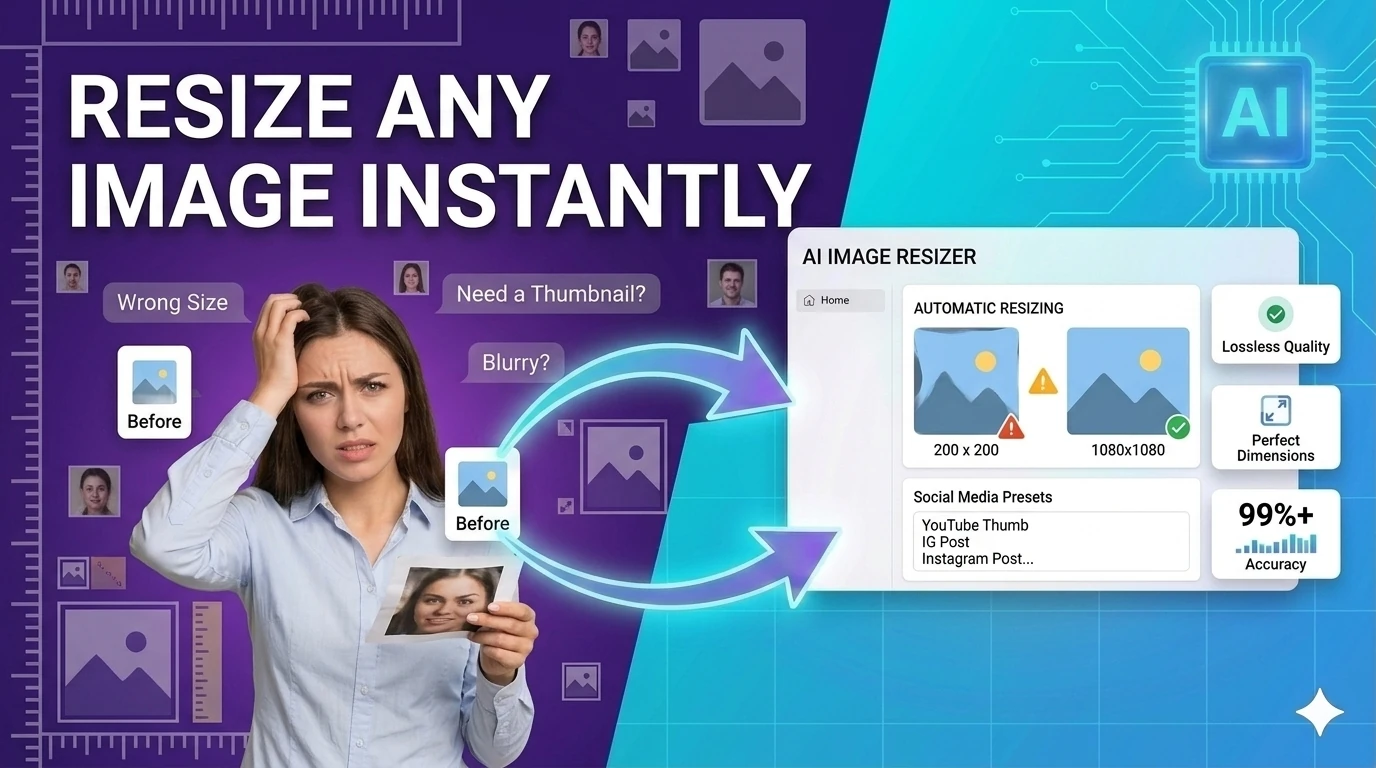
Resize Image for Instagram Free — Social Media Sizes, No Upload

Resize image for Instagram, LinkedIn, Twitter — free online resizer, no upload

Need to resize a photo to 1080×1080 for an Instagram post, 1080×1920 for a Story, or 1200×627 for LinkedIn? Enter the target dimensions, download instantly. Works for all social media sizes — JPG, PNG, WebP, GIF supported. No upload to any server. No signup. No watermark.

Quick Answer

What size should I resize my image for Instagram?

Instagram square post: 1080×1080 px. Instagram Story or Reel: 1080×1920 px. Instagram landscape post: 1080×566 px. Enter your target dimensions in the resizer — the tool runs in your browser, no upload needed.

Image Tools★ Free forever✓ No account🔒 No upload📴 Works offlineUpdated April 28, 2026

Free Online Image Resizer

Resize any image to exact pixel dimensions or a percentage of the original — instantly in your browser. No upload, no account, no server. Your file never leaves your device.

Browse all toolsBrowse more image tools toolsBuilt by Achraf A., Full-Stack Developer · Morocco

Free Online Image Resizer

Quickly and securely resize your photos for social media, websites, or personal projects. Adjust dimensions accurately while preserving aspect ratios.

1. Upload Image

Drag & drop an image here

or click to browse from your device

Supports JPG, PNG, WEBP, GIF

2. Resize Options

About Our Image Resizer

Whether you are preparing a profile picture, optimizing images for your website to improve loading times, or formatting a graphic for a specific social media platform, our Image Resizer is the perfect tool for the job. Everything processes directly in your browser, meaning your files are never uploaded to our servers, guaranteeing 100% privacy and lightning-fast speeds.

How to Use the Tool

  1. Upload your image: Drag and drop your file or click to select a JPG, PNG, WEBP, or GIF.
  2. Choose a preset: Select a standard size from the dropdown, such as Social Media or Avatar.
  3. Or set custom dimensions: Enter your exact target width and height in pixels.
  4. Maintain Aspect Ratio: Keep the box checked to avoid stretching or distorting your image.
  5. Resize and Download: Click "Resize Image" to preview, then hit "Download" to save your new file.

Key Features

  • High-Quality Rendering: Uses advanced HTML5 Canvas smoothing to ensure crisp, clear results.
  • 100% Browser-Based: Secure client-side processing keeps your data completely private.
  • Instant Previews: See exact dimension changes and a visual preview before you download.
  • Format Retention: Automatically saves in the same extension you uploaded (e.g., keeps PNG transparency).

Frequently Asked Questions (FAQ)

Does resizing an image reduce its quality?

Making an image smaller usually retains excellent quality while reducing the file size. However, enlarging an image past its original dimensions can cause it to become blurry or pixelated. We use high-quality canvas smoothing to minimize quality loss.

Are my images saved on your servers?

No. This Image Resizer is built with modern browser technologies. All processing happens locally on your device. Your photos are never uploaded, stored, or viewed by anyone else.

What does "Maintain aspect ratio" mean?

The aspect ratio is the proportional relationship between the width and height of your image. Keeping this checked ensures that when you change the width, the height automatically adjusts so your picture doesn't look stretched or squished.

What file formats are supported?

Our tool supports all standard web image formats, including JPEG (.jpg), PNG (.png), WebP (.webp), and GIF (.gif). The tool attempts to export your resized photo in the same format you uploaded.

Is this tool free to use?

Yes! Our Image Resizer is 100% free with no hidden fees, watermarks, or usage limits. You can resize as many images as you need.

Was this tool helpful?

What is Image Resizer?

Image Resizer is a free browser-based tool that changes the width and height of images without needing to install software or upload files to a server. You can resize by entering exact pixel dimensions (e.g., 1920×1080), by percentage of the original size (e.g., 50%), or by specifying only one dimension and letting the tool calculate the other while preserving the aspect ratio.

Common use cases include resizing photos before uploading to websites (which often have file size or dimension limits), preparing images for social media profiles (profile pictures, cover photos, post images), creating thumbnails from larger images, and reducing file size by reducing dimensions before sharing via email or messaging apps.

Unlike Photoshop or other desktop tools, this resizer runs entirely in your browser using the Canvas API — your files never leave your device, no software installation is needed, and it works on any operating system. Supported formats include JPEG, PNG, WebP, and GIF (first frame for animated GIFs).

How to use Image Resizer in 3 steps
  1. 1

    Upload or drop your image

    Click the upload area or drag and drop an image file from your computer. JPEG, PNG, WebP, and GIF are all supported.

  2. 2

    Enter your target dimensions

    Type the desired width, height, or percentage. Enable 'lock aspect ratio' to avoid distortion when resizing by only one dimension.

  3. 3

    Download the resized image

    Click Resize and download the result. The output file is ready to use immediately — no watermark, no compression artifacts.

Key features and benefits
  • Resize to exact pixels or percentage with aspect ratio lock
  • Runs entirely in your browser — images never uploaded to a server
  • Supports JPEG, PNG, WebP, and GIF formats
  • No account, no watermark, no file size limit
  • Instant results — no waiting for server processing
Common use cases

A content creator resizes a product photo from 4000×3000px to 800×600px before uploading to an e-commerce product listing that requires images under 2MB.

A developer generates multiple thumbnail sizes from a single source image for a responsive image srcset without a build tool.

A job seeker resizes a professional headshot to the exact dimensions required for a LinkedIn profile picture or an online job application form.

Why browser-based works better

Most online image resizers upload your file to a remote server, process it there, and return the result — raising privacy concerns for personal photos or sensitive documents. This tool resizes entirely in your browser using the Canvas API, so your image never leaves your device.

It is also faster than browser-based tools that use server-side processing, since there is no network round-trip.

Image Resizer FAQs

Quick answers about the workflow, privacy, and where this tool fits in a broader job.

Can I resize an image without losing quality?

Reducing image dimensions always involves some loss of detail, since fewer pixels must represent the same content. However, quality loss is minimal when downscaling by less than 50%. For upscaling (making images larger), quality will visibly degrade — no resizer can add detail that was not in the original image.

How do I resize an image to a specific file size?

Reducing dimensions directly reduces file size. As a rough guide: halving both width and height reduces file size by approximately 75%. For JPEG files, you can also adjust the compression quality level to reduce file size while keeping the same dimensions.

What image sizes do social media platforms require?

Common sizes as of 2026: Instagram square post 1080×1080px, Instagram story 1080×1920px, Twitter/X header 1500×500px, Facebook cover 851×315px, LinkedIn profile photo 400×400px, YouTube thumbnail 1280×720px.

Does resizing a JPEG image re-compress it?

Yes. When you resize a JPEG and save the result as JPEG, the image is decompressed, resized on the canvas, and re-compressed. Each compression cycle introduces a small amount of quality loss. To minimize this, use PNG for intermediate work and convert to JPEG only for the final output.

Keep the workflow moving with nearby tools that solve the next likely step.

Built and maintained by

Achraf A.

Founder & developer — built and maintains every tool on this site

Last updated:

Tested in Chrome, Firefox, and Safari on desktop and mobile.


Exact image sizes for every social media platform (2026)

Platform & formatRecommended sizeAspect ratioNotes
Instagram — square post1080×1080 px1:1Displayed at 510×510 in feed; upload at 1080 for crisp retina
Instagram — portrait post1080×1350 px4:5Maximum vertical space in feed — more engagement than square
Instagram — landscape post1080×566 px1.91:1Minimum 1080×566; cropped to this if wider
Instagram — Story / Reel1080×1920 px9:16Full-screen vertical; keep main content in center 1080×1420
Instagram — profile photo320×320 px1:1Displayed as circle; keep face/logo centered
LinkedIn — post / share image1200×627 px1.91:1Also correct size for og:image link preview
LinkedIn — profile photo400×400 px1:1Minimum 200×200; 400×400 recommended
LinkedIn — cover / banner1584×396 px4:1Displayed at narrower widths on mobile — keep text centered
Twitter / X — post image1200×675 px16:9summary_large_image card; side-by-side posts use 600×335
Twitter / X — profile photo400×400 px1:1Displayed as circle
Twitter / X — header image1500×500 px3:1Cropped on mobile — keep key content in center
Facebook — post image1200×630 px1.91:1Also used for link preview og:image
Facebook — story1080×1920 px9:16Same as Instagram Story
YouTube — thumbnail1280×720 px16:9Minimum 640×360; 1280×720 recommended for HiDPI
Pinterest — pin1000×1500 px2:3Taller pins get more feed space; 1:2.1 is max ratio

Enter the target width and height from this table into the resizer above, upload your photo, and download. All resizing runs in your browser — no upload, no signup.

Common image dimensions by use case

Use caseRecommended sizeNotes
Blog hero image1200×630 pxAlso works as og:image for social sharing
Twitter/X post image1200×675 px (16:9)summary_large_image card
LinkedIn post image1200×627 pxAppears as link preview thumbnail
Instagram square post1080×1080 pxDisplayed at 510×510 in feed
Instagram story1080×1920 px (9:16)Fills full screen vertically
Product thumbnail (e-commerce)800×800 pxSquare, consistent grid appearance
Avatar / profile photo400×400 pxDownscaled to 40–80px on most UIs
Full-screen background1920×1080 pxHiDPI: 2560×1440 for retina

Why upscaling always degrades quality

Resizing a 400×400 image to 1200×1200 doesn't add detail — it interpolates pixels, producing a blurry result. This is a hard constraint of raster images: information destroyed during capture or prior downscaling cannot be recovered by resizing. The browser Canvas API uses bilinear interpolation by default, which produces smoother edges than nearest-neighbor but still blurs high-contrast detail.

For logos and icons that need to scale up cleanly, use SVG — a vector format that renders at any size without quality loss. This tool handles raster images (JPEG, PNG, WebP). If your source image looks blurry after upscaling, the only real fix is to obtain a higher-resolution source.

Browser resizing vs. server-side pipeline

This tool resizes your image locally using an HTML Canvas element — no upload, no server, instant preview. It's the right choice for one-off resizing tasks. For a website that needs to serve responsive images at multiple breakpoints automatically, use a build pipeline: Next.js Image component, sharp in Node.js, or an image CDN (Cloudinary, Imgix). These generate all sizes at build/request time and serve the appropriate size via srcset — saving bandwidth and improving Core Web Vitals automatically.

TheFreeAITools — Image Resizer is a fully private, browser-based tool that resizes image files to custom pixel dimensions. All processing runs locally on your device using the browser's native Canvas API — your photos never leave your computer. Supports JPG, PNG, WebP, and GIF — making it the fastest free way to resize images for web, social media, and print use in 2026, with no installs, no accounts, and no hidden limits.

☕ Support Us