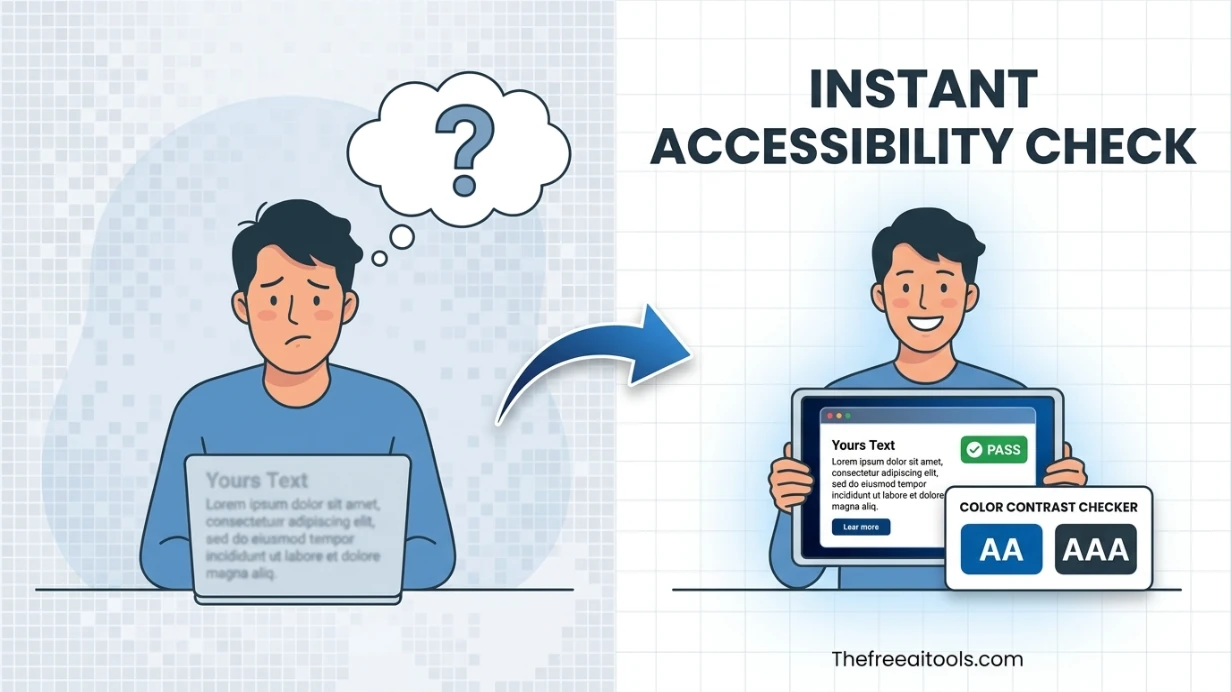
Color Contrast Checker
Check foreground and background color contrast against WCAG AA and AAA thresholds — accessibility audit tool.
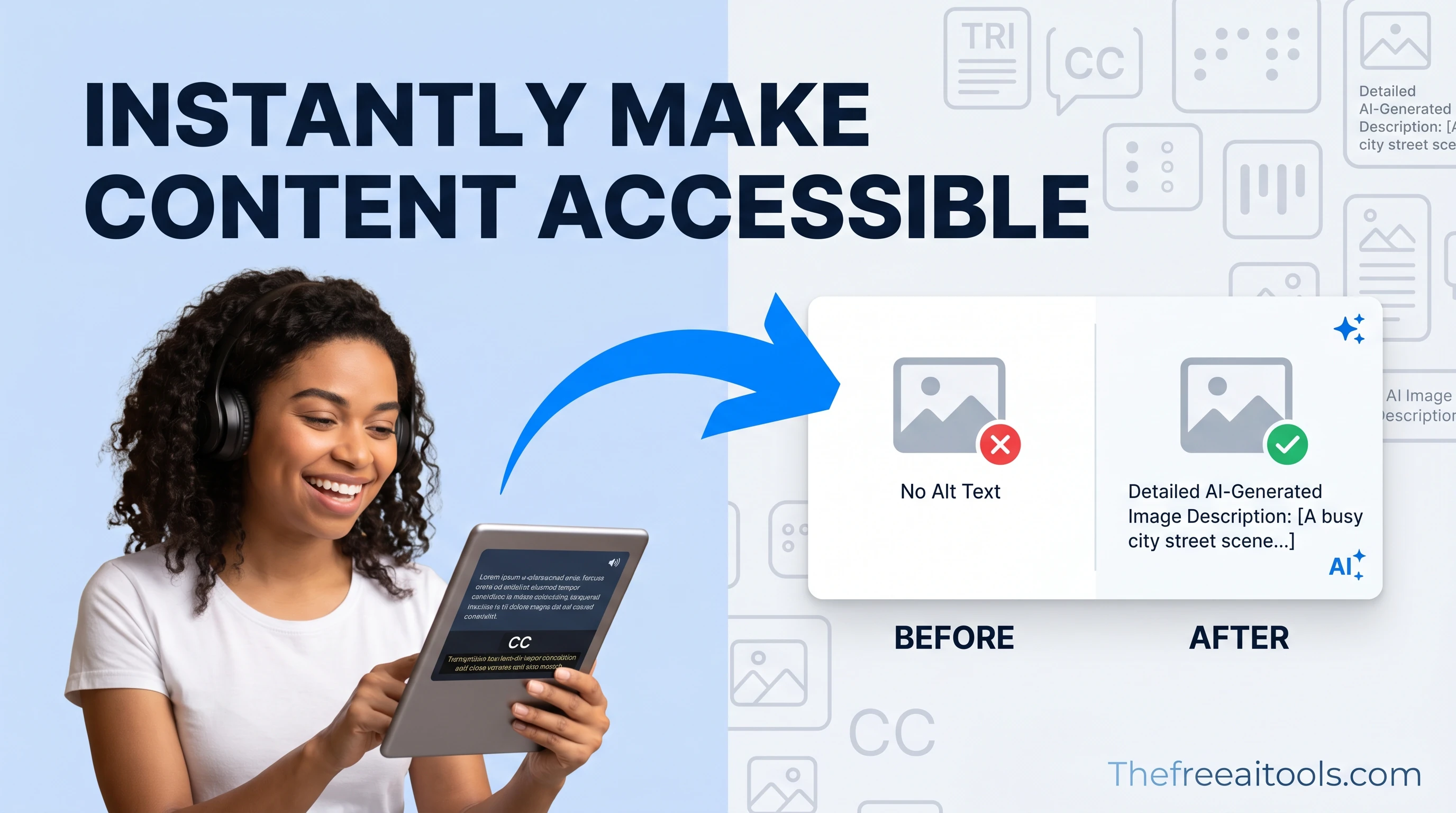
Audit color contrast, ARIA labels, heading structure, and focus order to improve keyboard and screen-reader support.
Accessibility is increasingly a legal requirement, not just good practice — the WCAG 2.1 and 2.2 guidelines underpin the ADA, Section 508, and the European Accessibility Act. But you don't need an enterprise audit suite to catch the most common failures. Our free accessibility tools online let you check the highest-impact issues directly in the browser, with no account and nothing uploaded. The collection focuses on the problems that fail real audits most often: insufficient colour contrast, missing or inadequate alt text, and unclear visual hierarchy. Colour contrast alone accounts for a large share of automated-audit failures, and it's the easiest to fix once you can measure it. Each tool gives you the precise ratio or check result against WCAG thresholds so you can fix issues before they reach a user with a disability — or a compliance reviewer.
Check foreground and background color contrast against WCAG AA and AAA thresholds — accessibility audit tool.
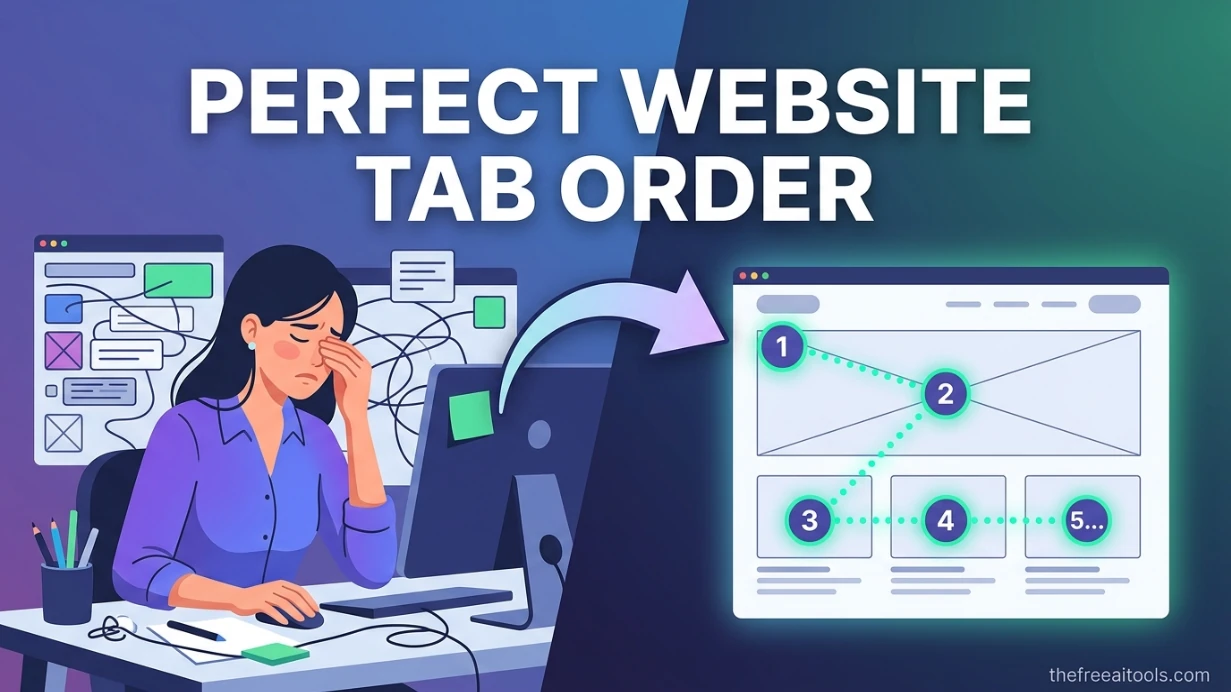
Map keyboard tab order, skip-link flow, and focus traps from pasted HTML so teams can catch navigation issues before shipping. The visual overlay makes a11y reviews faster for product, QA, and frontend teams.
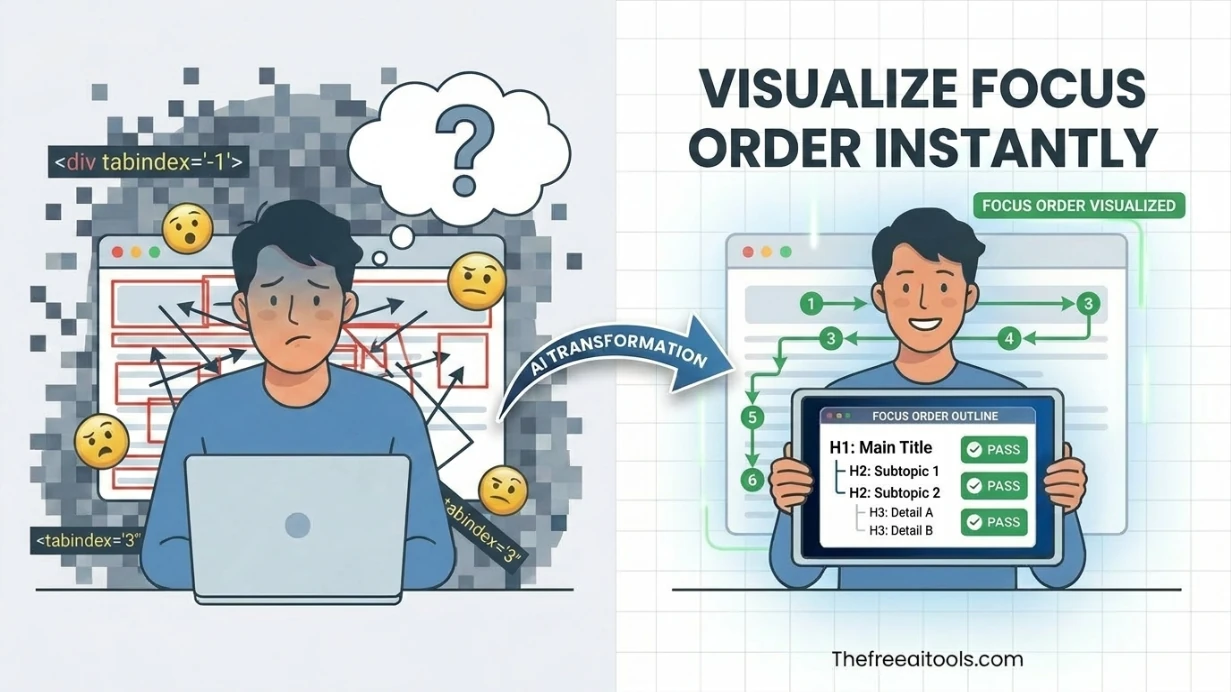
Review image alt text for length, clarity, duplication, and decorative-image handling. It helps content teams write accessible image descriptions without relying on AI or third-party APIs.
Check every text-on-background colour pair against WCAG AA (4.5:1 for normal text, 3:1 for large text) and AAA (7:1) before shipping. Colour contrast is the single most common automated-audit failure, and fixing it is usually a small tweak to a lightness value.
Verify that images have meaningful alt text and that link text makes sense out of context (screen-reader users often navigate by jumping between links, so 'click here' is useless). These checks improve both accessibility and SEO, since search engines read the same signals.
Government and many commercial sites must meet WCAG 2.1 AA for legal compliance. Use these tools to document that text contrast, colour usage, and content structure meet the required thresholds before an accessibility statement or VPAT is published.
Add a contrast and alt-text pass to your pre-launch checklist. Catching these issues before release is far cheaper than retrofitting after a complaint — and it protects users who rely on assistive technology from day one.
WCAG 2.1 Level AA requires 4.5:1 for normal text and 3:1 for large text (18pt regular or 14pt bold). Level AAA requires 7:1 for normal text and 4.5:1 for large text. The contrast checker shows your exact ratio and which levels it passes so there's no guesswork.
No — contrast is one criterion among dozens, but it's the most commonly failed and the easiest to measure. Full accessibility also requires keyboard navigation, proper heading structure, ARIA where needed, form labels, and more. Contrast is the best place to start because it has the highest failure rate.
Good alt text conveys the image's purpose in context, concisely. A product photo's alt text should name the product; a decorative image should have empty alt (alt="") so screen readers skip it. Avoid 'image of' prefixes — screen readers already announce that it's an image.
Accessibility signals contribute to Google's page-experience assessment, and accessible pages tend to have cleaner structure and better engagement, which indirectly helps rankings. More directly, alt text helps images rank in Google Images. Accessibility and SEO overlap substantially.
WCAG 2.2 (published 2023) builds on 2.1 by adding nine new success criteria, mostly around focus appearance, target size (minimum 24x24 px for interactive elements), and dragging alternatives. If you meet 2.2 you also meet 2.1. Most current legal requirements reference 2.1 AA, with 2.2 adoption growing.
These tools check the specific values you provide (colour pairs, text, markup) rather than crawling a whole site. For full-page automated scans, pair them with a browser extension or audit tool; use these for fast, precise checks during design and development.
Hand-picked sets of free tools and guides related to accessibility.
224+ browser-based tools across 13 categories — all free, no sign-up required.