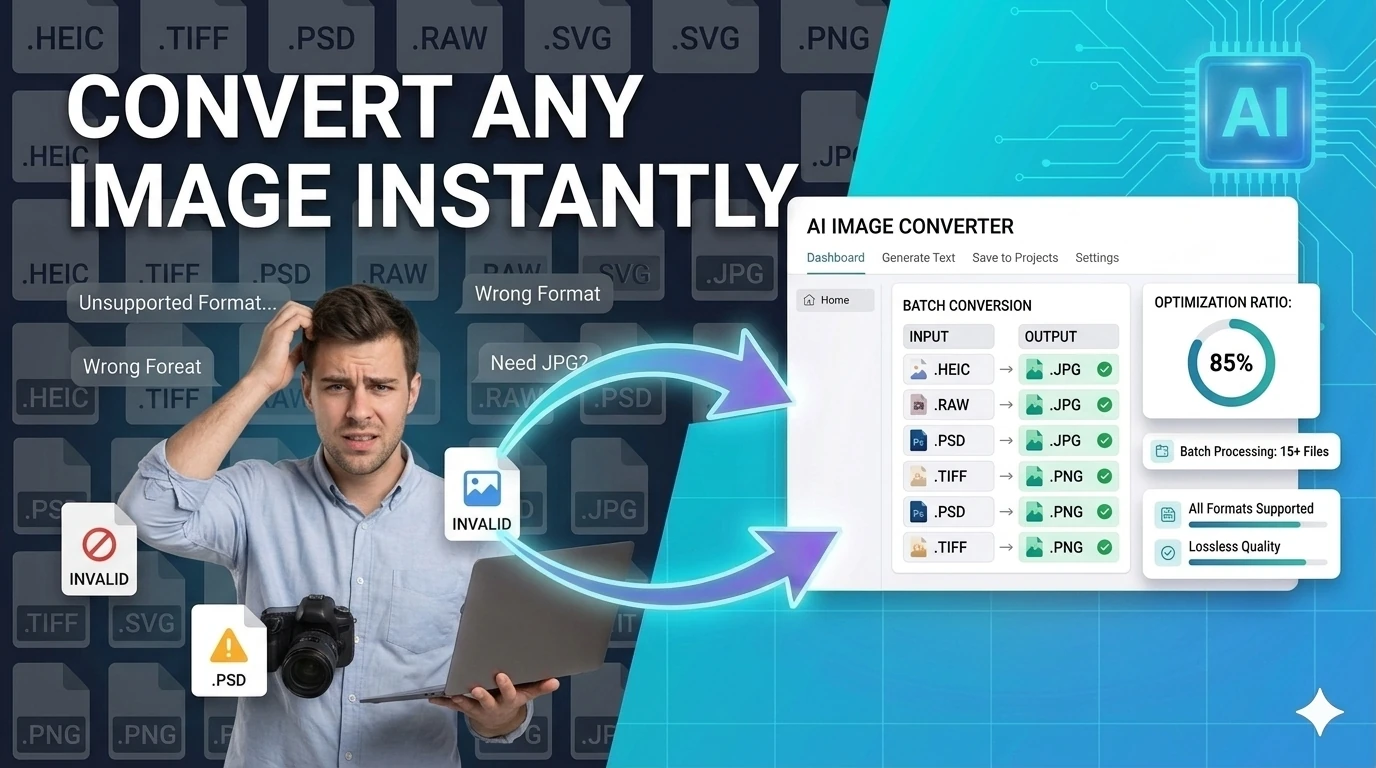
Image Converter
Convert images between JPG, PNG, WebP, ICO, and AVIF formats instantly in your browser — no upload required.
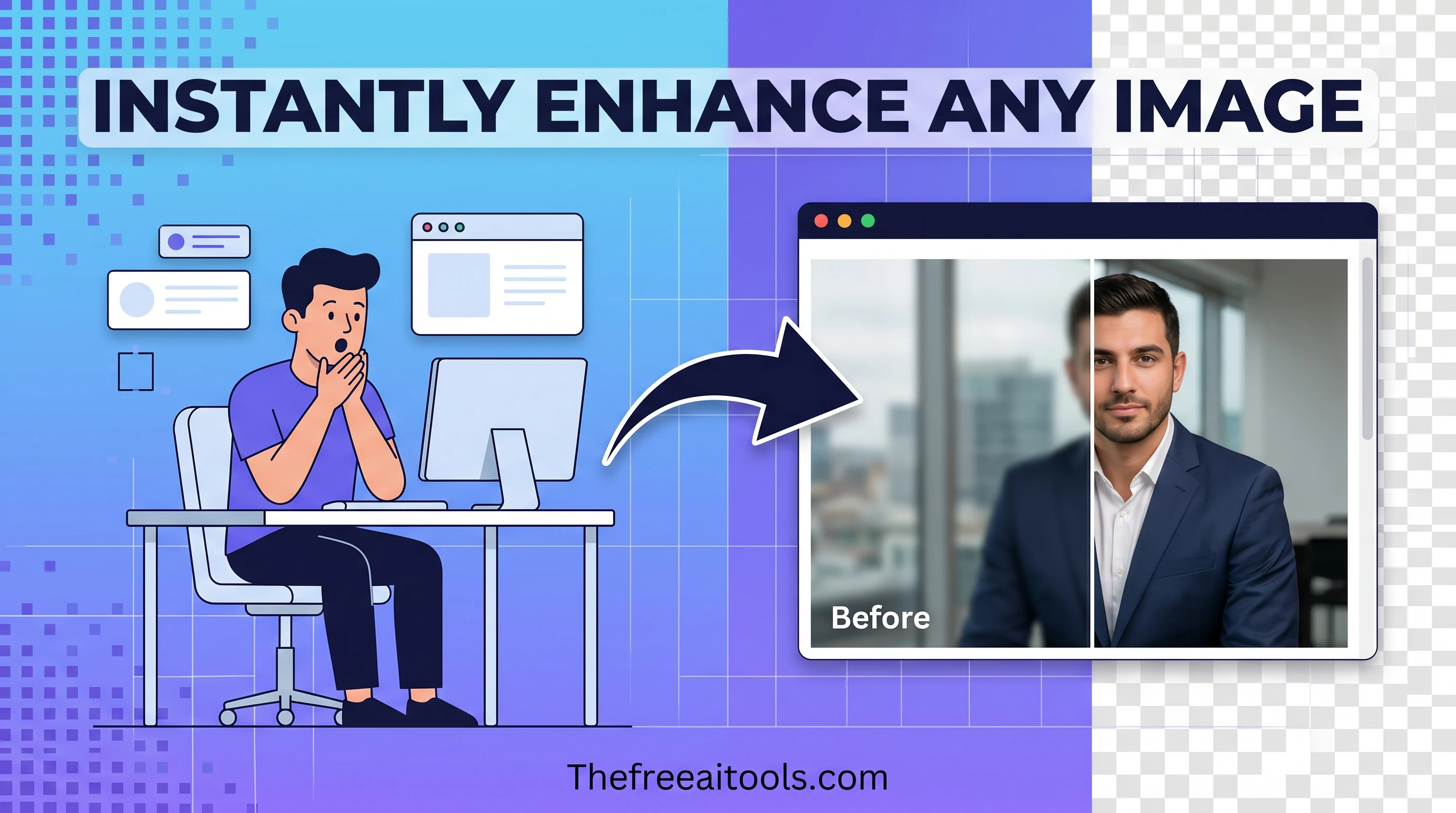
Crop, compress, resize, convert, watermark, and remove backgrounds — client-side, no uploads to servers.
Image optimisation is one of the highest-impact things you can do for web performance, and it used to require Photoshop, ImageMagick, or a paid SaaS subscription. Our free image tools online change that. Every tool runs entirely in your browser — your files never touch a remote server — which means you can compress, convert, and inspect images without worrying about privacy or file-size upload limits. The collection covers image compression for JPEG, PNG, and WebP, format conversion, QR code generation from any URL or text, colour picking with HEX, RGB, and HSL output, and colour contrast checking against the WCAG AA and AAA accessibility standards. Whether you are a web developer squeezing page-weight out of a hero image, a designer checking brand colours against accessibility requirements, or a marketer generating a QR code for a print campaign, these tools give you professional-grade output in seconds.
Convert images between JPG, PNG, WebP, ICO, and AVIF formats instantly in your browser — no upload required.
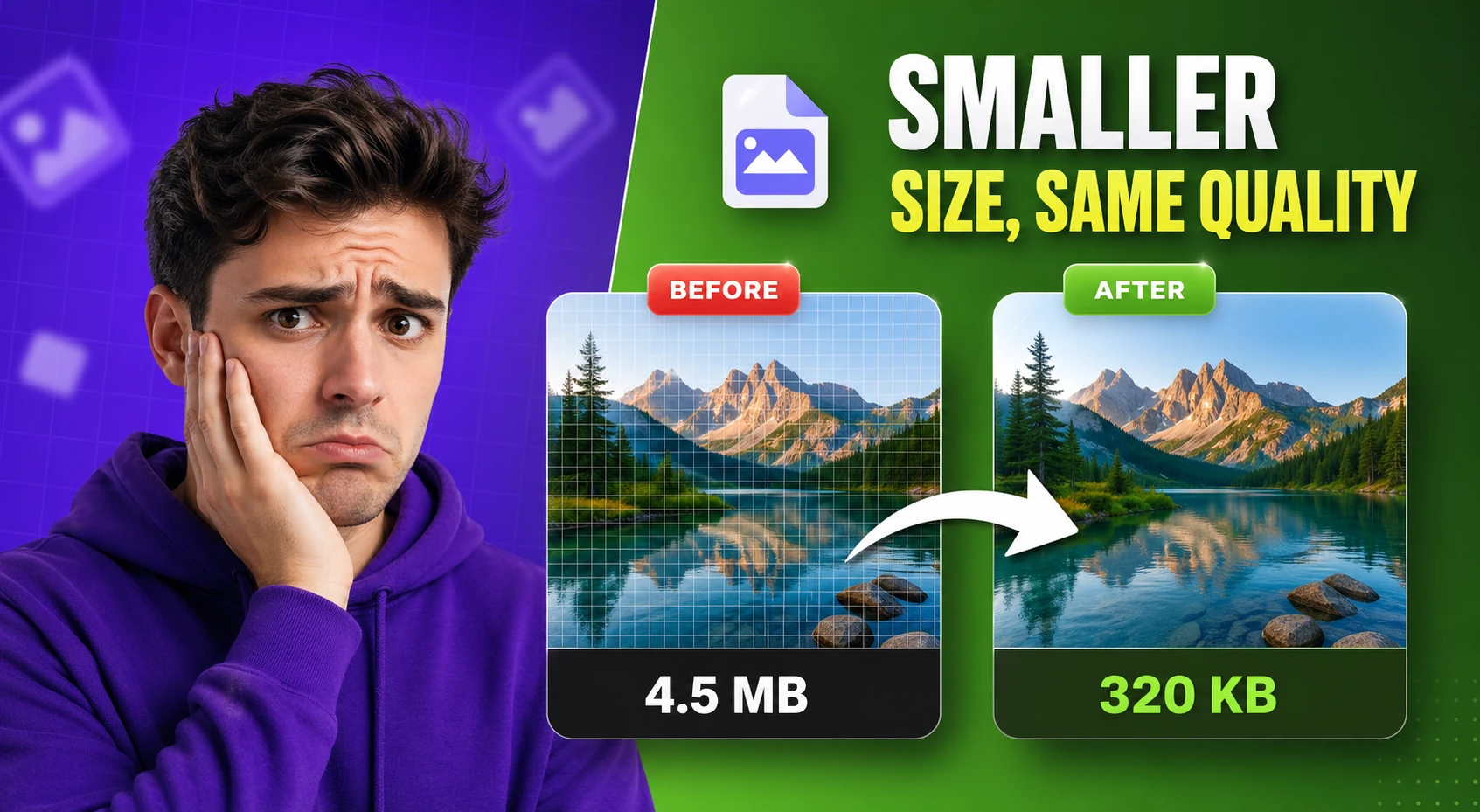
Compress and optimize images with adjustable quality and live preview — reduce file size for faster web performance.
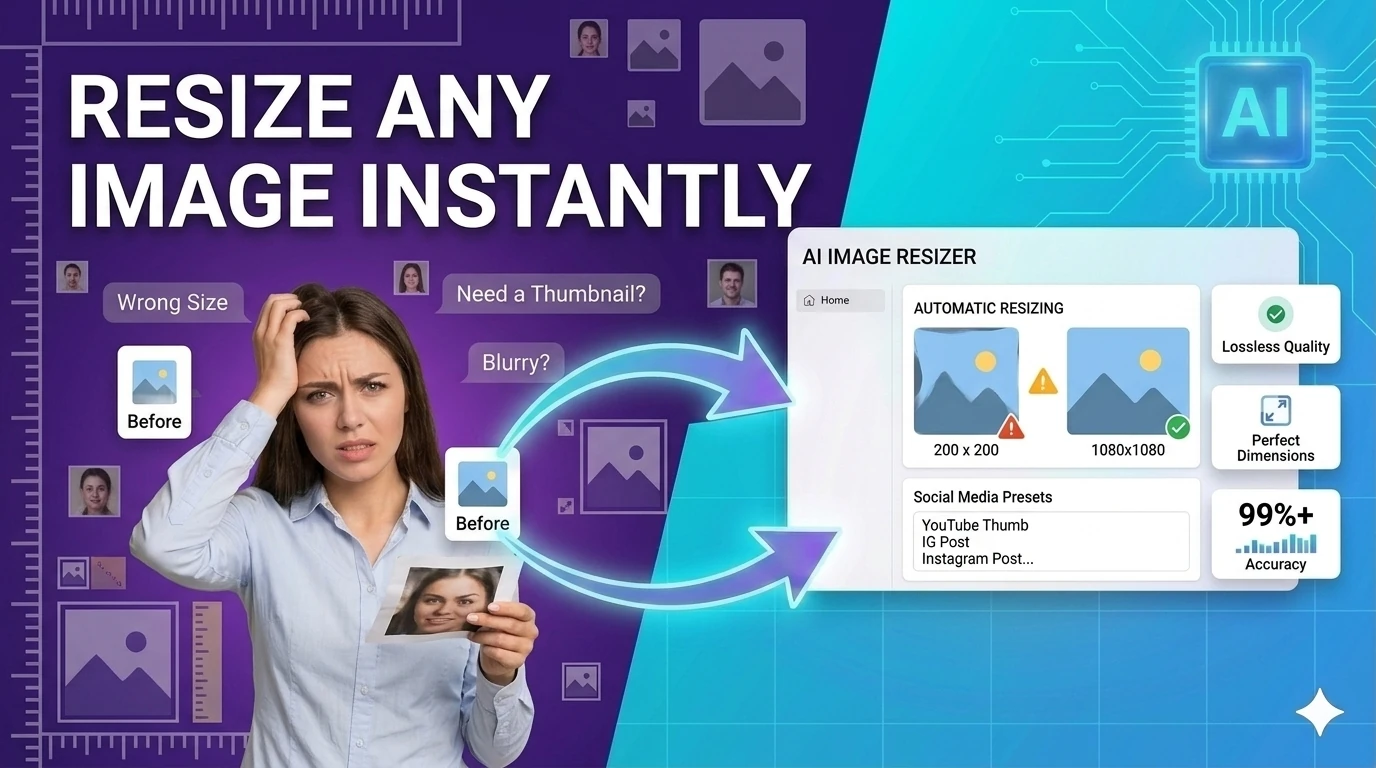
Resize images to preset or custom dimensions — social media presets, pixel-perfect, and percentage-based scaling.
Generate multi-size favicon assets from an uploaded source image — download ICO, PNG, and Apple touch icon formats.
Convert images to Base64-encoded data URIs with instant preview — embed images inline in CSS or HTML.
Pick colors and convert between HEX, RGB, and HSL formats — with live preview and clipboard copy.
Remove image backgrounds in the browser with color picking, flood fill, and edge-aware controls — client-side, no upload.
Restore faded and damaged photos with AI enhancement controls directly in your browser.
Remove image backgrounds and replace them with custom colors or scenes using browser-based AI tools.
Discover and download random royalty-free images for design inspiration and placeholders.
Extract frames from any video and convert them to images — free browser-based video frame extractor.
Crop images with common aspect ratios and download the result — precise browser-based image cropping tool.
Rotate images by presets or custom angles in the browser — fix sideways photos instantly.
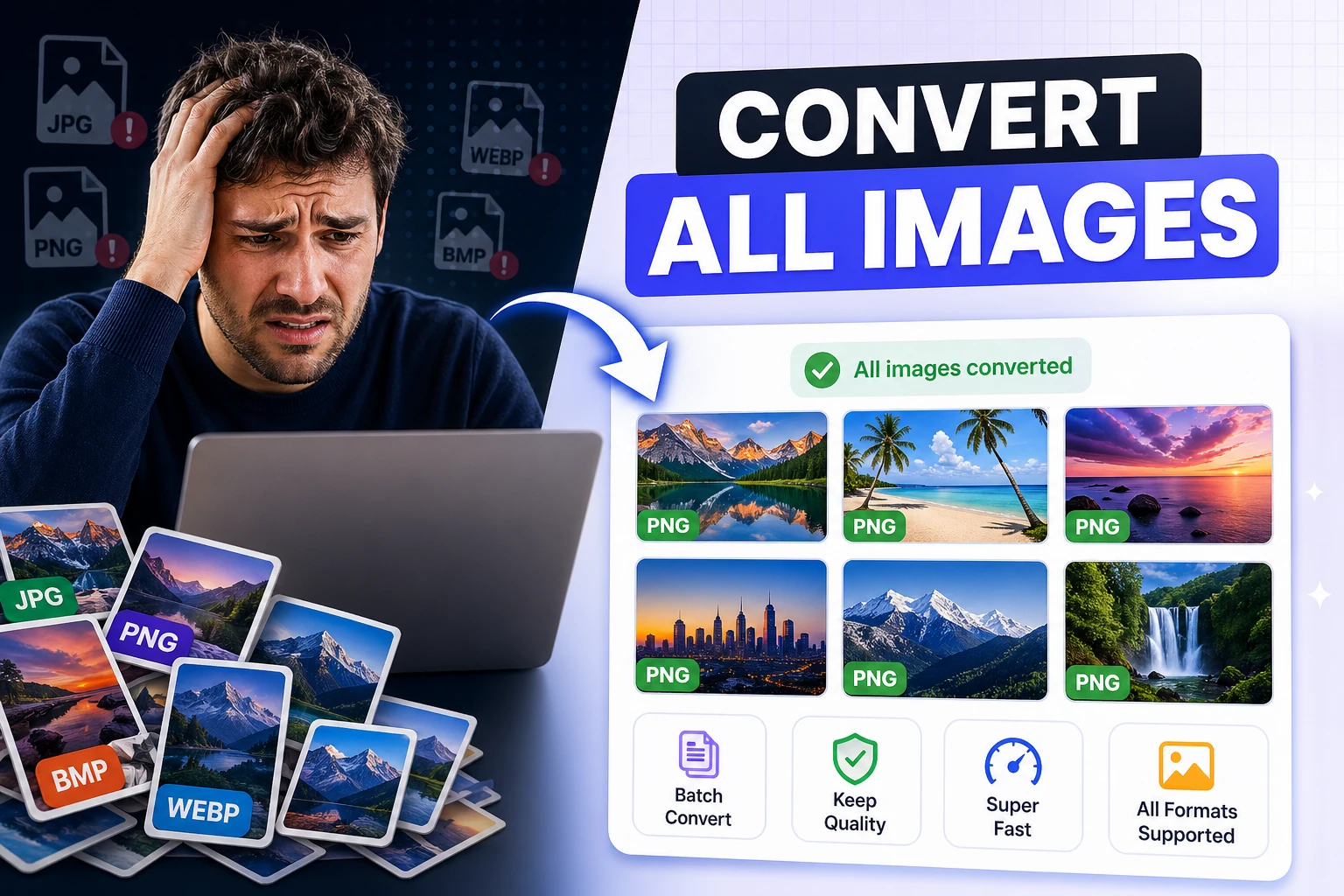
Convert multiple images to JPG, PNG, or WebP and download them together — bulk image format conversion.
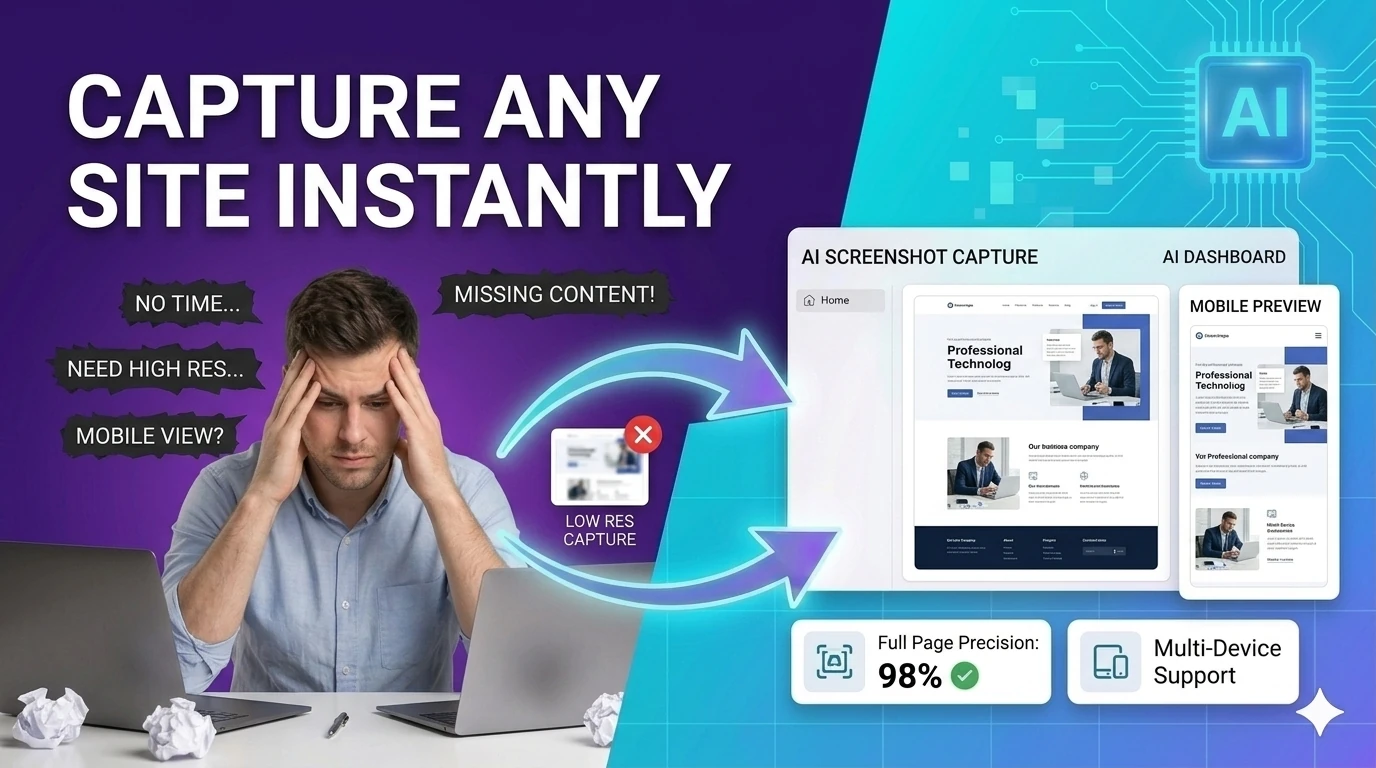
Capture a styled preview card as an image with html2canvas — export UI previews without browser extensions.
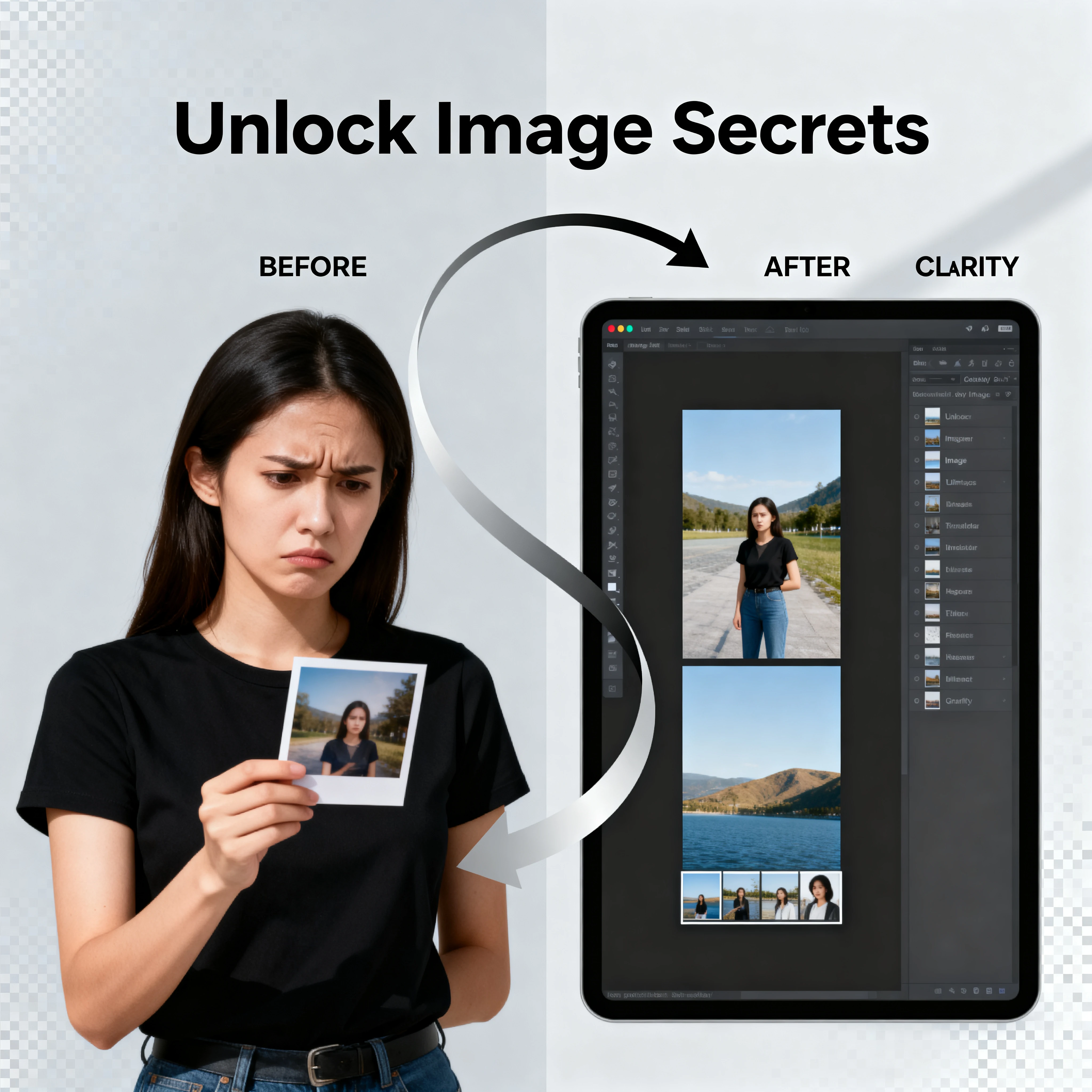
Read EXIF and basic image metadata from uploaded files — inspect camera settings, GPS, and creation dates.
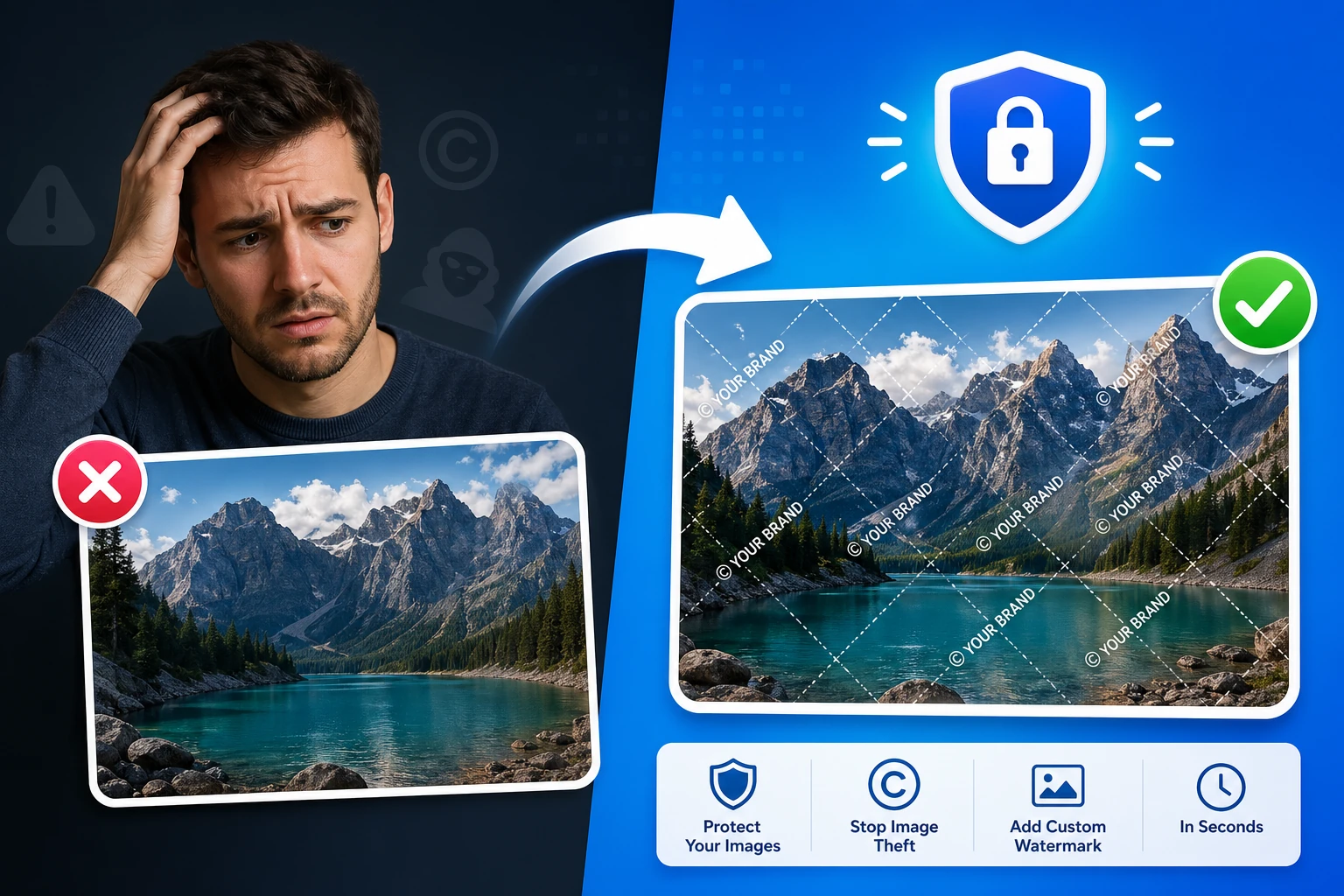
Add a text or logo watermark to images with full positioning controls — protect photos in your browser.
Build simple SVG graphics with shapes, labels, and export-ready markup — browser-based SVG design tool.
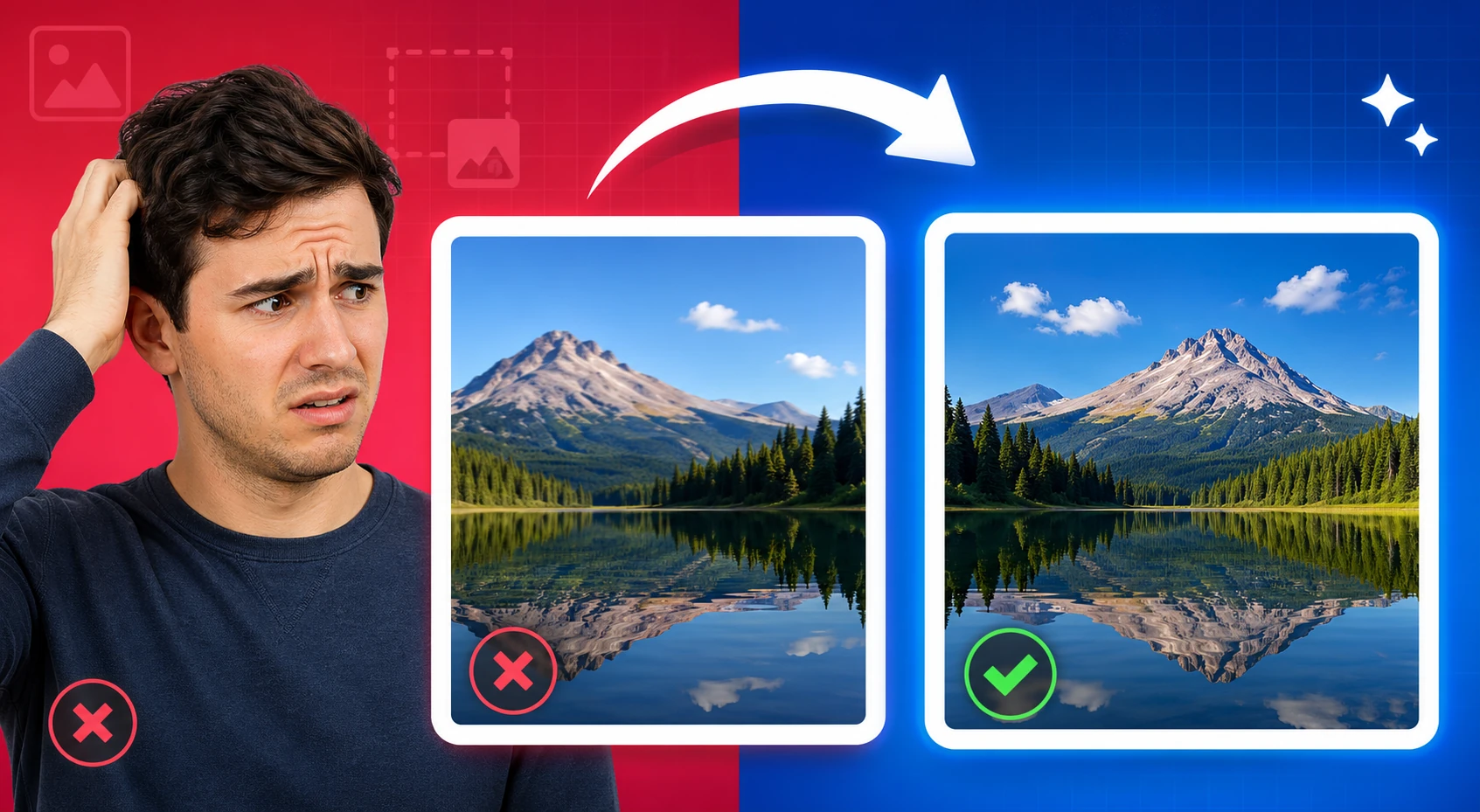
Flip images horizontally or vertically and export the result — mirror photos instantly in your browser.
Remove studio-style backgrounds from images and export a transparent PNG — client-side, no upload required.
Replace image backgrounds with a solid color, gradient, or uploaded image — browser-based compositing, no upload required.
Resize images to exact pixels, percentages, or social media presets while preserving aspect ratio — instantly in browser.
Restore damaged or corrupted images and improve visual clarity — browser-based image recovery.
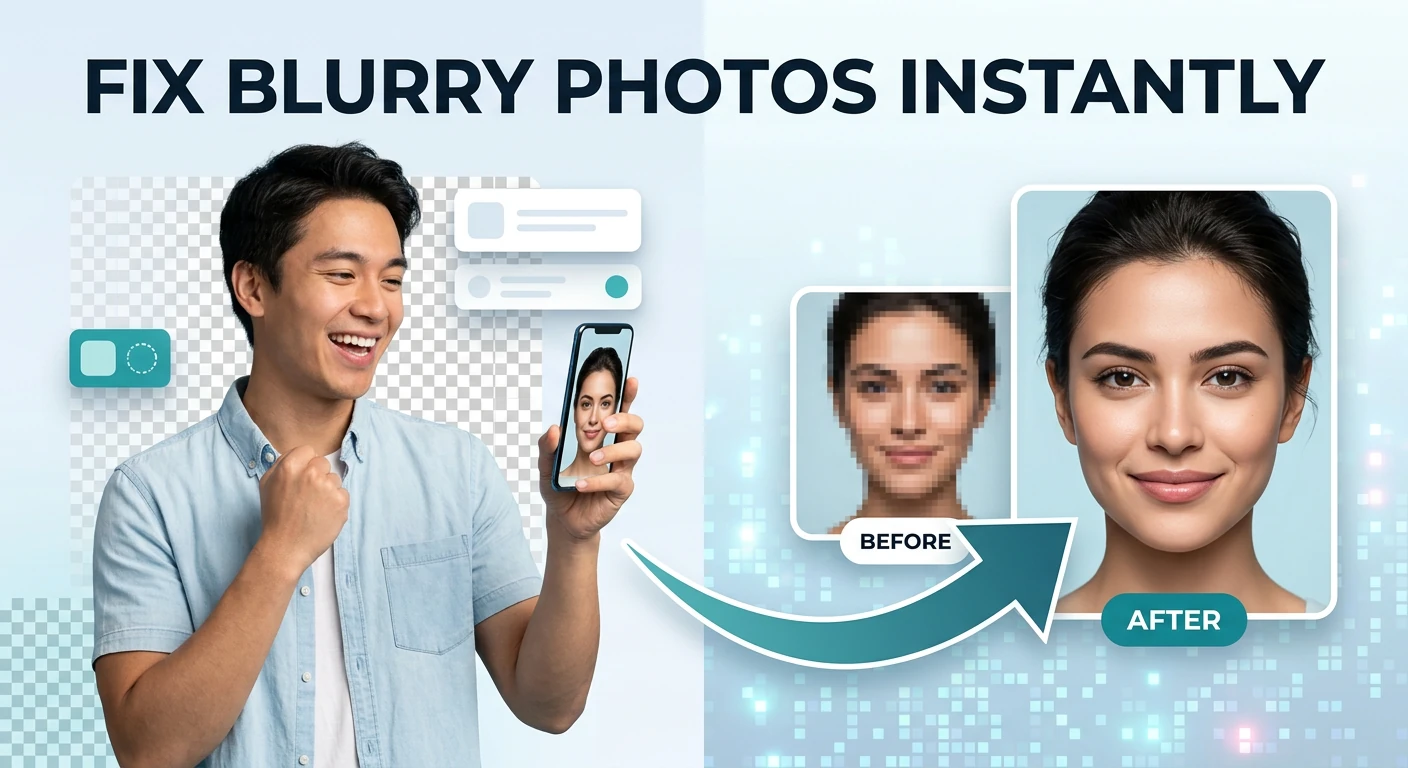
Improve aging and degraded photos with restoration controls — enhance old family photos in your browser.
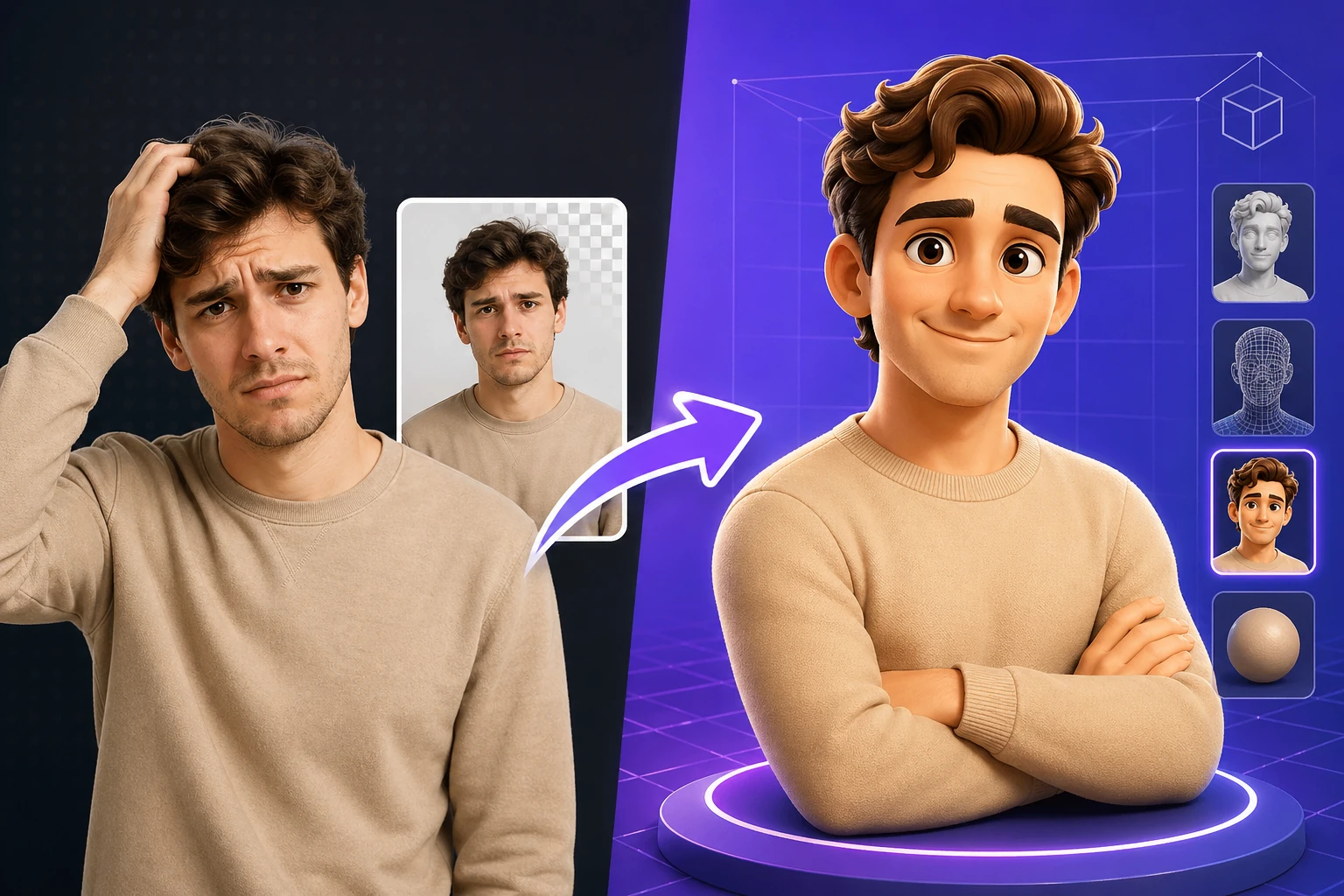
Apply depth-style 3D transformations to flat images — browser-based 3D photo effect generator.
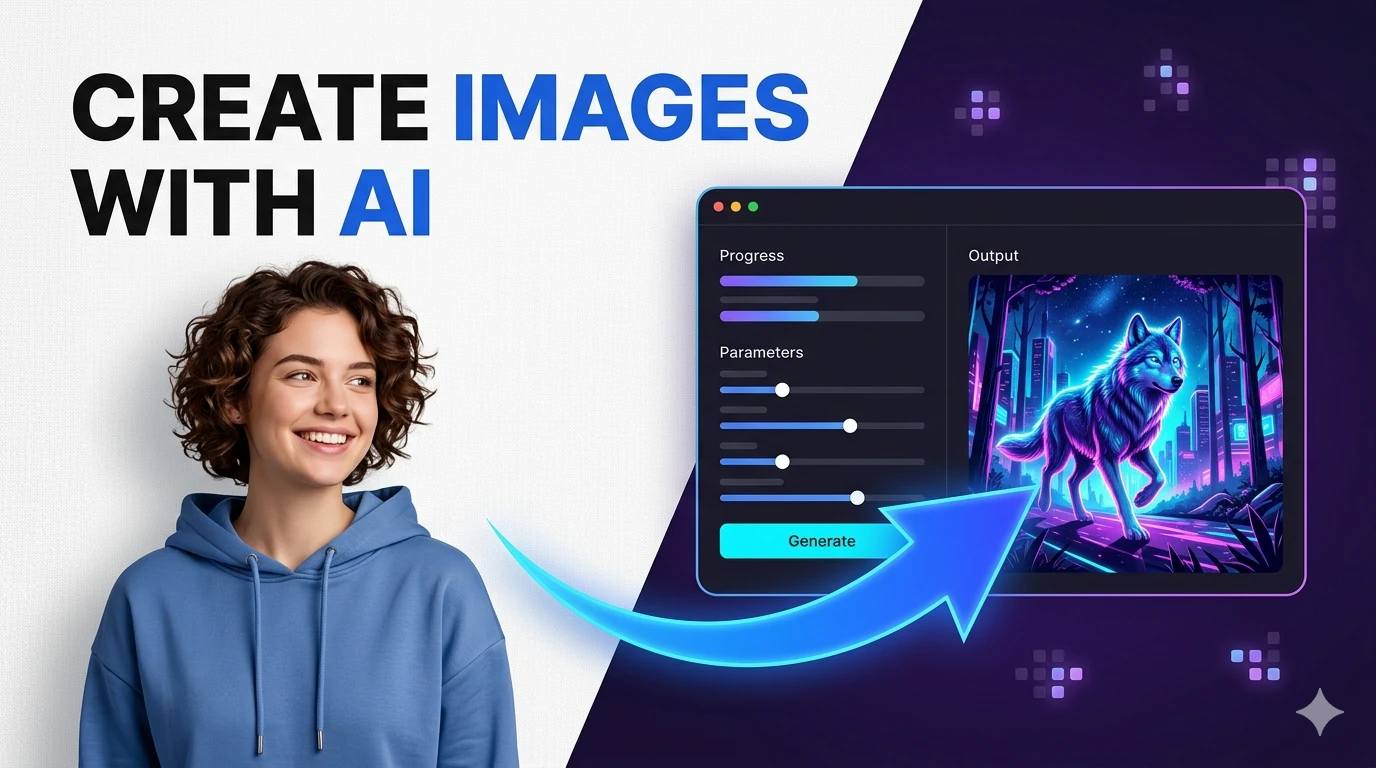
Create images from text prompts using a free AI model — generate visuals for any idea without cost.
Build detailed AI image prompts, negative prompts, and creative variations for Midjourney, DALL-E, and Stable Diffusion — free, no signup required.
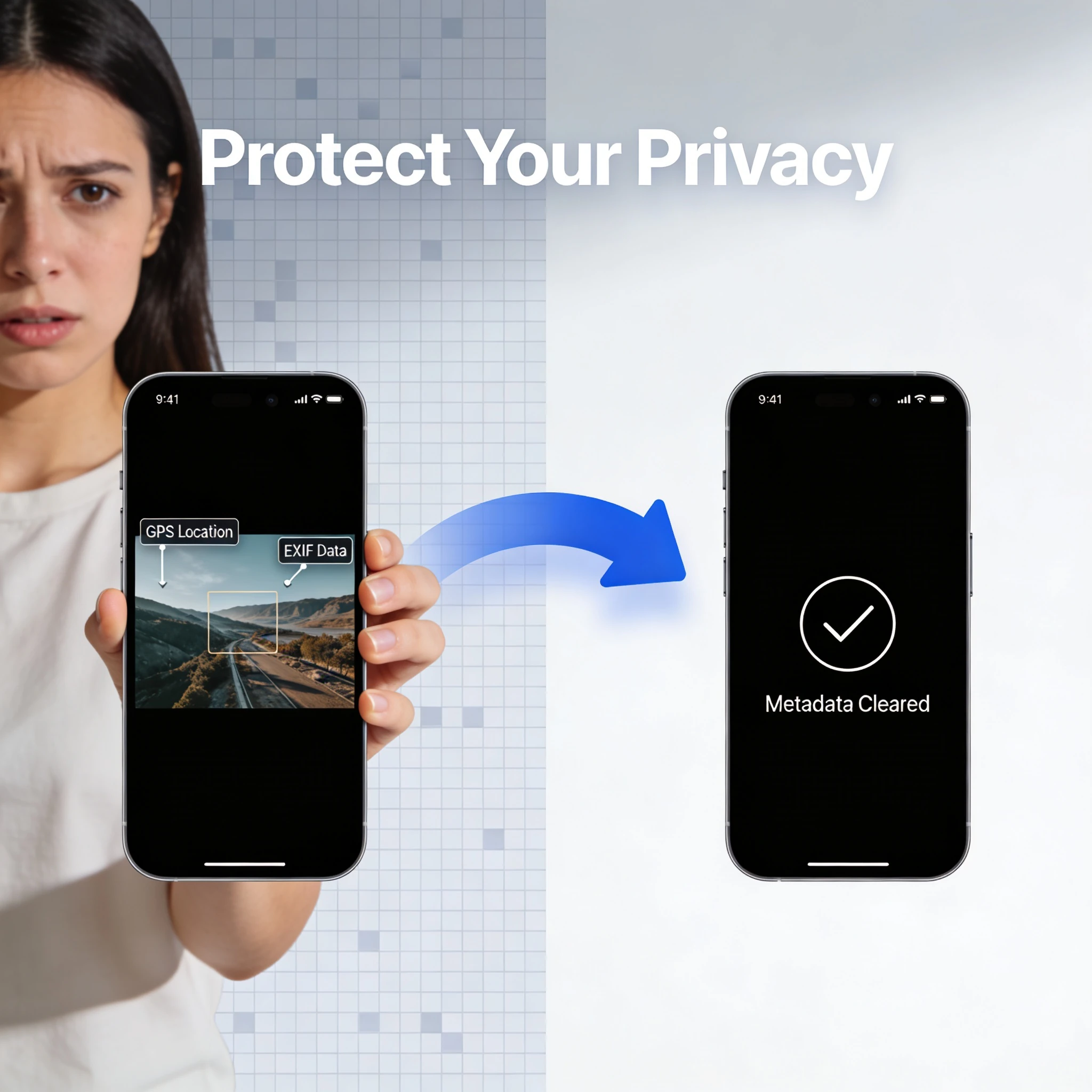
Check image metadata for location, device, and timestamp details, then strip the fields you do not want to share. It is especially useful for press kits, listings, and personal photos shared publicly.
Generate layered pseudo-3D image looks from flat source visuals — creative image depth effect.
Discover and export random images through a lightweight browser discovery workflow — visual inspiration tool.
Compress images before uploading them to your CMS or CDN. Reducing a hero image from 2 MB to 200 KB can shave 1–2 seconds off your Largest Contentful Paint (LCP) score, which is a direct Google ranking factor. Convert PNG screenshots to WebP for next-generation format savings of 25–34%.
Generate QR codes that link to product pages, event registrations, or contact cards. Download the code as an SVG for crisp print output at any size. Pair with the colour picker to ensure your campaign colours are consistent across digital and physical materials.
Use the colour contrast checker to verify that your text and background colour combinations meet WCAG 2.1 Level AA (minimum 4.5:1 ratio for normal text) or Level AAA (7:1 ratio). This is required for public-sector websites in many jurisdictions and recommended for all commercial sites.
Pick exact HEX, RGB, or HSL values from a reference image using the colour picker. Export CSS colour variables directly. Cross-check proposed UI colours against contrast requirements before committing them to your design system or Figma library.
The image compressor offers both modes. Lossless compression removes metadata and optimises encoding without changing visible pixels. Lossy compression allows you to set a quality level (1–100) and typically achieves 60–80% file-size reduction at quality 80 with no perceptible difference at normal screen resolutions.
No. All image processing runs locally in your browser using the Canvas API and WebAssembly-based codecs. Your files never leave your device. This makes the tools safe to use with confidential or copyright-protected images.
The image compressor and converter support JPEG, PNG, WebP, GIF, and BMP input. Output formats include JPEG, PNG, and WebP. SVG output is available for the QR code generator.
There is no server-side file-size limit because processing happens in your browser. Practical limits depend on your device's available RAM. Images up to 50 MB process reliably on most modern laptops and desktops.
Open the Colour Contrast Checker, enter your foreground (text) colour and background colour as HEX values, and click Check. The tool instantly shows your contrast ratio and whether it passes WCAG 2.1 Level AA (4.5:1 for normal text, 3:1 for large text) and Level AAA (7:1 for normal text).
Yes. QR codes generated on this site are yours to use in any context — commercial print, digital campaigns, product packaging, or event tickets — with no attribution required. There are no watermarks or usage restrictions.
Hand-picked sets of free tools and guides related to image tools.
224+ browser-based tools across 13 categories — all free, no sign-up required.