PNG to SVG Converter
Convert raster PNG to scalable SVG vector format. Perfect for logos and icons that must scale at any size.
Convert images between popular formats including JPG, PNG, WebP, ICO, and AVIF directly in the browser with instant preview and download — no upload to a server required.
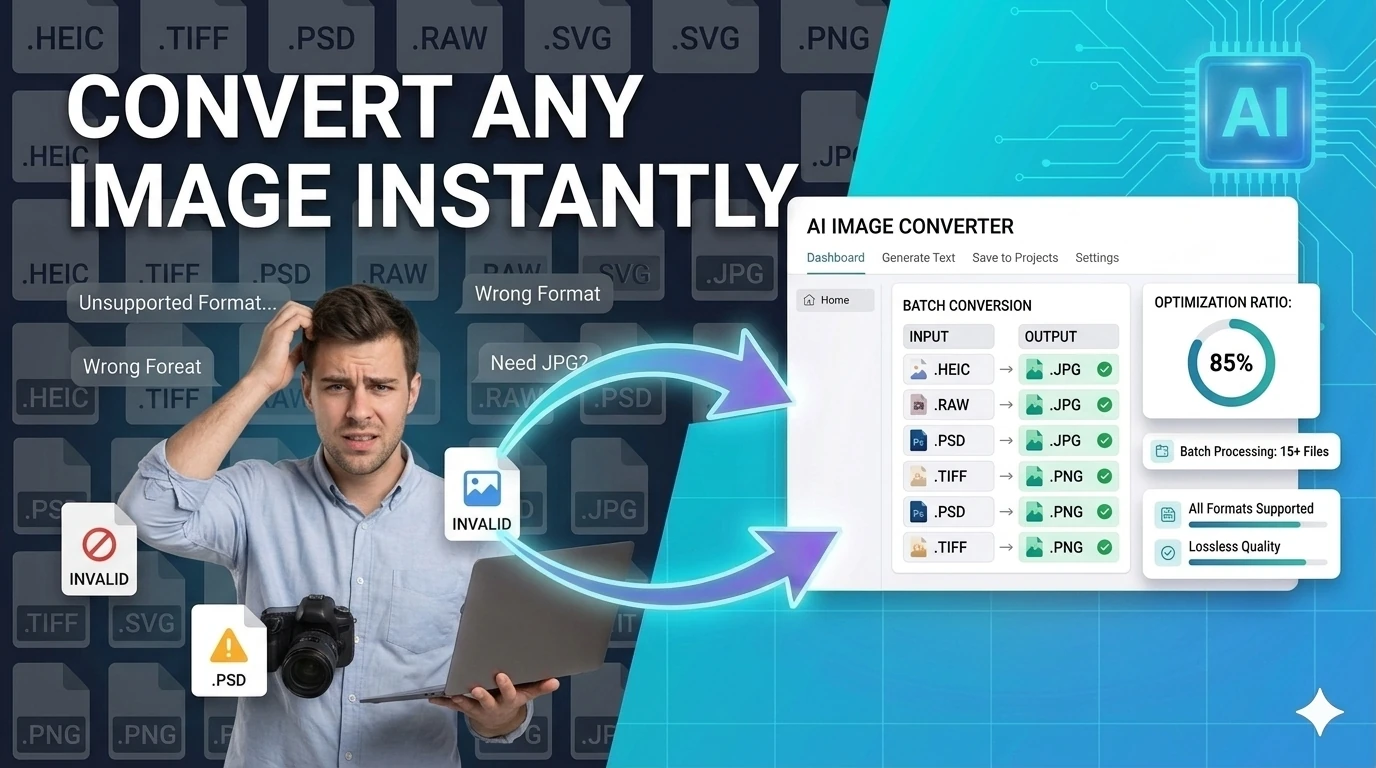
Convert images between JPG, PNG, WebP, and GIF directly in your browser. Transparent PNG to JPG fills with white automatically, file sizes are compared side by side, and the converted file downloads in one click. No server upload, no account, no watermark.
Quick Answer
How do I convert an image format online for free?
Upload your image, select your target format (JPG, PNG, WebP, or GIF), click Convert, and download the result. All processing happens locally in your browser — no upload, no account.
PNG ↔ SVG ↔ JPG ↔ WebP ↔ ICO ↔ PDF ↔ BMP ↔ TIFF ↔ AVIF ↔ GIF and 80+ editing, filtering & social tools. Everything runs locally — your images never leave your device.
All Tools
No tools match your search.
Drop your image here
or click to browse · JPG, PNG, WebP, GIF, SVG, BMP, TIFF, AVIF…
Max 50MB · Instant processing · Paste with Ctrl+V
Why Use Us
All processing happens in your browser via Canvas API & WebAssembly. Your images never leave your device — ever.
No waiting for uploads or server queues. Conversion happens the moment you click — typically under 1 second.
No subscriptions, paywalls or watermarks. Every tool from basic conversion to advanced AI-style effects is permanently free.
Works on Chrome, Firefox, Safari, Edge — desktop and mobile. No plugins, no apps, no install required.
PNG, JPG, WebP, ICO, PDF, SVG, TIFF, AVIF, BMP, Base64, ASCII and more — all the formats professionals need.
Built-in presets for Twitter, Instagram, YouTube, LinkedIn, Open Graph and more — perfect dimensions every time.
Most Searched
Convert raster PNG to scalable SVG vector format. Perfect for logos and icons that must scale at any size.
Export SVG vector graphics to high-resolution PNG bitmaps at any pixel size. Essential for web and app development.
Convert between JPG and WebP. WebP offers ~30% better compression than JPEG — ideal for faster websites.
Turn any image into a PDF document instantly. No software needed. Perfect for sharing photos as documents.
Generate ICO favicon files in 16×16 to 128×128 sizes from any PNG for your website or PWA.
Reduce image file size by up to 90% with quality control. Optimize images for faster page loading.
Resize images for Twitter, Instagram, YouTube, LinkedIn and Open Graph with one click — exact dimensions guaranteed.
Convert iPhone HEIC photos to universal JPG format readable on any device and OS.
FAQ
Converting between lossless formats (PNG ↔ WebP lossless ↔ BMP) preserves every pixel — no quality loss. Converting from a lossy format (JPEG) to a lossless one (PNG) does not recover the quality lost during the original JPEG compression — it simply stores the already-degraded pixels losslessly. The file gets larger but no sharper.
Converting from PNG to JPEG always discards the alpha channel (transparency becomes white or black depending on the tool) and applies lossy compression. If your PNG has transparent areas that matter — a logo, an icon, a product shot on a transparent background — JPEG is the wrong target format. Use WebP or keep PNG.
| Scenario | Best format | Why |
|---|---|---|
| Photography, hero images | WebP (lossy) | 25–34% smaller than JPEG at same visual quality |
| Logos, icons, illustrations | SVG (vector) or PNG | SVG scales; PNG preserves edges and transparency |
| Screenshots, UI mockups | PNG or WebP lossless | Crisp text; JPEG blurs edges |
| Email images | JPEG | Some email clients strip WebP; JPEG is universally safe |
| Images that will be edited further | PNG | Avoid generation loss from re-saving JPEG |
| iOS/macOS only targets | HEIC | Native Apple format; 40–50% smaller than JPEG |
| Print (300 DPI) | JPEG or TIFF at 300+ DPI | Web formats at 72 DPI look blurry in print |
Your image is decoded by the browser's native image decoder, drawn to an HTML Canvas element, then re-encoded to the target format using canvas.toBlob() with the target MIME type. WebP encoding uses the browser's built-in WebP encoder. PNG uses lossless compression. JPEG uses the browser's DCT encoder at the quality level you specify. Nothing is uploaded — conversion happens entirely on your device.
Image Converter is a browser-based tool for changing an image from one format to another without opening a desktop editor or uploading files to a remote conversion service. Whether you need a WebP for a web page, a PNG for transparency, a JPG for email, an ICO for a favicon, or an AVIF for next-gen compression, the tool handles the conversion from a single focused page.
Format choice matters more than it used to. WebP and AVIF deliver significantly better compression than JPG and PNG at comparable quality — making them the preferred choice for performance-conscious web publishing. ICO is still the right format for favicons. PNG preserves transparency that JPG cannot. Having a fast converter in the browser removes the friction of choosing the wrong format for the job.
For developers, designers, marketers, and content teams, the practical need is simple: receive an image in one format and output it in another without installing anything. This page makes that workflow immediate. Drop in the file, choose the target format, preview the result, and download it ready for your CMS, codebase, or asset library.
Upload the image you want to convert
Drag in or select your source file — JPG, PNG, WebP, ICO, or AVIF — and confirm the preview looks correct.
Choose the output format
Select the target format from the available options based on where you plan to use the converted image.
Download the converted image
Review the result, then save the output to use in your web project, design file, email, or asset management system.
A web developer converts a PNG logo to WebP for faster page loads and better Core Web Vitals scores before committing to the codebase.
A designer receives a JPG from a client and needs a transparent-background PNG version for use in presentations and branded materials.
A site owner converts a high-resolution PNG to ICO format to use as a browser favicon without opening a desktop graphics application.
Browser-based image conversion handles short one-off jobs faster than opening a desktop editor. Drop the file in, pick the format, and download the result from the same screen in under a minute.
It also keeps your images local — useful when working with unreleased product shots, client materials, or any file you would rather not route through an unknown third-party conversion service.
Continue this workflow with nearby browser-based tools so you can validate, convert, and ship output without context switching.
Quick answers about the workflow, privacy, and where this tool fits in a broader job.
WebP and AVIF offer better compression than JPG and PNG at similar quality, making them the best choice for web pages. Use PNG when you need transparency, and JPG for photos where transparency is not needed.
Lossy formats like JPG and WebP may reduce quality slightly depending on compression settings. Lossless formats like PNG preserve full quality. The preview lets you check the result before downloading.
Yes. Upload a square PNG or JPG and convert it to ICO format for use as a browser favicon.
Keep the workflow moving with nearby tools that solve the next likely step.
2D to 3D Image Effect
Apply depth-style 3D transformations to flat images — browser-based 3D photo effect generator.
Explore free 2d to 3d image effect
AI Image Prompt Builder — Free Prompt Generator
Build detailed AI image prompts, negative prompts, and creative variations for Midjourney, DALL-E, and Stable Diffusion — free, no signup required.
Explore free ai image prompt builder — free prompt generator
AI Video to Image Converter
Extract frames from any video and convert them to images — free browser-based video frame extractor.
Explore free ai video to image converter
Background Remover
Remove image backgrounds in the browser with color picking, flood fill, and edge-aware controls — client-side, no upload.
Explore free background remover
Change Background
Replace image backgrounds with a solid color, gradient, or uploaded image — browser-based compositing, no upload required.
Explore free change background
Last updated:
Tested in Chrome, Firefox, and Safari on desktop and mobile.