Editorial hub
Best Free SEO Tools Online
Browse the best free SEO tools online in 2026: metadata generators, robots.txt builders, sitemap creators, SSL checkers, DNS lookups, and technical SEO workflows — no account needed.
Complete A-Z directory of 224+ free browser-based tools for developers, designers, writers, and marketers. No account. No download. Open any tool and get instant results.
Quick Answer
What is TheFreeAITools?
TheFreeAITools is a free directory of 224+ browser-based online tools across 13 categories — including image, PDF, developer, AI, text, SEO, and security tools. Every tool runs entirely in your browser with no account, no upload, and no cost.
The highest-traffic tools across all categories — start here.
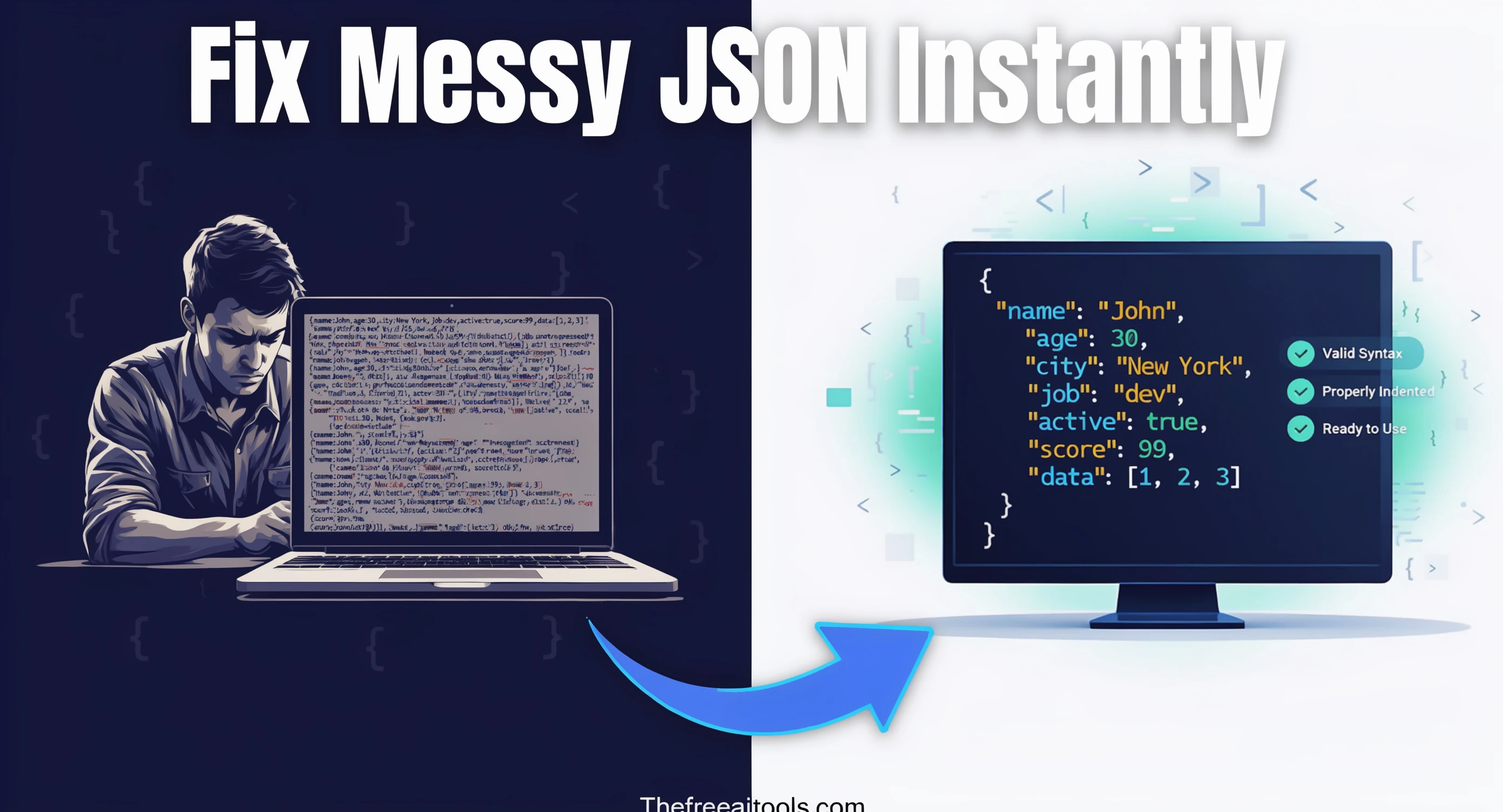
Format, validate, and minify JSON with error highlighting — instantly beautify messy JSON responses.
Open tool
Generate secure, random passwords with customizable length, numbers, and special characters — no data sent to any server.
Open tool
Generate SEO-friendly meta tags including Open Graph, Twitter Card, and canonical tags — copy-ready HTML with live preview.
Open tool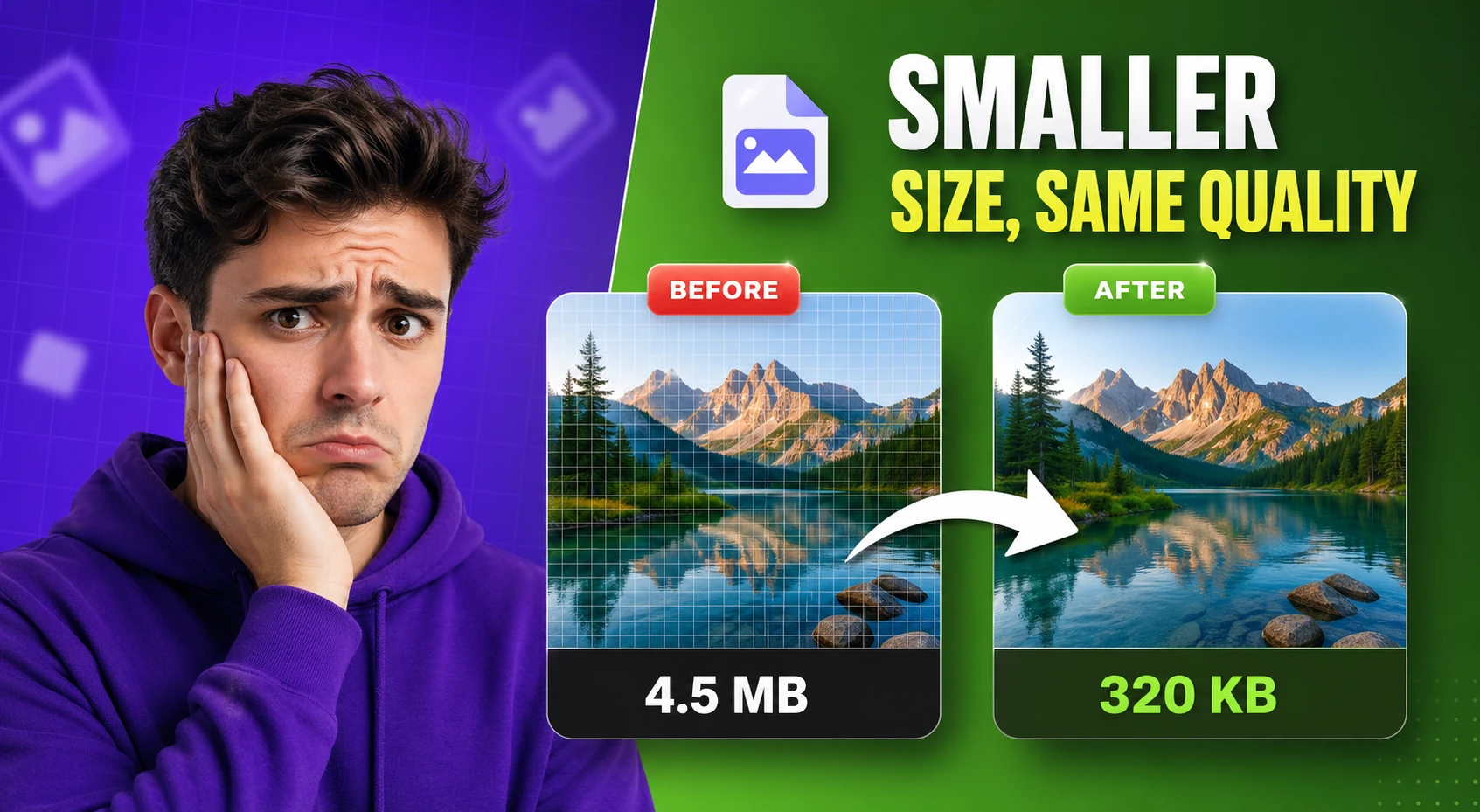
Compress and optimize images with adjustable quality and live preview — reduce file size for faster web performance.
Open tool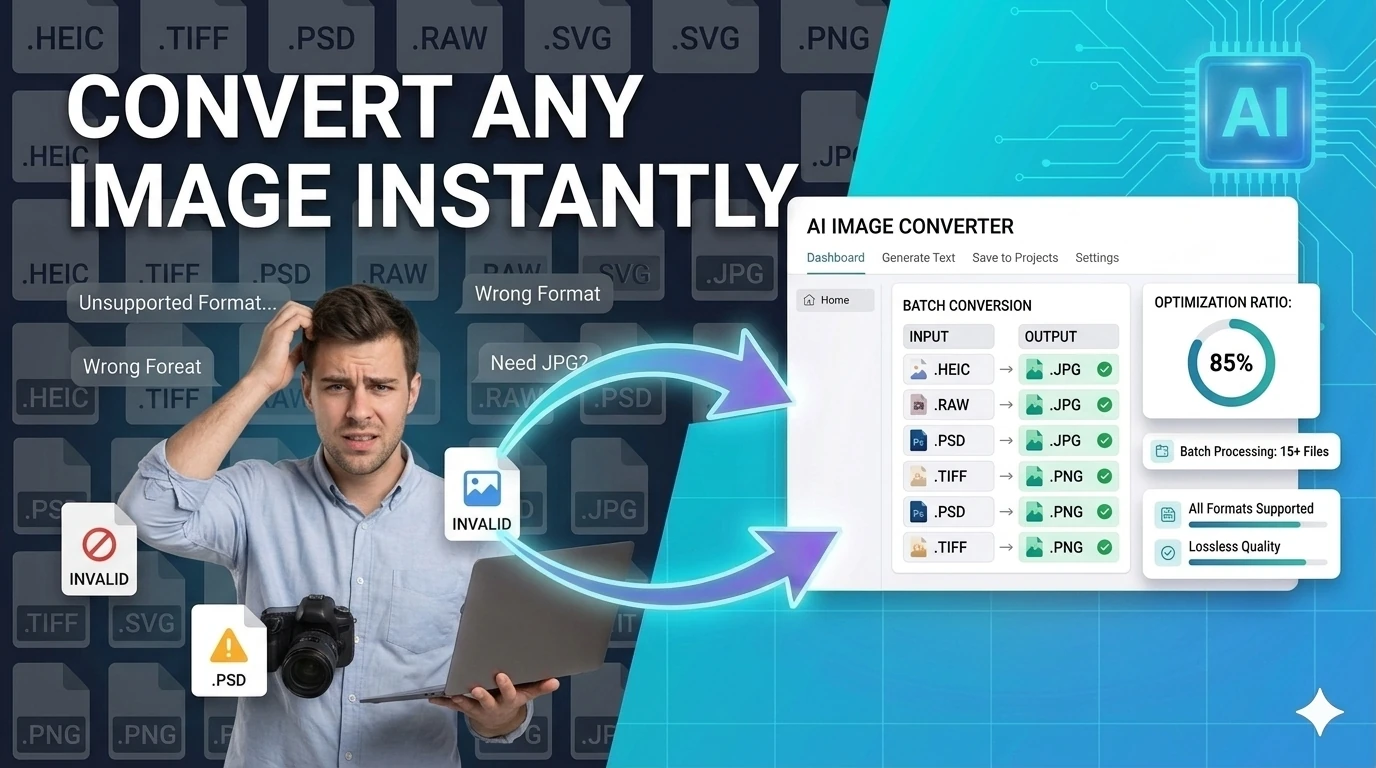
Convert images between JPG, PNG, WebP, ICO, and AVIF formats instantly in your browser — no upload required.
Open tool
Create QR codes for URLs, text, WiFi credentials, and email with one-click download — instantly in your browser.
Open tool
Count words, characters, sentences, and estimate reading time — with keyword density analysis.
Open tool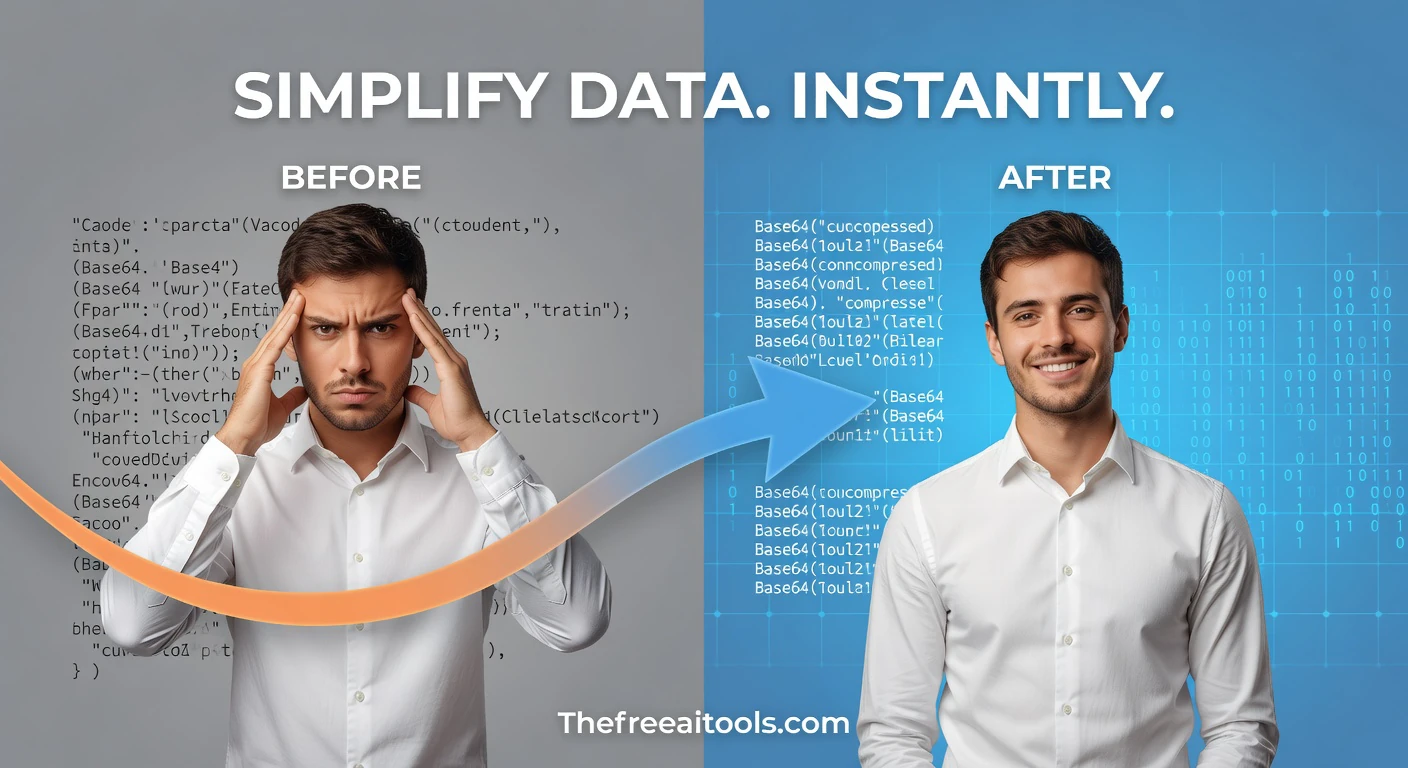
Encode and decode text to and from Base64 format instantly in your browser — essential developer utility.
Open tool
Format and beautify SQL queries for better readability — clean up messy SELECT statements and JOIN chains.
Open tool
Look up DNS records (A, MX, TXT, NS, CNAME) for any domain — check propagation and diagnose email issues.
Open tool
Check SSL certificate validity, expiry, and HTTPS status for any domain — essential web security audit tool.
Open tool
Generate UUIDs (v4) in bulk with instant copy and export — unique identifiers for databases and APIs.
Open toolEach category links to its full landing page and all tools underneath it.
Curated pages that group tools by use case to help you find the right one fast.
Browse the best free SEO tools online in 2026: metadata generators, robots.txt builders, sitemap creators, SSL checkers, DNS lookups, and technical SEO workflows — no account needed.
Find the best free online image tools in 2026: converters, compressors, resizers, background removers, color tools, and favicon workflows — no install, no account.
Explore free developer tools for JSON, SQL, Base64, JWT, URL encoding, CSV conversion, formatting, and browser-side debugging tasks — no signup, no install.
Browse free online text tools in 2026 for counting, rewriting, exporting, comparing, converting, and cleaning text-based workflows — no account, no install.
Use free JSON tools online in 2026 for formatting, validation, conversion, path discovery, and structured data cleanup — no account, runs in browser.
Privacy-first online tools in 2026 that process data in your browser with no forced upload, no account wall, and no hidden workflow friction.
Every tool opens instantly. No signup, no email verification, no paywall.
All processing runs in your browser. Your files and text never leave your device.
Bookmark this page as your go-to resource for any browser-based utility task.
Hash, encrypt, compare, and decode sensitive values entirely in your browser — no server, no exposure.
Encrypt and decrypt text with AES-GCM using the Web Crypto API — secure client-side encryption tool.
Encode and decode text to and from Base64 format instantly in your browser — essential developer utility.
Generate and compare bcrypt hashes in one browser-based workspace - secure password hashing with no server upload.
Create and compare common hash outputs for text input instantly - useful for checksums and integrity checks.
Decode and inspect JSON Web Tokens to view header, payload, and signature structure — essential for API debugging.
Create HS256 JWT tokens from a payload, headers, and secret — test auth flows without a backend.
Generate secure, random passwords with customizable length, numbers, and special characters — no data sent to any server.
Score passwords for length, character variety, and repetition risk — fully private, nothing sent anywhere.
Create QR codes for URLs, text, WiFi credentials, and email with one-click download — instantly in your browser.
Generate RSA-OAEP public and private key pairs in PEM format — essential for asymmetric encryption workflows.
Format code, validate data structures, convert formats, and debug developer input — all browser-native.
Describe any task and get a complete AI agent with working code — build automation scripts, bots, and pipelines instantly.
Generate visual diagrams and flowcharts from prompts with a browser-native AI workspace.
Generate complete, professional HTML pages from plain-text descriptions. Build landing pages, portfolios, dashboards, SaaS pages, and e-commerce sites with live preview, HTML export, Three.js 3D, Chart.js, and GSAP animations. Free, no account required.
Generate professional landing pages, portfolios, dashboards, and more from a text description. Live preview, HTML export, and optional Three.js 3D, Chart.js, and GSAP animations — free, no account needed.
Convert uploaded images directly into Base64 strings — embed images inline in emails, HTML, or CSS.
Draft Mermaid-compatible UML class diagrams with a browser-based editor — visualize OOP architecture.
Convert code between 15+ programming languages with idiomatic AI output. Python to JavaScript, Java to C#, TypeScript to Python, SQL dialect conversion, and more — no login required.
Paste any code snippet and get an instant plain-English explanation. Supports Python, JavaScript, TypeScript, Java, C++, Go, Rust, SQL, and 20+ languages with beginner-to-expert depth levels.
Validate cron schedules and preview upcoming run times — debug cron jobs and scheduled task expressions.
Minify or beautify CSS code for production optimization or readable development — instant browser-side processing.
Convert CSV data to JSON and vice versa with ease — perfect for data import/export and API payload preparation.
Generate inline data URIs from uploaded files and text assets — eliminate external HTTP requests for small assets.
Parse .env file content into structured JSON and key/value tables — debug dotenv configs instantly.
Create entity-relationship diagrams with schema notes and Mermaid output — design database schemas visually.
Paste any error log or stack trace and get instant root cause analysis with step-by-step fix instructions. Supports Python, JavaScript, Java, Node.js, React, and 20+ frameworks.
Build process diagrams and flowcharts from Mermaid-style syntax — visualize workflows and logic instantly.
Convert raw HTML into clean readable markdown syntax — useful for blog migration and content portability.
Convert special characters to and from HTML entities — prevent XSS and fix broken markup instantly.
Minify or beautify JavaScript code for production builds or debugging — reduce JS bundle size instantly.
Format, validate, and minify JSON with error highlighting — instantly beautify messy JSON responses.
Search nested JSON objects and return matching paths for keys and values — JSONPath query tool.
Generate JSON Schema from sample payloads, validate example objects, and inspect required fields or type mismatches. It is useful when teams need portable contracts without spinning up a backend.
Transform JSON objects into formatted XML markup — convert API payloads to XML for SOAP and legacy integrations.
Render markdown into clean sanitized HTML with a live preview — convert .md files to web-ready markup.
Stay focused with the Pomodoro Technique. 25-minute work sessions, 5-minute breaks, and 15-minute long breaks. Free online timer with sound alerts and session tracking.
Clean up JSON logs, key-value lines, and stack traces for readability — debug server logs instantly.
Parse URLs and query strings into readable key-value parameters — debug API requests and redirects instantly.
Escape plain text safely for regular-expression literals — convert strings to regex-safe patterns.
Visualize API and system interactions with Mermaid-compatible sequence diagrams — document microservices clearly.
Format and beautify SQL queries for better readability — clean up messy SELECT statements and JOIN chains.
Turn SQL INSERT statements into JSON data structures — useful for data migration and API payload generation.
Create UML class, sequence, use-case, and ER diagrams with live preview and export-ready output.
Encode and decode URLs with percent-encoding support — fix broken query strings and API parameters instantly.
Generate UUIDs (v4) in bulk with instant copy and export — unique identifiers for databases and APIs.
Pretty-print XML and flag malformed markup in your browser — format RSS, SOAP, and config XML files.
Convert between YAML and JSON formats instantly — essential for CI/CD, Kubernetes, and API config workflows.
Transform, analyze, humanize, paraphrase, detect, and generate text — with AI and without.
Paraphrase and rewrite text using AI to sound natural, improve clarity, and bypass AI content detectors.
Turn simple ideas into highly detailed, optimized prompts for Midjourney, ChatGPT, Stable Diffusion, Claude, and DALL-E using AI.
Generate captivating short stories, novel chapters, and fanfiction using AI — choose genre and let AI write the rest.
Clean and humanize AI-generated text to sound natural and help bypass AI detectors — powered by AI.
Analyze text and estimate the likelihood it was generated by AI — detects ChatGPT, Claude, Gemini, and more using AI.
Create usernames, pet names, and brand-style aliases instantly — generate unique handles in seconds.
Convert plain text into binary and decode binary back to text — essential tool for encoding and CS education.
Generate a perfect social media bio in seconds. Enter your name, profession, and interests to create an engaging Instagram, TikTok, Twitter/X, or LinkedIn bio — free, no signup.
Convert text between upper, lower, title, camelCase, snake_case, and kebab-case — one-click text transformation.
Upload any PDF and ask questions instantly. Summarize documents, extract key facts, and understand contracts — free, no account required.
Convert plain text into cursive, italic, and small-caps Unicode styles for bios, captions, usernames, headings, and comments.
Compare two blocks of text and highlight additions and removals — visualize code and content changes instantly.
Browse free public-domain and open-access books for online reading — classic literature and educational texts.
Turn text into 1337-style writing with adjustable intensity — fun text transformer for usernames and memes.
Generate placeholder text in paragraphs, sentences, or words — perfect for mockups and UI design prototyping.
Encode text as Morse code and decode Morse back into text — includes audio playback support.
Generate playful made-up words for naming, brainstorming, and creative projects — powered by pattern AI.
Check whether a word or phrase reads the same backwards — supports ignore-case and ignore-space modes.
Extract text from PDF and convert it into an editable Word document — free browser-based PDF converter.
Generate random story seeds, opening paragraphs, plot beats, characters, conflicts, and twists in a Perchance-style workflow.
Generate placeholder copy in multiple lengths and writing tones — more expressive than standard lorem ipsum.
Test regular expressions with live match highlighting — debug patterns instantly with flags, groups, and capture support.
Detect robotic writing patterns and rewrite AI-generated text into a more natural, human-sounding draft — runs entirely in your browser.
Reverse text by characters, words, or full line order — flip strings and phrases instantly.
Convert plain text to formatted PDF documents with customizable page size — free, no software required.
Generate Word documents (.docx) from plain text instantly — download ready-to-share documents in seconds.
Test your typing speed and accuracy in WPM. Free online typing test with real-time stats, history tracking, difficulty levels, and keyboard heatmap. No signup required.
Encode and decode unicode escape sequences and code points — inspect and convert special characters.
Count words, characters, sentences, and estimate reading time — with keyword density analysis.
Create a visual SVG word cloud from any text input — great for content analysis, presentations, and data visualization.
Convert Word documents to PDF format instantly in your browser — no Microsoft Office or plugins needed.
Quick answers about the workflow, privacy, and where this tool fits in a broader job.
Yes — every tool listed here is 100% free, no account required, and runs directly in your browser. No subscription, no download, no hidden fees.
No. All processing happens client-side in your browser. Files you upload and text you enter are never sent to our servers.
Browse by category below or use the Search button above. Each category page explains the tools and recommends the best one for your use case.
Use the search bar at the top to describe what you want to do (e.g. 'compress image' or 'format JSON'). You can also browse by category — each category page lists tools with a short description of what they do and when to use them.
Use the search to find any tool by name or task — or browse the full categories page.