Text to Speech
Convert text to natural-sounding speech instantly in your browser — choose from multiple voices, control pitch and rate, with live frequency visualizer.
Record, visualize, enhance, convert, and synthesize sound directly in your browser — no uploads required.
Audio work used to mean installing a digital audio workstation just to trim a clip or convert a format. Our free audio and media tools online handle the most common tasks directly in the browser, using the Web Audio API and modern codecs — no install, no account, and for most tools no upload, because processing happens on your device. The collection covers audio format conversion (MP3, WAV, OGG, and more), extracting audio from video files, audio enhancement and noise reduction, text-to-speech generation, and voice tools. Browser-based audio became genuinely viable once the WebCodecs and Web Audio APIs gave JavaScript access to hardware-accelerated decoding, so a one-minute clip now processes in seconds rather than minutes. Each tool states clearly whether it runs locally or needs a server, so you always know where your media is going.
Convert text to natural-sounding speech instantly in your browser — choose from multiple voices, control pitch and rate, with live frequency visualizer.
Remove background noise from recordings or separate vocals from music — browser-based audio processing with waveform visualizer.
Trim, crop, convert, and edit video files fully in your browser with a no-upload workflow.
Extract audio from video files and export MP3 or WAV tracks directly in your browser.
Convert audio formats in your browser with AI-assisted controls for quick, clean exports.
Load an audio file and inspect its waveform in the browser — visualize audio frequency with an interactive canvas.
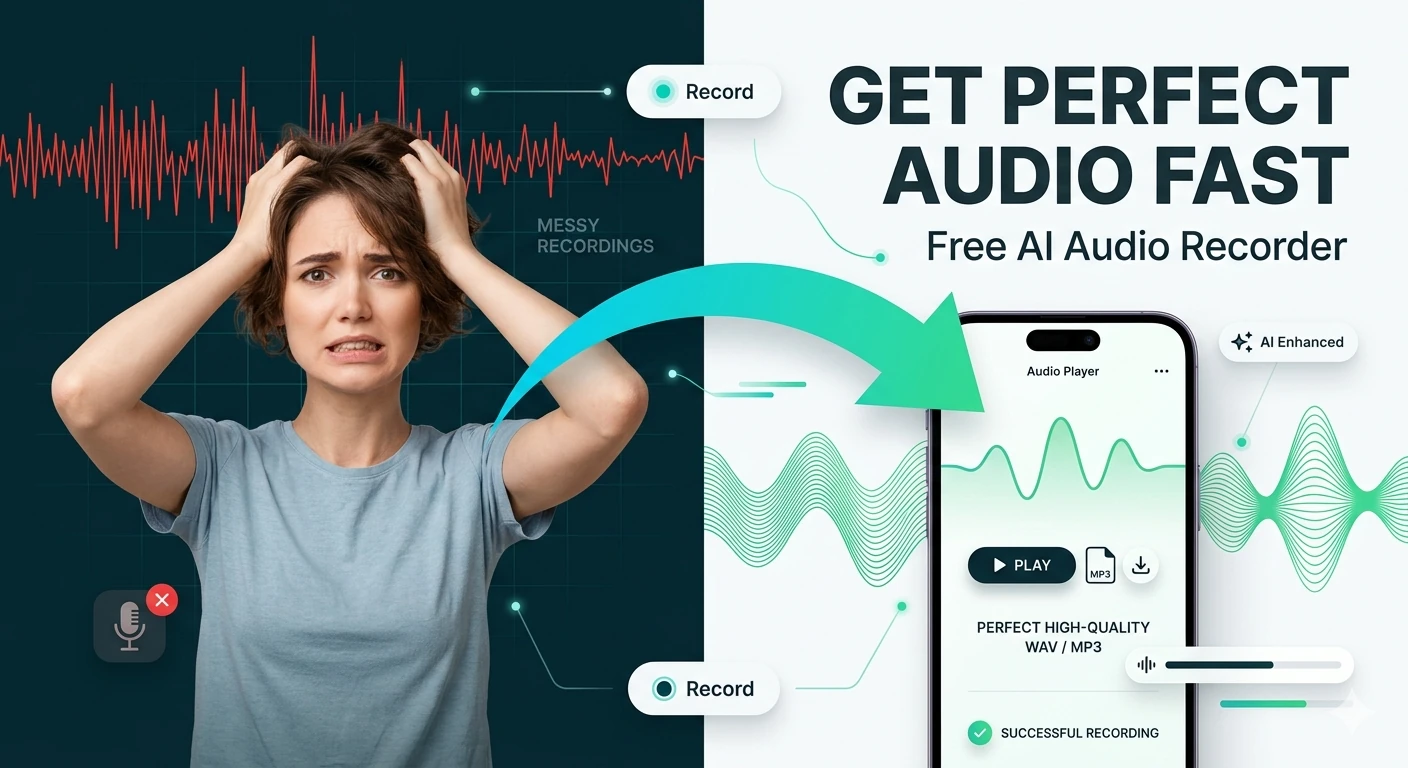
Record microphone input and download the captured audio — browser-based voice recorder, no software needed.
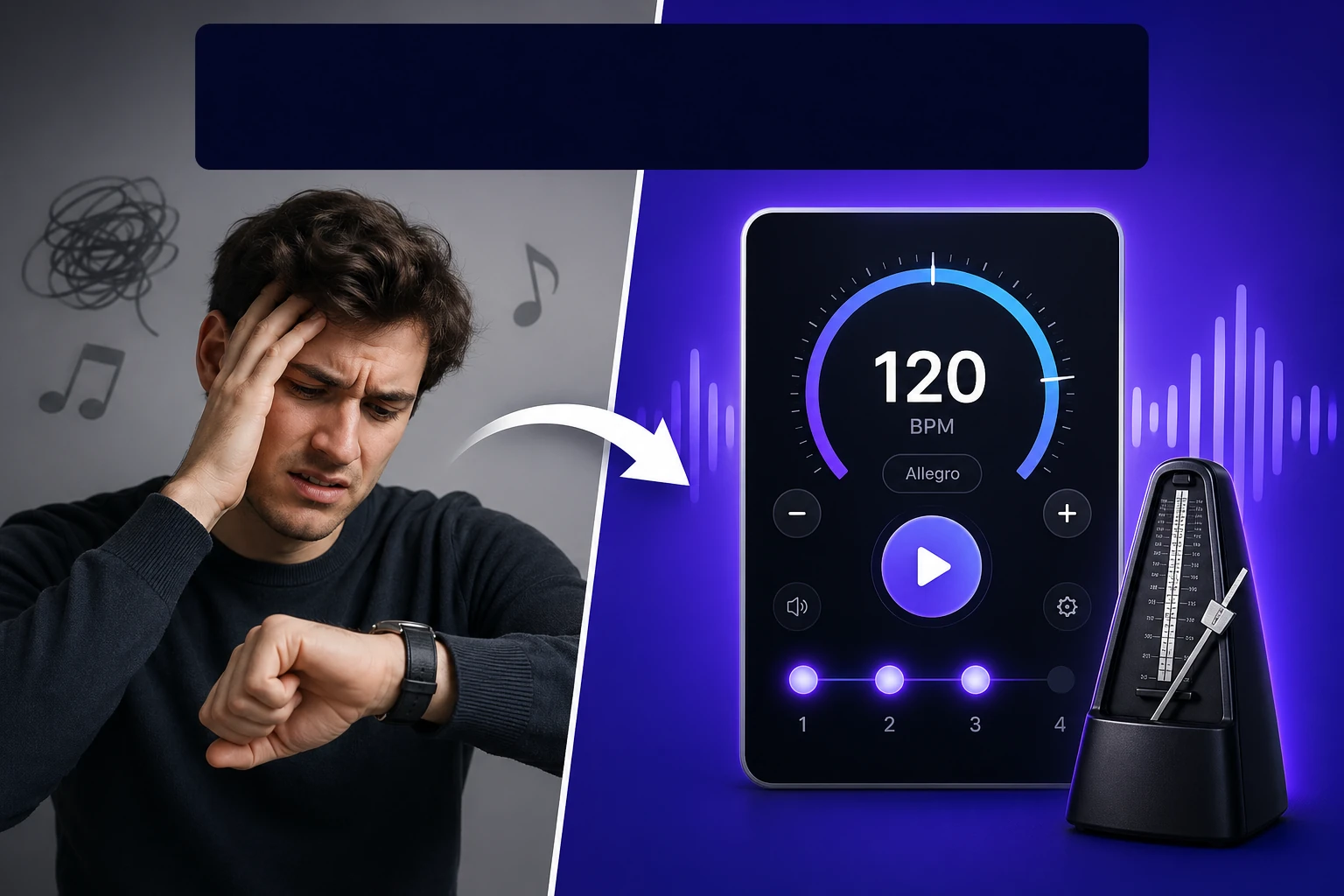
Practice with a browser-based metronome with adjustable BPM and beat accents — free for musicians.
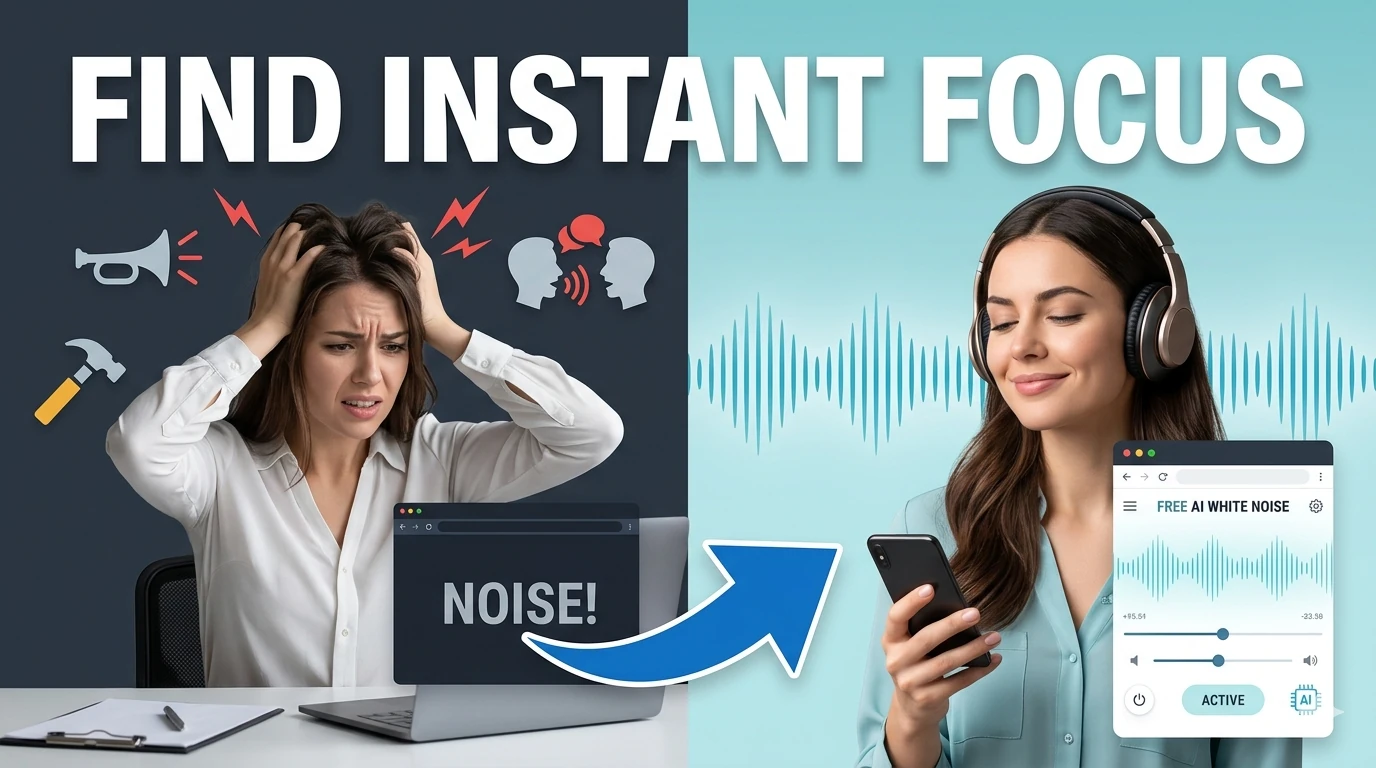
Generate looping white, pink, and brown noise textures for focus, sleep, and study sessions.
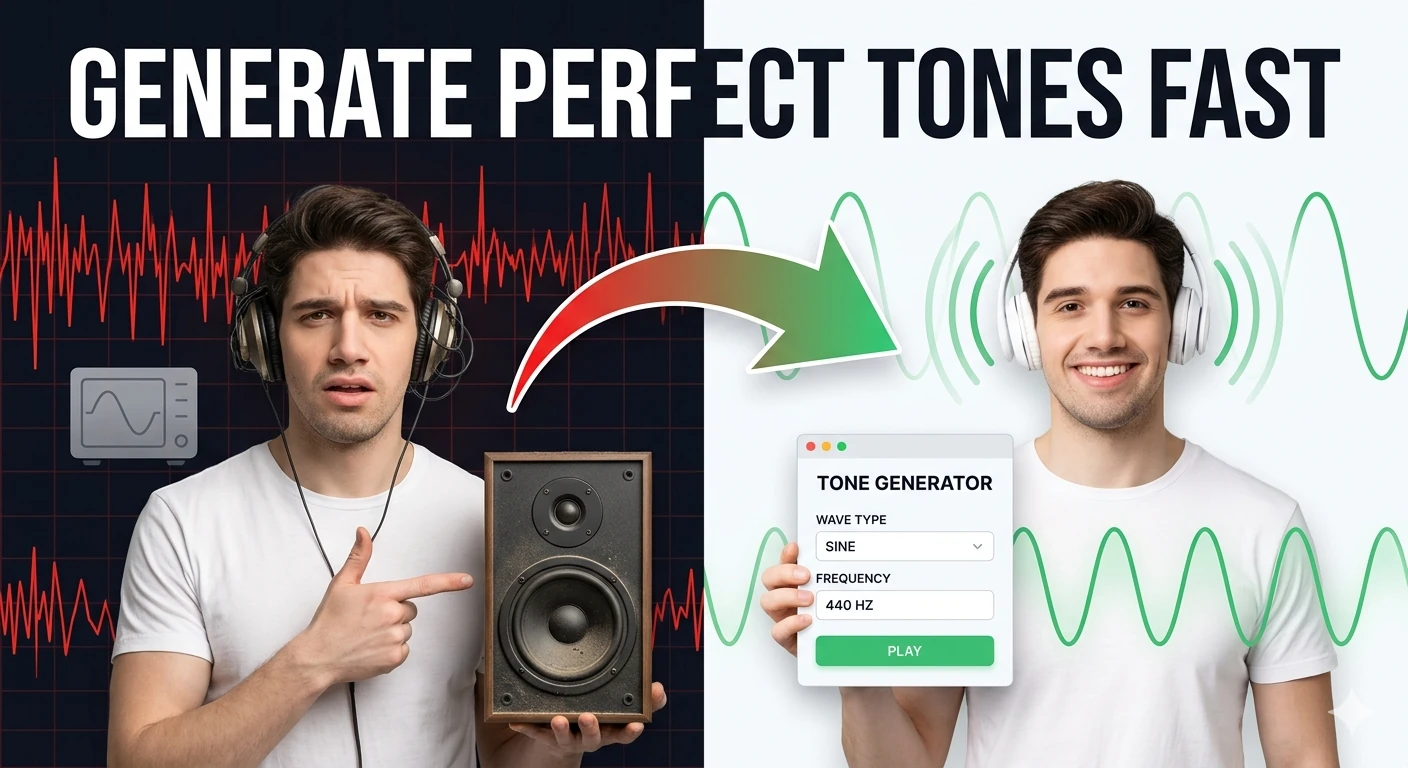
Generate sine, square, triangle, and sawtooth tones in the browser — audio frequency test tool.
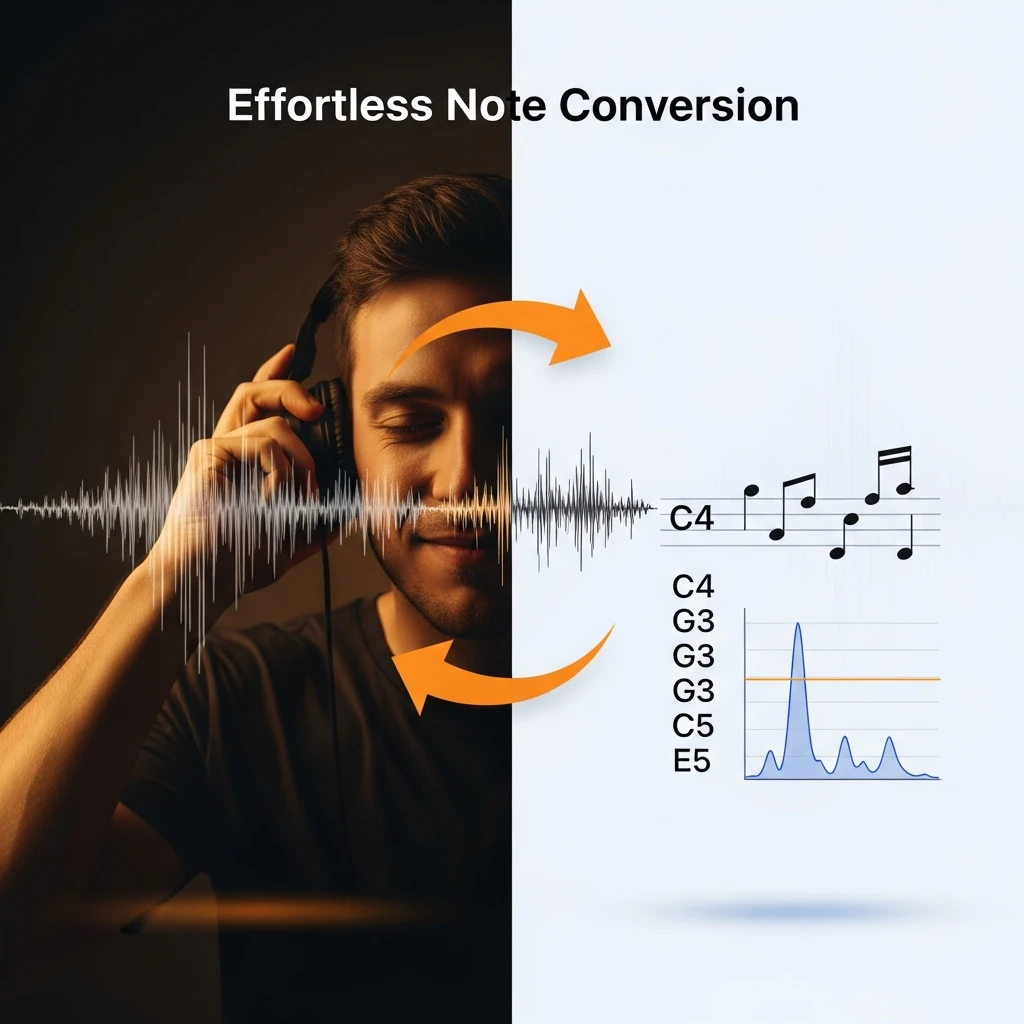
Convert audio frequencies (Hz) to the nearest musical note and cents offset — music theory tool.
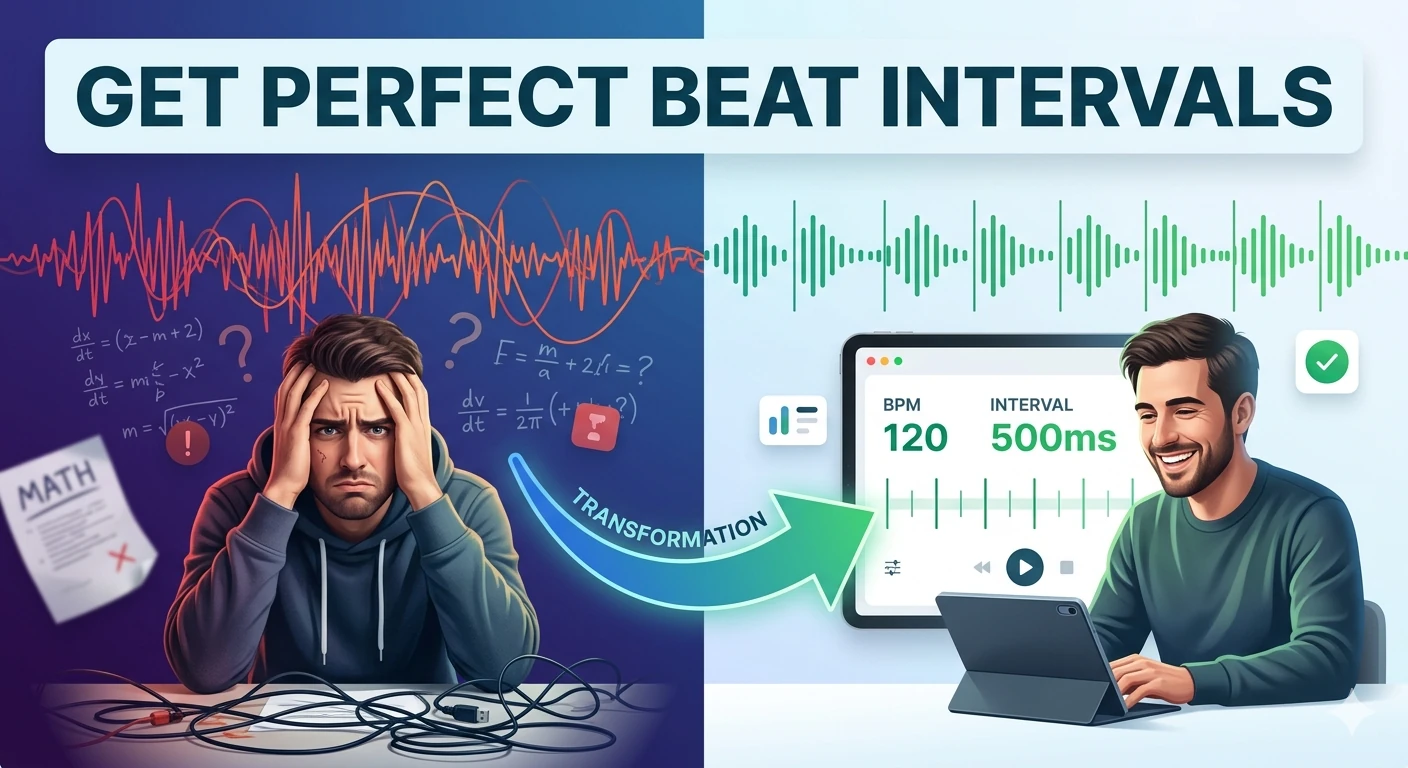
Convert BPM into beat, bar, and loop timing intervals in milliseconds — essential DJ and producer tool.
Generate AI videos from text prompts in your browser. Free text-to-video creator — no watermarks, no account required, high-quality output.
Generate voice scripts and preview narration with browser text-to-speech controls for ads, explainers, intros, and social videos.
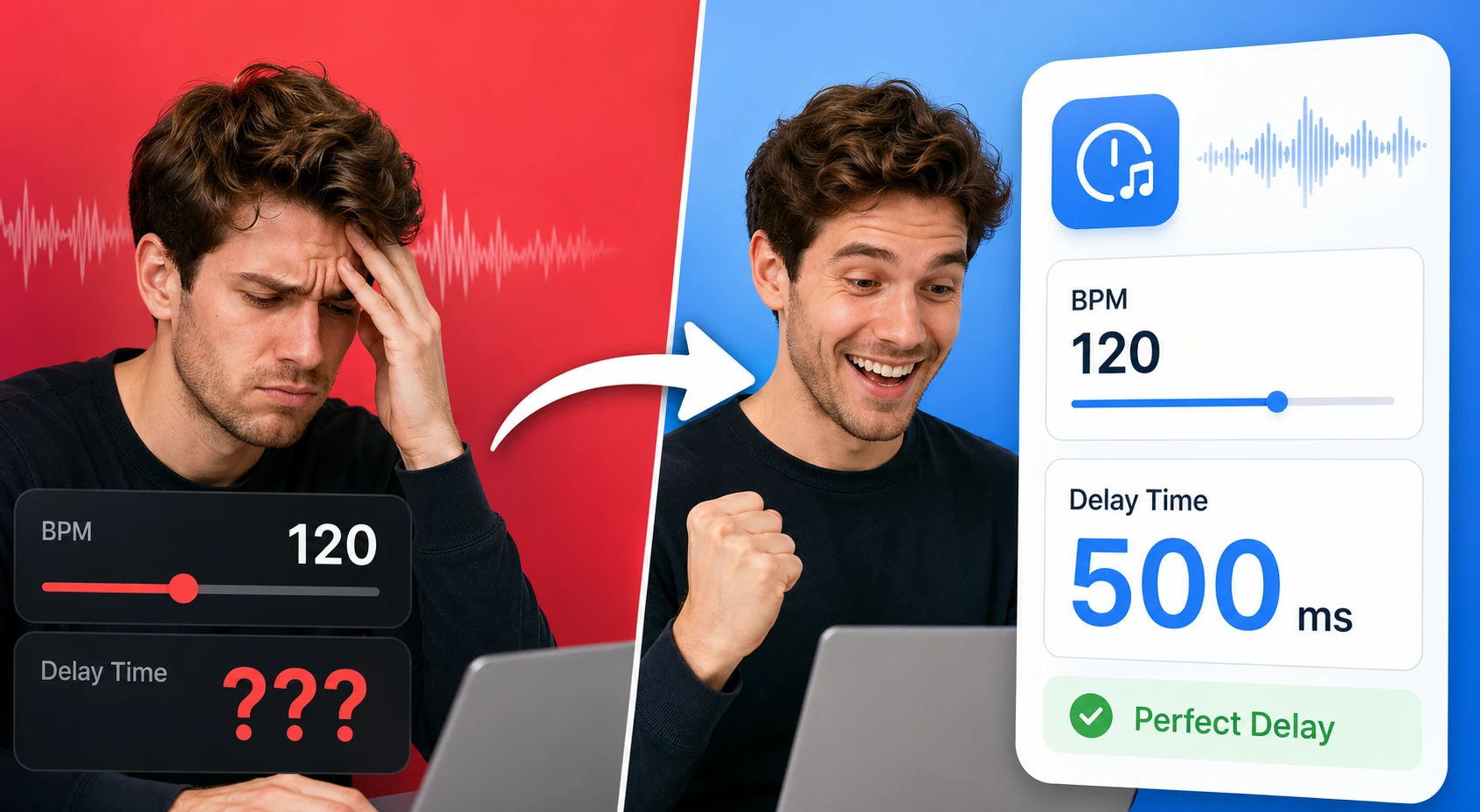
Tap a tempo or enter BPM to calculate note divisions, delay times, and loop-friendly timing values. It helps producers and musicians line up effects and timing without a DAW plugin.
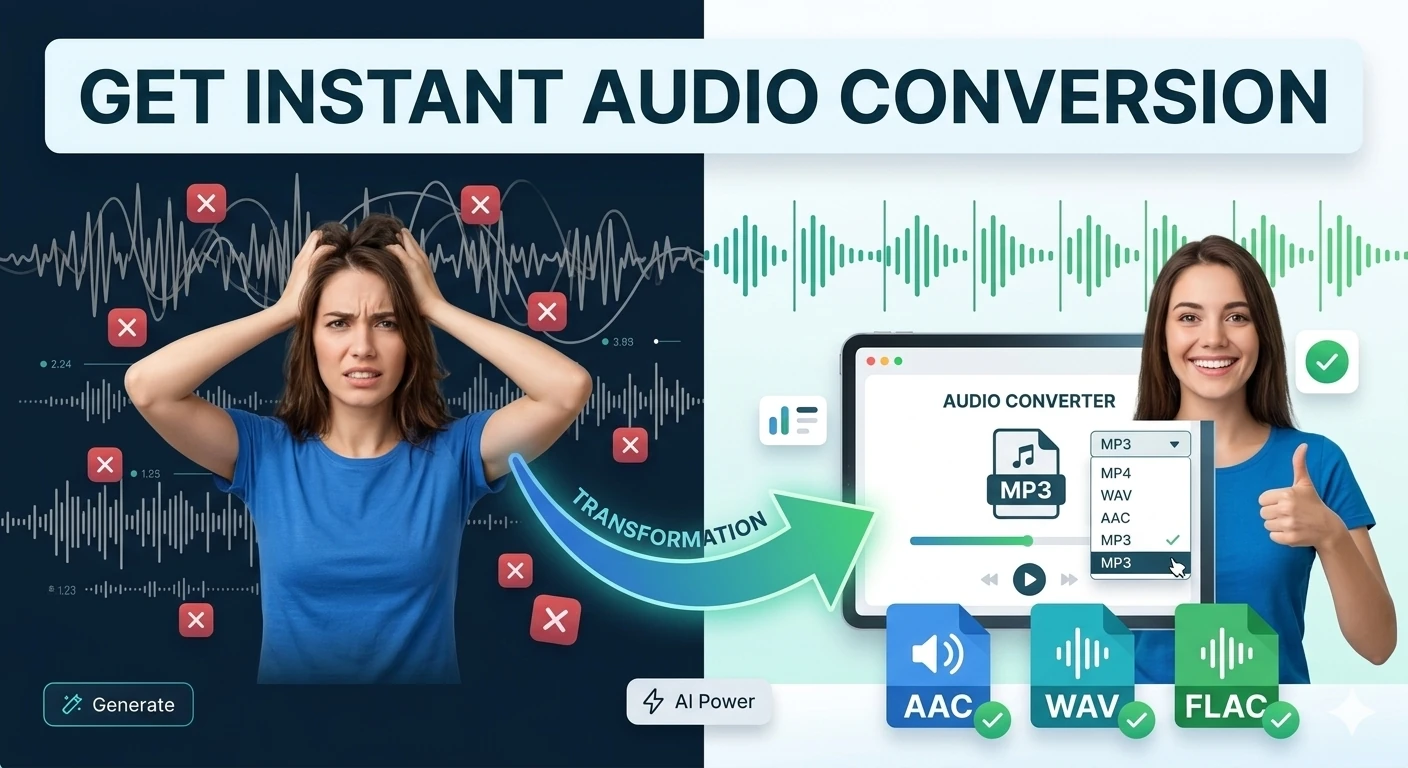
Convert audio files between popular formats in a browser-based workspace — MP3, WAV, OGG conversion.

Extract audio tracks from video files and export them in browser-compatible formats — MP4 to MP3.
Extract the audio track from a recorded video for a podcast feed, convert between MP3 and WAV depending on whether you need small files or lossless editing masters, and apply noise reduction to clean up room hum and HVAC rumble before publishing.
Pull a clean audio stream out of an MP4 to edit separately, then re-sync it. Converting a one-minute clip to MP3 at 128 kbps produces roughly a 1 MB file — small enough to share, good enough for spoken-word content.
Generate natural-sounding voiceovers from a script using neural text-to-speech, useful for narration, e-learning, and making written content available as audio. Write the text the way you want it spoken — punctuation drives the pauses and intonation.
Convert lossless recordings to compressed formats for sharing, normalise loudness so tracks play at a consistent level, and clean up amateur recordings. Note that noise reduction works on speech-style content, not on music with instrumental backing.
Use WAV (lossless) when you need to edit further or archive a master, because it preserves full quality but produces large files (about 5 MB per minute at 16-bit/44.1 kHz). Use MP3 (lossy) for distribution and sharing — 320 kbps for music, 128 kbps for spoken word — which cuts file size by 80–90% with no audible loss for most listeners.
For most browser-based extraction the file is processed locally using the WebCodecs API and never leaves your device. Tools that require server-side processing for large or unusual formats state this explicitly and discard the file after conversion.
It works best on speech with consistent background noise (fan, hum, hiss), where it can remove 20–28 dB of noise. It struggles with music (it cannot tell instruments from 'noise'), overlapping speakers, and clipped audio — clipping is distortion baked into the waveform and cannot be removed, only made less obvious.
Modern neural TTS is rated 'natural' by most listeners for English and major European languages. It still struggles with proper nouns, acronyms (SQL might be read letter-by-letter or as 'sequel'), and emotional range. For pronunciation control, spell tricky words phonetically in the input.
For spoken-word content, 44.1 kHz sample rate and 128 kbps MP3 is the sweet spot. For music distribution, use 320 kbps MP3 or a lossless format. Higher sample rates (48 kHz, 96 kHz) matter mainly for professional production, not for typical web or podcast use.
Yes, on modern iOS and Android browsers that support the Web Audio and WebCodecs APIs. Very large files may hit mobile memory limits — for files over a few hundred megabytes, a desktop browser is more reliable.
Hand-picked sets of free tools and guides related to audio & media.
224+ browser-based tools across 13 categories — all free, no sign-up required.