Security & EncodingFree online toolNo account requiredNo server uploadUpdated April 28, 2026

Free Bcrypt Generator Online — No Signup Required

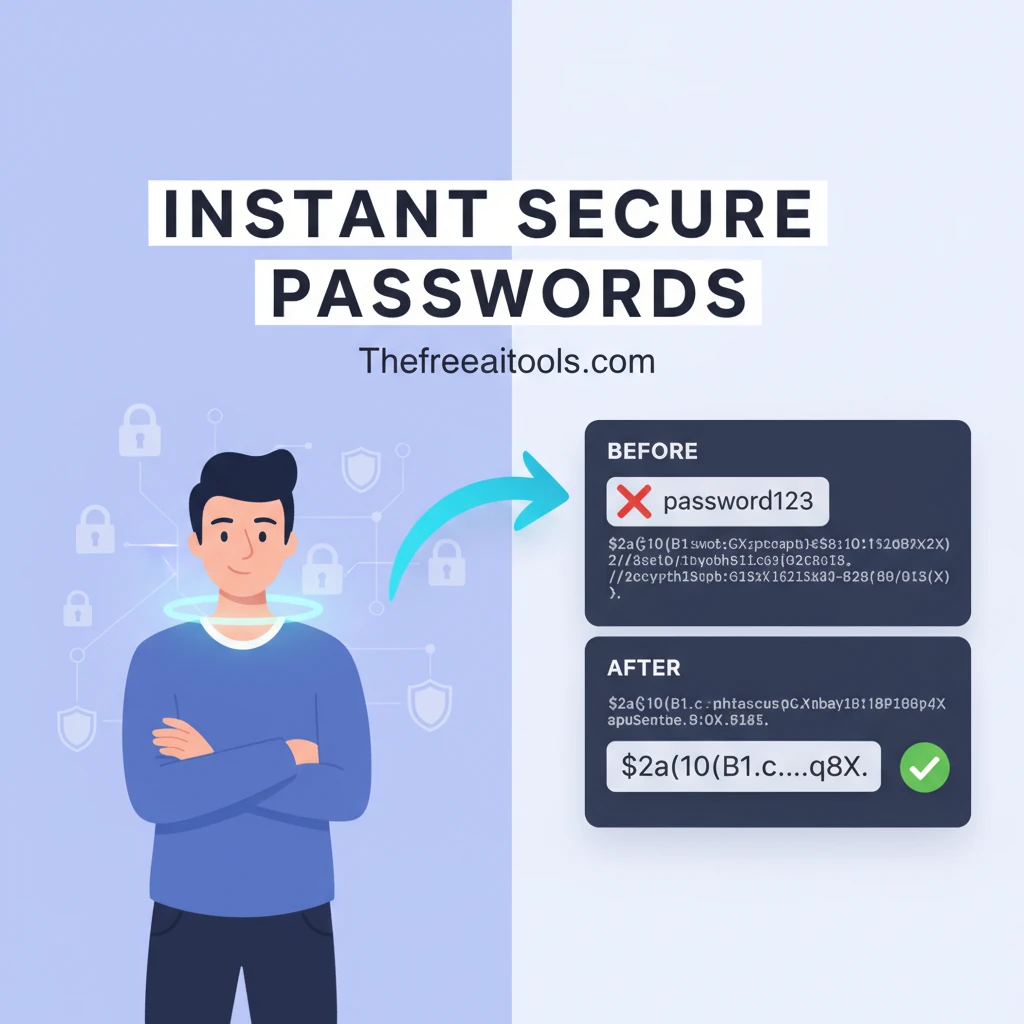
Bcrypt Generator helps you Generate bcrypt password hashes and verify passwords against stored hashes — client-side, zero data exposure without leaving the browser. It is built for developers, analysts, and privacy-conscious teams, so you can securely encode, decode, compare, or inspect sensitive values with a fast public URL, clear output, and a workflow that stays focused on the task instead of setup.

Free Bcrypt Hash Generator & Checker

A fast, secure, and client-side developer tool to generate Bcrypt password hashes and verify plain-text passwords against existing hashes. Customize your salt rounds and test your authentication flows instantly.

Configuration & Input

Higher rounds increase security but take longer to process.

Generation Output

What is a Bcrypt Hash Generator?

Bcrypt is an industry-standard password-hashing function designed to be highly resistant to brute-force search attacks. This Bcrypt Hash Generator and Checker allows developers to quickly generate secure hashes from plain text passwords, configure salt rounds to balance security and performance, and validate whether a specific password matches an existing Bcrypt hash.

How to Use the Bcrypt Tool

Follow these simple steps to generate or compare your Bcrypt hashes securely:

1

Select an Action

Choose the "Generate Hash" tab if you want to encrypt a new password, or select the "Compare" tab to verify an existing hash.

2

Enter Data & Configure

Input your plain text password. If generating, select your desired salt rounds (work factor) from 4 to 16. Default is usually 10.

3

Process & Verify

Click the action button. The tool will generate the secure hash + salt, or verify if the provided password matches the target hash.

Key Features

Client-Side Security

Your passwords are never sent to a server. The Bcrypt algorithm runs entirely in your browser using JavaScript.

Adjustable Salt Rounds

Customize the computational cost (work factor) to simulate various database and server security standards.

Instant Verification

Easily debug authentication endpoints by comparing raw strings against database hashes in real-time.

Frequently Asked Questions (FAQ)

Can a Bcrypt hash be decrypted?

No, Bcrypt is a one-way hashing algorithm, meaning it cannot be "decrypted" back to the original password. Passwords are verified by hashing the user input and comparing it to the stored hash.

What are salt rounds (work factor)?

Salt rounds dictate the cost and time it takes to compute the hash. Higher rounds increase the time it takes to hash a password, making brute-force and dictionary attacks exponentially harder for hackers.

What is the recommended number of rounds?

A round count of 10 to 12 is generally recommended for modern web applications. It provides an excellent balance between security against hardware attacks and server response time.

Why does the same password generate different hashes?

Bcrypt automatically generates a unique, random "salt" for every hash operation. This ensures that even if two users have the same password, their resulting hashes will be entirely different, preventing rainbow table attacks.

Is my password logged?

Absolutely not. This entire application is processed locally within your device's browser. We do not store, track, or transmit your plain text passwords or hashes to any external server.

What is Bcrypt Generator?

Bcrypt Generator is a security and encoding tool that helps you Generate bcrypt password hashes and verify passwords against stored hashes — client-side, zero data exposure. The best browser-based tools remove friction before the work starts: no account wall, no installation, no upload queue, and no confusing navigation. This page turns bcrypt generator into a clean, focused workflow that is easy to revisit, share with a teammate, or use across desktop and mobile.

For most teams, a tool like this sits inside larger day-to-day work — debugging a payload, cleaning a draft, optimizing an image, reviewing metadata, or checking a calculation before a release. In those moments, speed matters, but trust matters just as much. The Free AI Tools is built around browser-based workflows so you can move faster while keeping more control over what you paste, upload, or generate. That matters especially because security-sensitive values should not be pasted into random third-party services.

Common search variations for this kind of tool include: bcrypt generator, bcrypt hash, bcrypt password, hash password bcrypt, bcrypt online tool. The real need is simple — a reliable result, a readable interface, and clear guidance on the next step. Whether you are searching for a free bcrypt generator, a bcrypt generator online, or just the fastest way to get the task done, this page is built to answer that directly. Use the interactive workspace above, follow the steps below, and explore related tools in the same category when your workflow grows.

Because this page has a canonical URL, structured data, crawlable headings, and internal links to adjacent tools, it also works as a durable reference. Users can land from search, understand exactly what the tool does, and move into the next task — validation, conversion, optimization, or inspection — without returning to the homepage. That reduces friction for humans and improves discovery signals for crawlers at the same time.

How to use Bcrypt Generator
  1. 1

    Open the Bcrypt Generator workspace

    Load the page, confirm you are on the Bcrypt Generator route, and review the interface before pasting input or choosing options.

  2. 2

    Add your input or configure the controls

    Paste text, upload a file, or adjust the available settings depending on the workflow. The tool is designed to keep the setup lightweight and predictable.

  3. 3

    Review the generated result carefully

    Check the formatted output, preview, calculation, or transformed data so you can confirm it matches the format or behavior you need.

  4. 4

    Copy, download, or continue to a related tool

    Take the result into your next step, then use the related links lower on the page if your workflow also needs validation, conversion, comparison, or another supporting task.

Key features and benefits
  • Fast, browser-based bcrypt generator with no install required
  • Free to use — no account, no signup, no paywall
  • Clear public URL that is easy to share or bookmark
  • Built for developers, analysts, and privacy-conscious teams who need focused results instead of bloated apps
  • Pairs well with related Security tools in the same category
  • Privacy-aware: keeps your workflow in the browser rather than uploading to a remote server
Common use cases

Use Bcrypt Generator when you need to Generate bcrypt password hashes and verify passwords against stored hashes — client-side, zero data exposure during a real workflow instead of as a one-off demo. Common scenarios include reviewing live project data, cleaning up outputs before sharing, checking values during QA, preparing assets for publishing, or reducing repetitive manual work that would otherwise happen in a text editor or spreadsheet.

Security & Encoding workflows often chain together, which is why this page also surfaces related tools. A visitor might start with bcrypt generator, then continue into adjacent tasks like validation, conversion, export, optimization, or comparison. That makes the route useful both as a single tool page and as an entry point into a broader category journey.

Why browser-based works better

The Free AI Tools focuses on focused, crawlable, reusable tool pages rather than anonymous utility fragments. The result is a page that explains what the tool does, how to use it, when to trust it, and what to do next when your workflow grows.

That makes this security and encoding tool different from thin utility pages that offer a textarea and nothing else. Here, the page combines an interactive workspace, an explanation layer, internal links, structured data, and clear trust signals — so the experience works for first-time visitors, repeat users, and search crawlers alike.

Bcrypt Generator FAQs

Quick answers about the workflow, privacy, and where this tool fits in a broader job.

What does Bcrypt Generator do?

Bcrypt Generator helps you Generate bcrypt password hashes and verify passwords against stored hashes — client-side, zero data exposure. It is designed as a browser-based workflow so you can complete the task quickly without creating an account or installing extra software.

Is this bcrypt generator tool free to use?

Yes. The Free AI Tools publishes this Bcrypt Generator page as a free public tool with no signup requirement. Open the page, use the workspace, and share the URL directly.

Is there a free bcrypt generator I can use online without signing up?

Yes. This page is a free bcrypt generator that runs entirely in your browser. There is no account, no trial limit, and no install step — just open the URL and start working.

Is my data uploaded when I use Bcrypt Generator?

Most workflows on The Free AI Tools are designed to run primarily in the browser, keeping the experience fast and privacy-aware. If a specific tool needs a live request to fetch public data, the page copy explains that behavior clearly.

Who is Bcrypt Generator useful for?

Bcrypt Generator is especially useful for developers, analysts, and privacy-conscious teams. It works well when you need a focused page for one task and do not want to switch between multiple apps or browser tabs.

Can I use Bcrypt Generator on mobile?

Yes. The page is responsive and designed to work across current versions of Chrome, Firefox, Safari, Edge, Brave. The best experience is usually on desktop for large inputs, but the route remains usable on phones and tablets.

What should I use after Bcrypt Generator?

That depends on the workflow. Many users move into a related validation, conversion, optimization, or export tool after finishing the first step. Use the related tools section on this page to continue without losing context.

Keep the workflow moving with nearby tools that solve the next likely step.

Reviewed by

The Free AI Tools Editorial Team

Editorial review and product QA

Last updated:

Need policy details? Visit the contact, privacy, and security pages linked in the site footer.