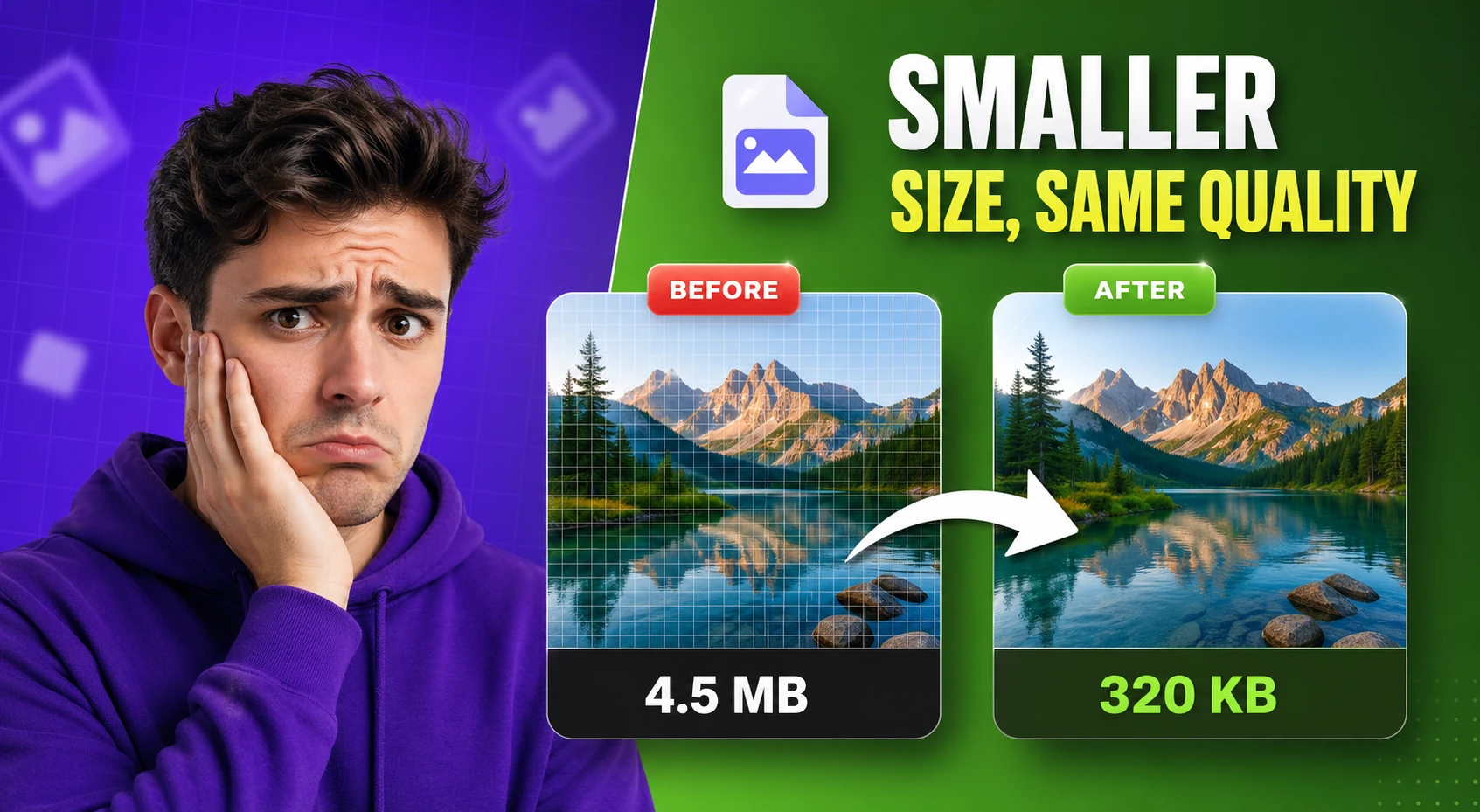
Image Compressor
Compress and optimize images with adjustable quality and live preview — reduce file size for faster web performance.
This image-tools hub focuses on browser-based workflows for teams that need quick, repeatable visual edits without sending files to unknown servers.
Updated · Reviewed by The Free AI Tools Editorial Team — Design and image workflow review
Compress and optimize images with adjustable quality and live preview — reduce file size for faster web performance.
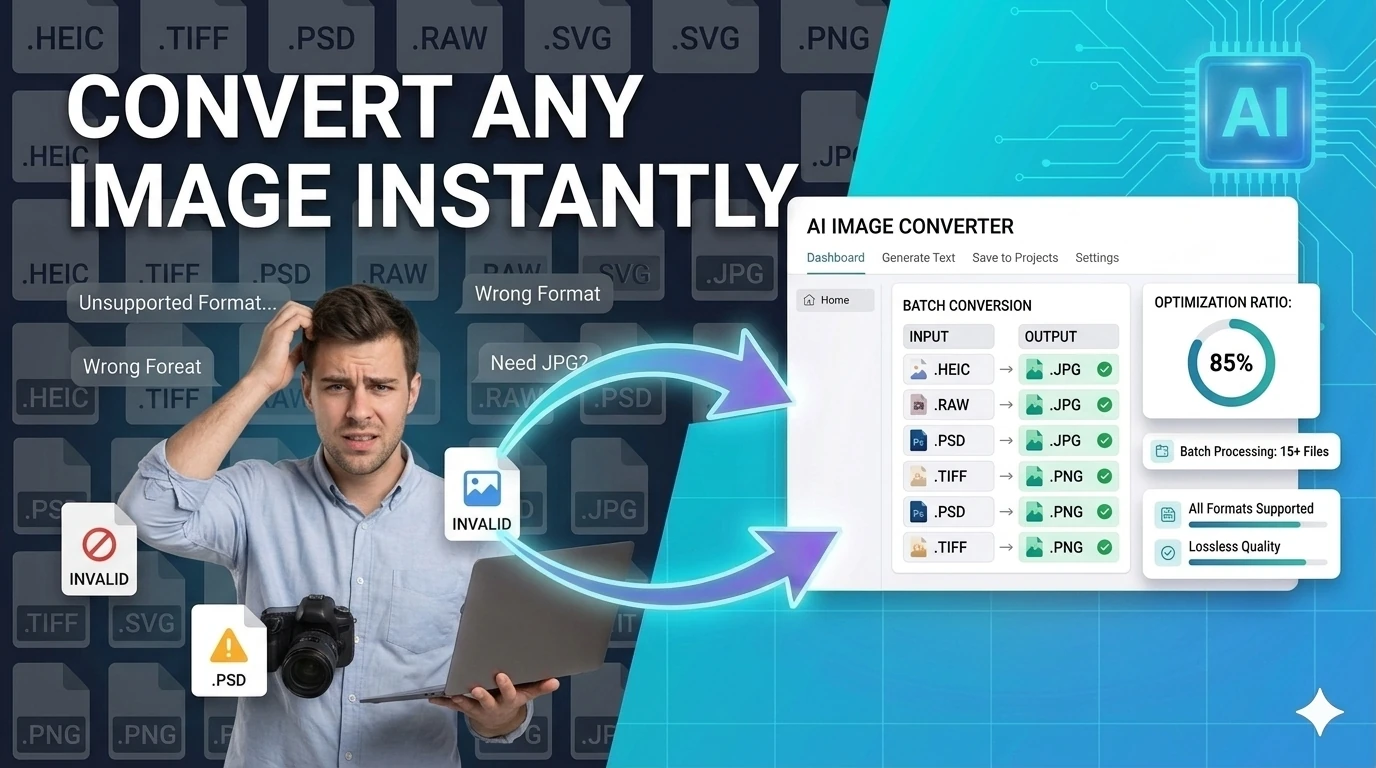
Convert images between JPG, PNG, WebP, ICO, and AVIF formats instantly in your browser — no upload required.
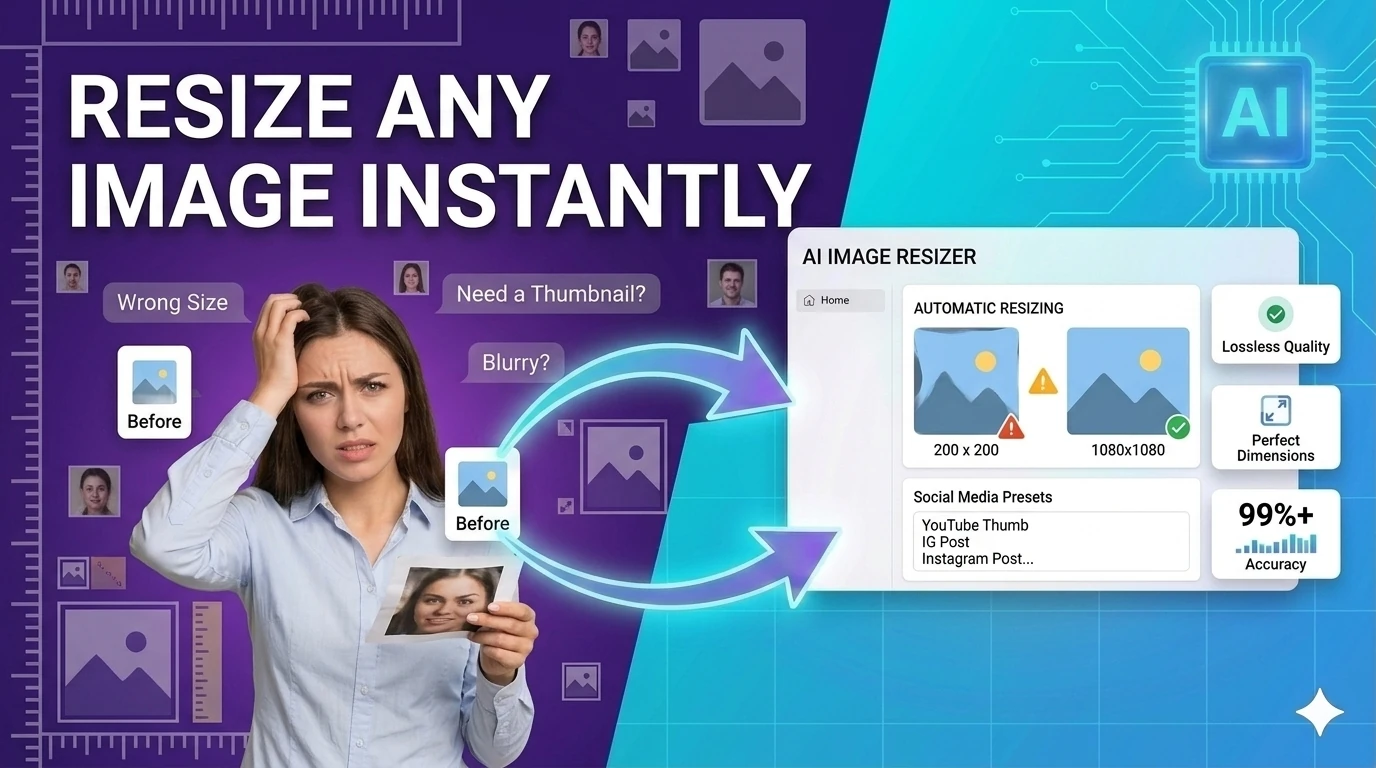
Resize images to preset or custom dimensions — social media presets, pixel-perfect, and percentage-based scaling.
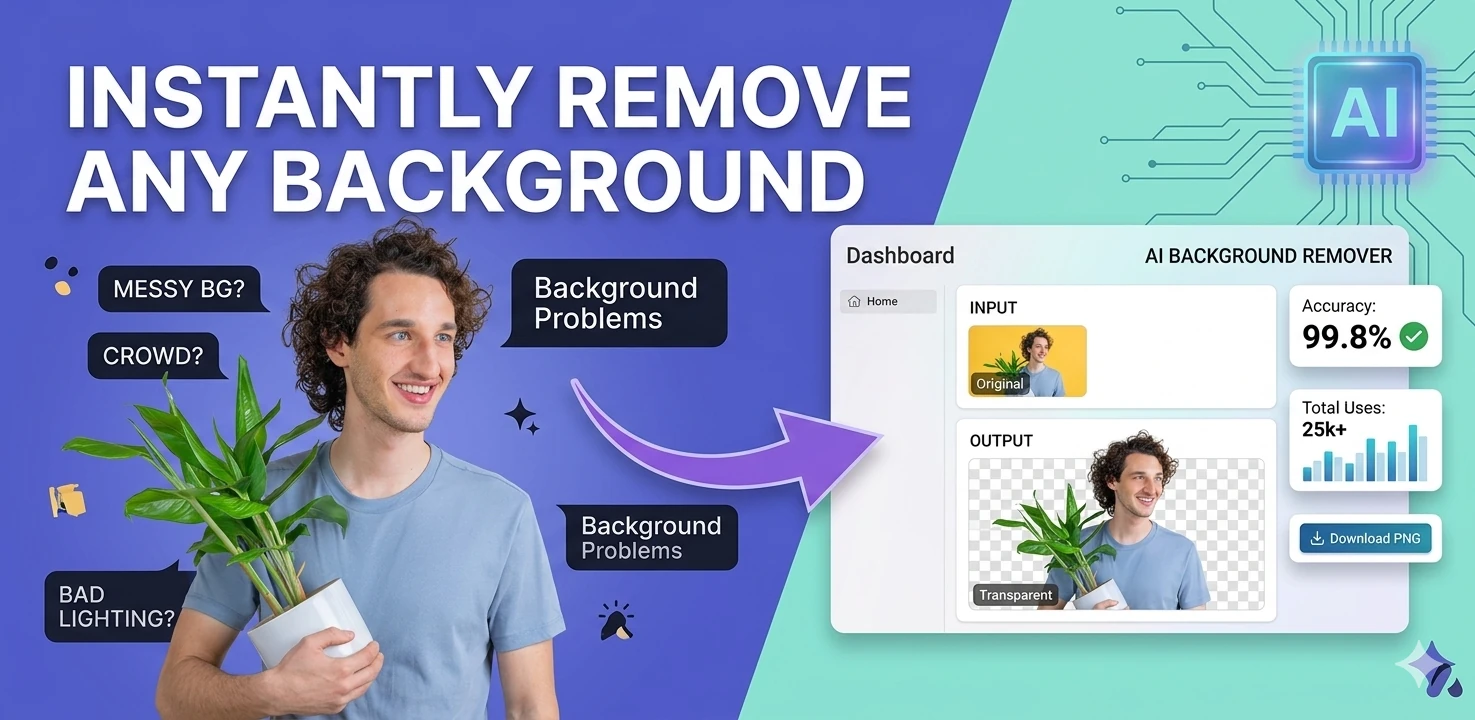
Remove image backgrounds in the browser with color picking, flood fill, and edge-aware controls — client-side, no upload.
Pick colors and convert between HEX, RGB, and HSL formats — with live preview and clipboard copy.
Generate multi-size favicon assets from an uploaded source image — download ICO, PNG, and Apple touch icon formats.

Crop images with common aspect ratios and download the result — precise browser-based image cropping tool.
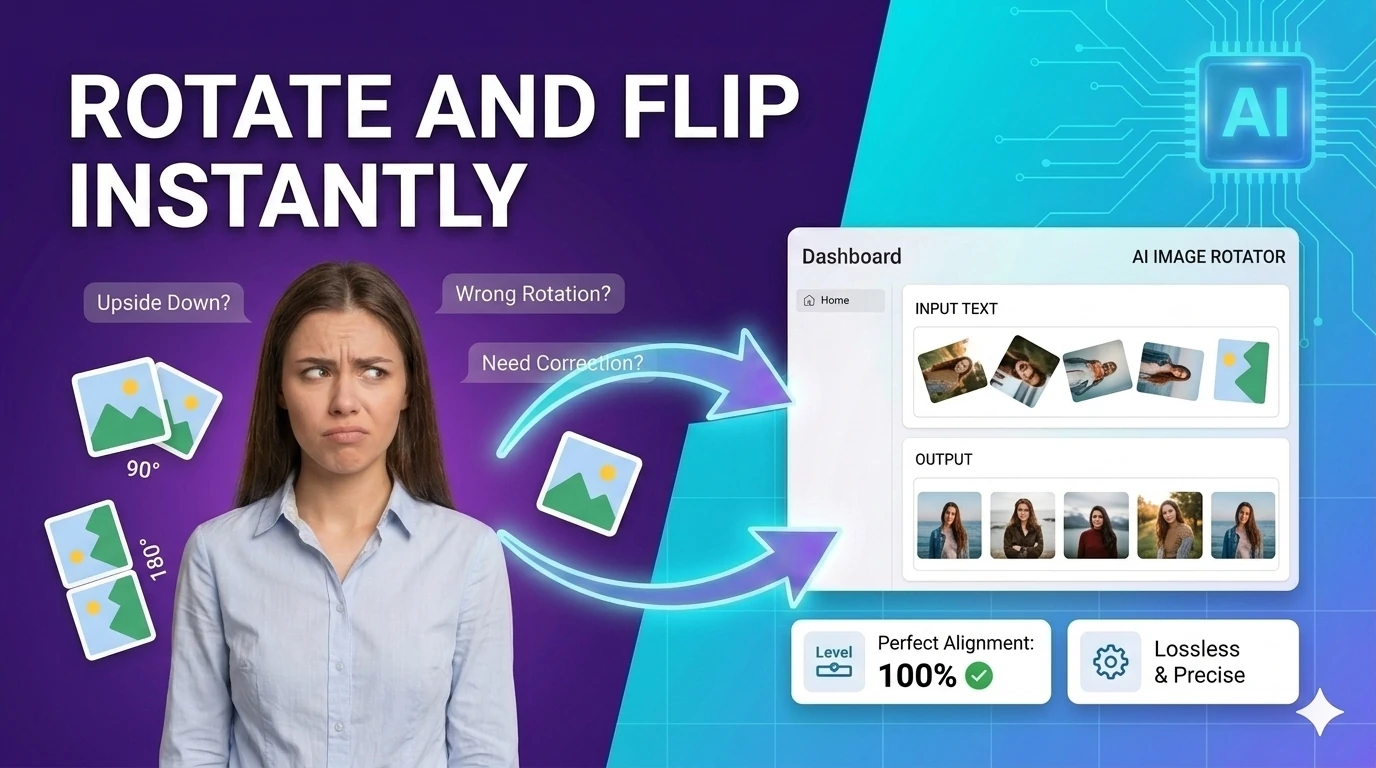
Rotate images by presets or custom angles in the browser — fix sideways photos instantly.
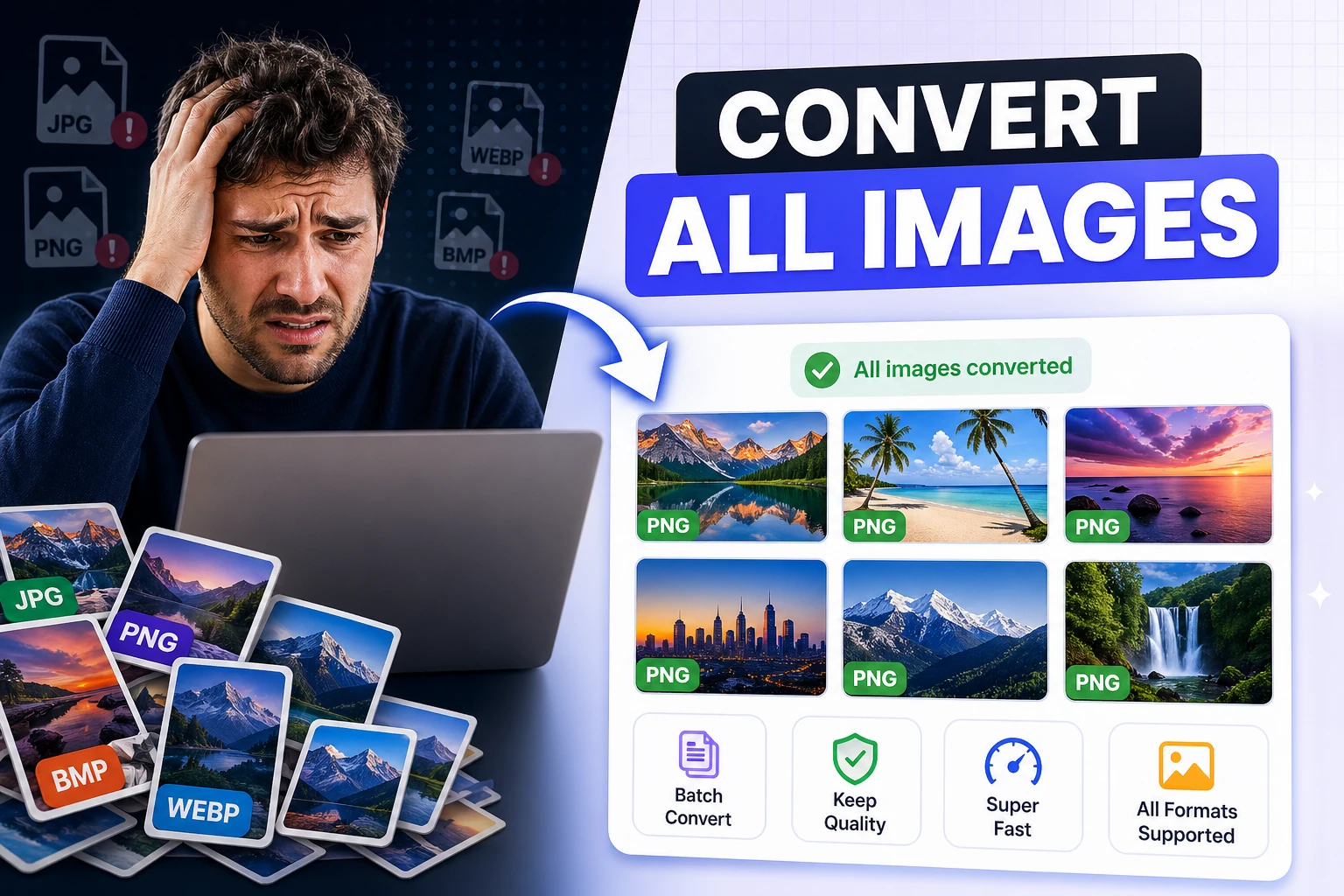
Convert multiple images to JPG, PNG, or WebP and download them together — bulk image format conversion.
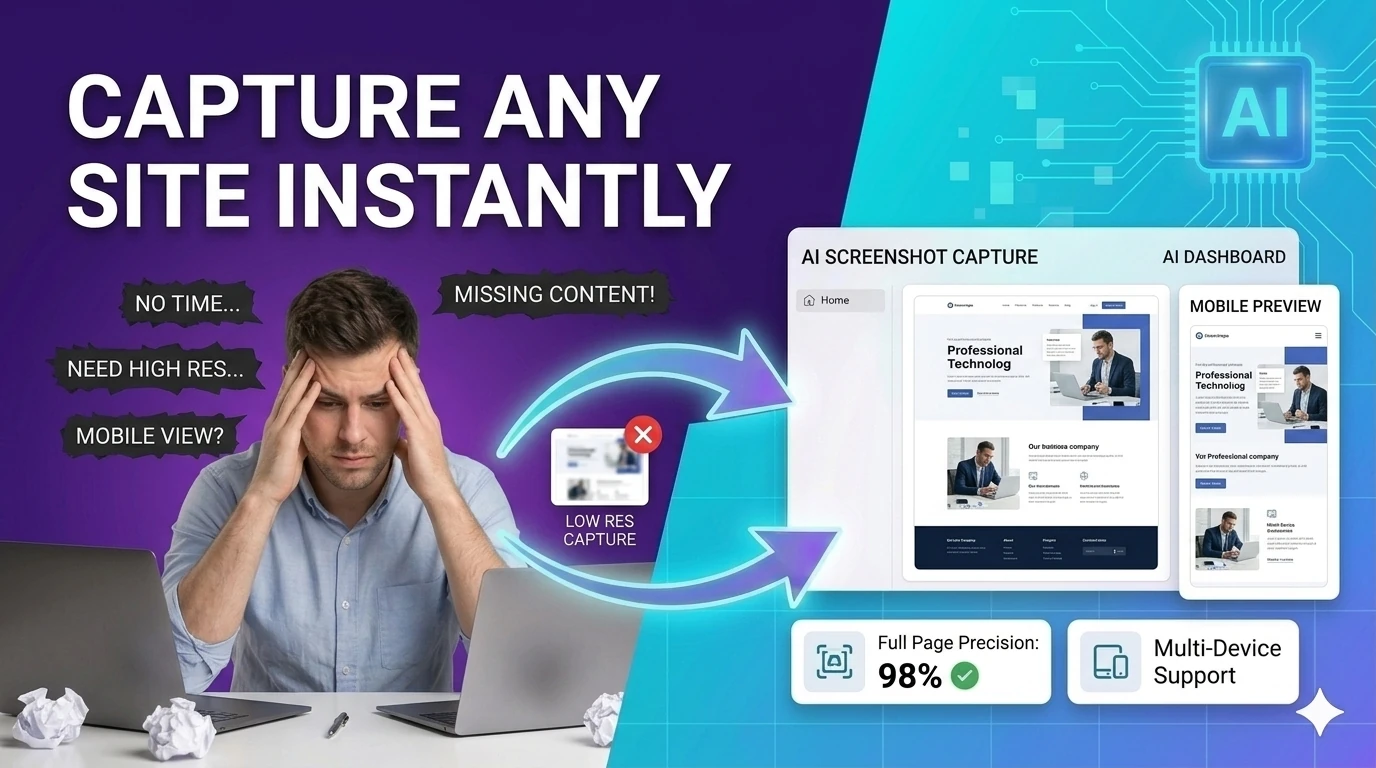
Capture a styled preview card as an image with html2canvas — export UI previews without browser extensions.
Read EXIF and basic image metadata from uploaded files — inspect camera settings, GPS, and creation dates.
Add a text or logo watermark to images with full positioning controls — protect photos in your browser.
Flip images horizontally or vertically and export the result — mirror photos instantly in your browser.
Remove studio-style backgrounds from images and export a transparent PNG — client-side, no upload required.
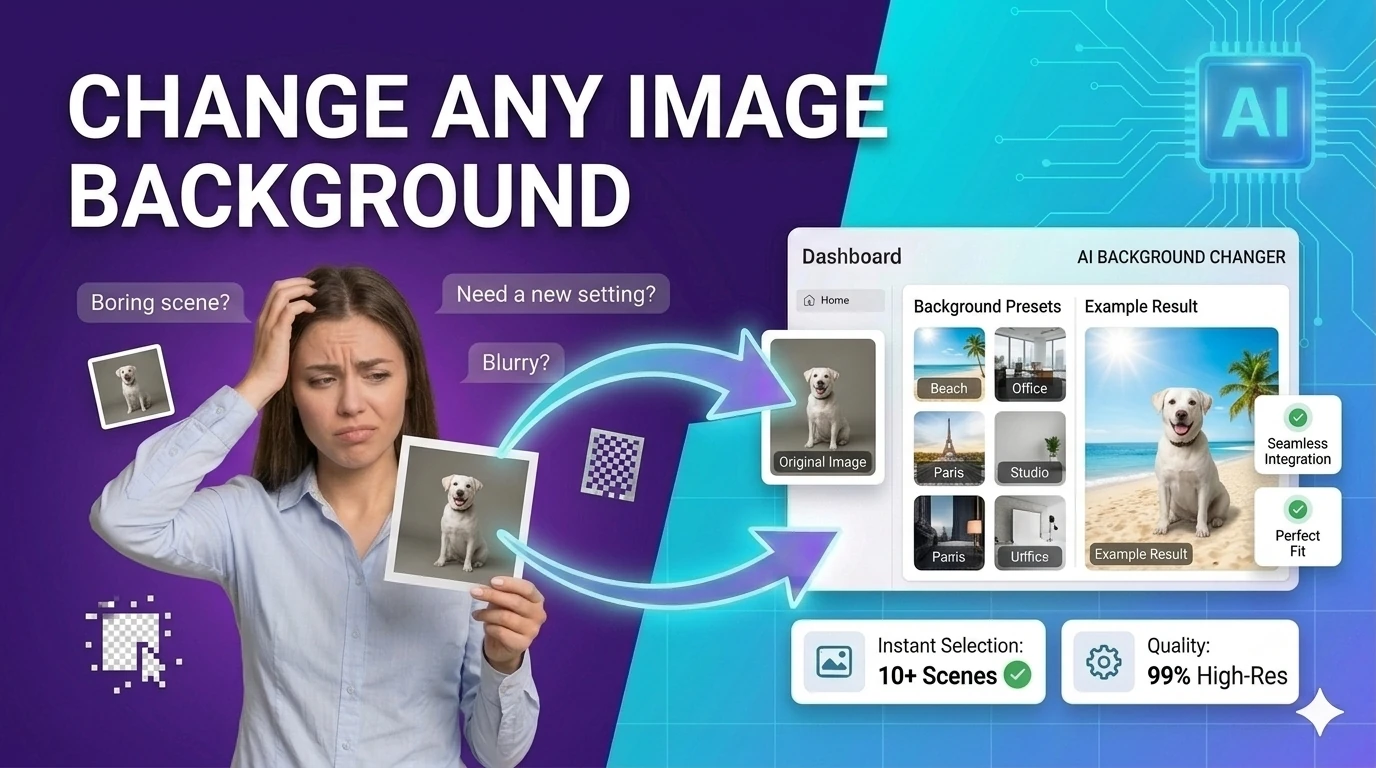
Replace image backgrounds with a solid color, gradient, or uploaded image — browser-based compositing, no upload required.
Resize images to exact pixels, percentages, or social media presets while preserving aspect ratio — instantly in browser.
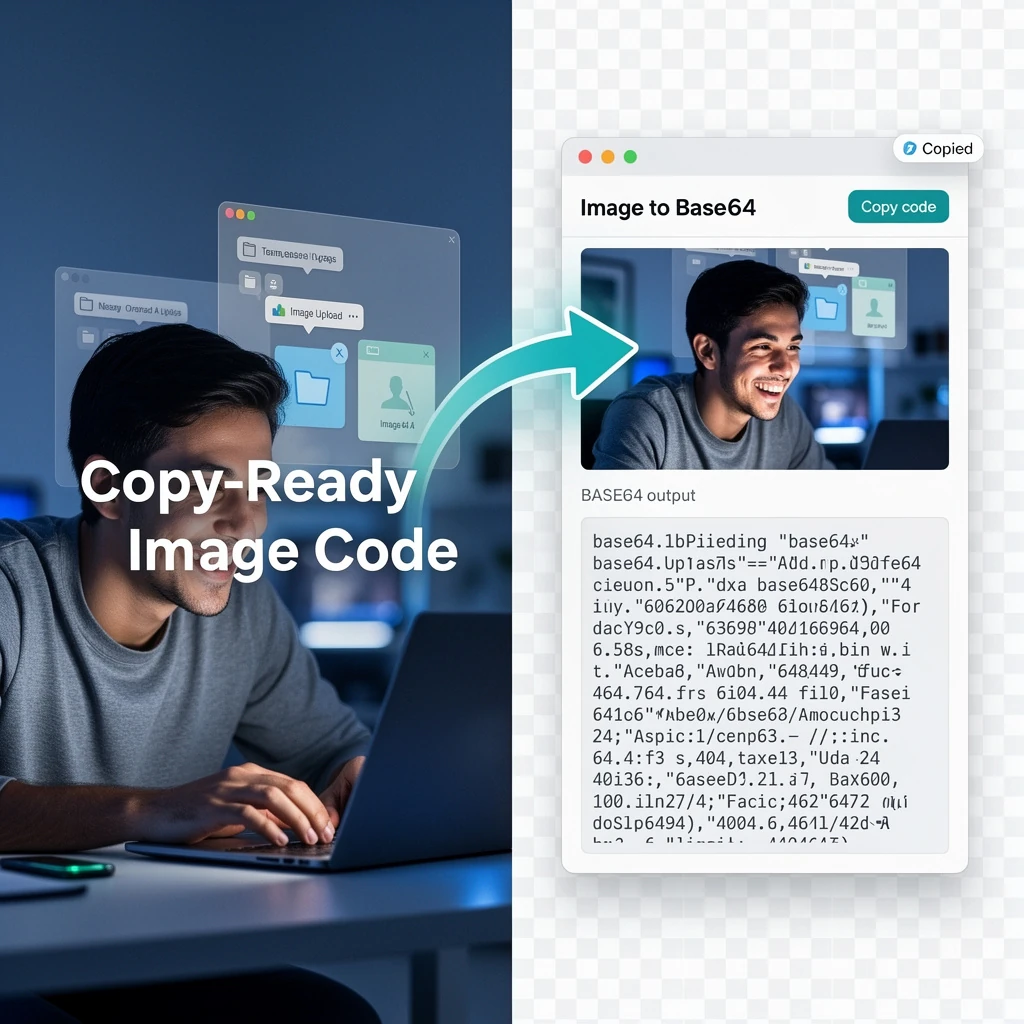
Convert images to Base64-encoded data URIs with instant preview — embed images inline in CSS or HTML.
Convert uploaded images directly into Base64 strings — embed images inline in emails, HTML, or CSS.
Generate inline data URIs from uploaded files and text assets — eliminate external HTTP requests for small assets.

Check image metadata for location, device, and timestamp details, then strip the fields you do not want to share. It is especially useful for press kits, listings, and personal photos shared publicly.
People searching for free image tools no upload usually have one immediate goal: prepare visuals quickly without sending files through an unnecessary external pipeline. That can mean compressing blog images, resizing social assets, converting formats for a CMS, removing simple backgrounds, or generating favicon packages for launch.
Image workflows are rarely one-and-done. A typical task chain might start with conversion, continue with compression, then finish with resizing and export checks. Browser-based tooling keeps the cycle tight: open, process, preview, download, and continue.
Privacy and control are especially important when assets are not yet public. Product screenshots, ad creatives, customer examples, and launch images can be sensitive before publication. No-upload workflows reduce unnecessary exposure for routine visual tasks.
Use this page as your image-production bookmark when you need fast edits and predictable output quality. Start with the featured tools if you are doing common publishing tasks, then use the complete index below to find additional workflows.
Quick answers about the workflow, privacy, and where this tool fits in a broader job.
Yes. The complete image index below links all live image-category tools so you can jump directly to the right browser workflow.
Image compression, resizing, format conversion, background cleanup, and metadata-oriented checks are the most common publishing tasks covered here.
No-upload routes reduce exposure risk for client screenshots, unreleased creative, and sensitive campaign files while still keeping editing fast and accessible.
The complete toolkit
Every tool runs instantly in your browser — no account, no download, no cost. Across 13 categories for everyday tasks.