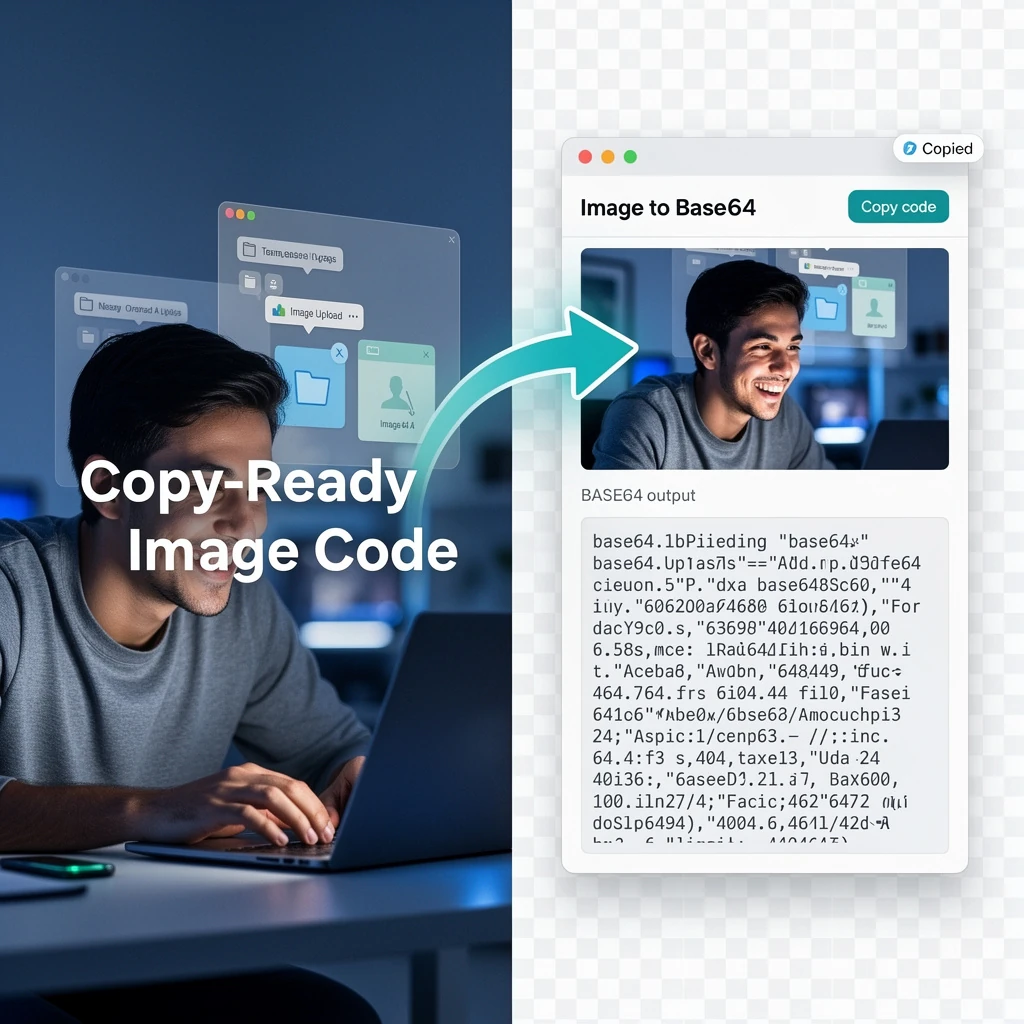
Image to Base64 — Encode PNG/SVG for CSS & HTML Data URI Free

Free Image to Base64 Converter — encode JPG, PNG, SVG to Base64 online

Convert any image file to a Base64 encoded string directly in your browser. Supports JPG, PNG, WebP, and SVG — output as plain text, CSS Data URI, or HTML img src. All processing runs locally on your device: no server uploads, no account, and no file size limits.

Quick Answer

How do I use an image as a CSS background without an external file?

Convert your image to Base64 and paste it as a data URI: background-image: url('data:image/png;base64,iVBORw0K…'). The image is embedded directly in the CSS file — no separate HTTP request needed. Best for small icons under 10 KB.

What is My IP Address? Free IP Lookup Tool

Instantly discover your public IP address, ISP, network details, and geographic location with our fast and secure IP tracker.

Your IP Address Details
Network & ISP Information

About Our Free IP Lookup Tool

Whenever you connect to the internet, your device is assigned a unique identifier known as an IP (Internet Protocol) address. Our What is My IP Address tool instantly scans your network connection to display your public IP. Alongside your address, we provide detailed insights including your Internet Service Provider (ISP), geographic location, timezone, and coordinates. This is a vital utility for troubleshooting network issues, verifying VPN connectivity, or configuring firewalls and whitelists.

How to Check Your IP

  1. Open the tool: Simply loading this page automatically detects your public IP address.
  2. View your details: Read your IPv4 or IPv6 address displayed prominently in the results panel.
  3. Verify location: Check the Network Information section to see the city, state, and country associated with your internet connection.
  4. Copy to clipboard: Click the copy icon next to your IP address to easily paste it into terminal configurations or support tickets.
  5. Refresh to update: Click the refresh icon to ping the server again if you suspect your IP has changed (e.g., after switching Wi-Fi networks or toggling a VPN).

Key Features

  • 1Instant Detection: Automatically fetches and displays your data without requiring any button clicks or form submissions.
  • 2Comprehensive Data: Displays not just the IP, but also the associated ISP organization, exact coordinates, and timezone.
  • 3VPN Verification: Perfect for checking if your Virtual Private Network or proxy is successfully masking your real location.
  • 4Privacy First: Your connection data is loaded on-demand and is never permanently stored on our servers.

Frequently Asked Questions (FAQ)

What is an IP address?

An Internet Protocol (IP) address is a unique string of numbers separated by periods (IPv4) or colons (IPv6) that identifies a device on the internet or a local network. It allows devices, routers, and websites to communicate back and forth with each other.

Can someone find my exact physical address from my IP?

No. While an IP address can reveal your general geographic location (like your city, state, or zip code) and your Internet Service Provider (ISP), it cannot pinpoint your exact street address or your identity. Only your ISP possesses the records that link your IP to your physical home.

Why does my IP address change?

Most home internet connections use "Dynamic IP addresses" assigned by your ISP via DHCP. This means your router may receive a new IP address when it reboots, after a power outage, or simply when your ISP rotates their available addresses. Using cellular data or switching Wi-Fi networks will also change your IP.

What is the difference between a public and private IP?

Your public IP is what the outside internet sees (which is what this tool shows). Your private IP (often starting with 192.168.x.x or 10.x.x.x) is assigned by your local router to the specific devices inside your home network.

How can I hide my real IP address?

The most effective way to hide your true IP address is by using a Virtual Private Network (VPN) or a secure proxy. A VPN routes your internet traffic through a remote server, making it appear as though you are browsing from the VPN server's IP address and location rather than your own.

Related Network Tools


What a Base64 data URI is

A data URI embeds a file directly in a text document — HTML, CSS, or JSON — using Base64 encoding. Format: data:[mime-type];base64,[encoded-data]. A 100 KB PNG becomes roughly 133 KB of Base64 text (the 3:4 encoding ratio adds 33% overhead). The browser decodes it in memory without a separate network request.

When Base64 images actually help — and when they hurt

  • Good use: small icons in CSSInline a 200-byte SVG icon or a 1 KB spinner in your CSS to eliminate a network round-trip. At this size, the 33% overhead is negligible and avoiding a separate HTTP request saves real time on constrained connections. Bundlers like webpack can auto-inline images below a size threshold (typically 8 KB) for this reason.
  • Good use: HTML email imagesSome email clients block externally hosted images by default. Inlining critical images (logo, header) as Base64 ensures they render without user interaction. Be aware: this increases the raw email size, which can trigger spam filters on large inlined images.
  • Bad use: large images in web pagesA 500 KB hero image as Base64 in HTML is 667 KB of inline text. It bloats the HTML document, defeats browser caching (the image re-downloads with every page load instead of being cached separately), and delays the first meaningful paint. Serve large images as separate files from a CDN.
  • Bad use: storing in a databaseBase64 images in a database column create oversized rows, make indexing slower, and complicate backup/restore. Store image files in object storage (S3, Cloudflare R2, Supabase Storage) and save only the URL in the database.

Where to use Base64 data URIs in CSS & HTML

Base64 embeds eliminate one HTTP request per image — valuable for tiny assets where the request overhead exceeds the file size.

Use caseCode patternBest for
CSS background-imagebackground-image: url('data:image/png;base64,…')Small icons, patterns (<10 KB)
HTML img src<img src="data:image/jpeg;base64,…">Email HTML, offline pages
CSS content (pseudo-element)content: url('data:image/svg+xml;base64,…')Decorative SVG icons
SVG filter / feImagexlink:href="data:image/png;base64,…"SVG filters referencing a raster image
Canvas drawImageimg.src = "data:image/webp;base64,…"Dynamic canvas compositing
JSON API payload{ "image": "data:image/png;base64,…" }APIs that accept inline images (OpenAI Vision)
HTML email (cid alternative)<img src="data:image/gif;base64,…">Logo/signature that must display offline

Size rule of thumb: Base64 inflates file size by ~33%. For images over 10 KB, a normal <img> with a cached URL is faster because the browser can cache individual resources.

TheFreeAITools — Image to Base64 Converter is a fully private, browser-based tool that converts image files to Base64 encoded strings and Data URIs. All processing runs locally on your device using the browser's native FileReader API , your images never leave your computer. Supports JPG, PNG, WebP, and SVG , making it the fastest free way to encode images for HTML, CSS, and API use in 2026, with no installs, no accounts, and no hidden limits.

Video demo

☕ Support Us