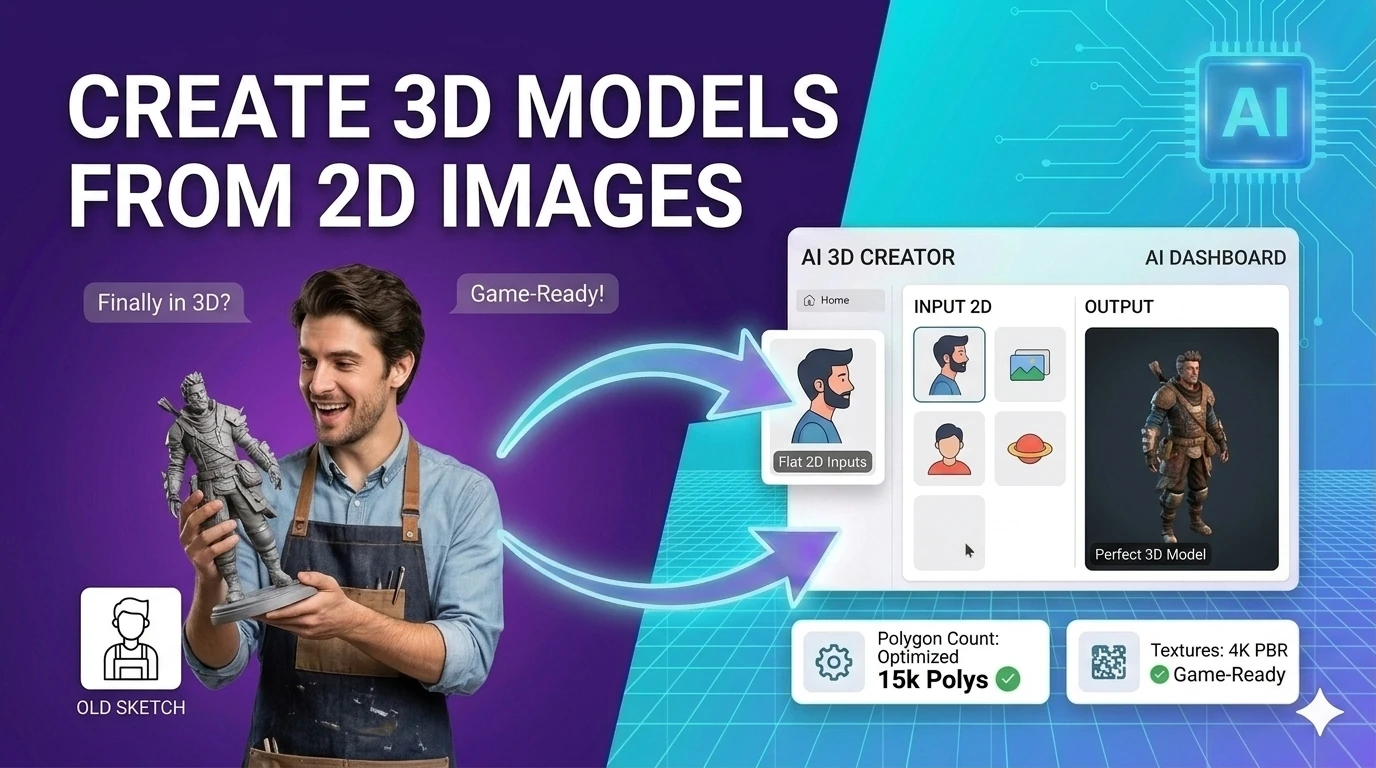
An architect photographed a competitor's shopfront to understand their facade treatment — specifically, the depth of the reveal around the windows and the setback of the entrance. With one photograph and an AI 2D-to-3D tool, they extracted a rough 3D mesh showing the facade geometry well enough to measure approximate proportions on-screen. Measurement error vs. site survey: 8–12%. Not construction-grade, but sufficient to inform a design concept.
2D-to-3D conversion is a harder problem than 3D generation from text because a single photograph is fundamentally ambiguous — depth information has been collapsed into two dimensions and cannot be perfectly recovered. The AI supplies the missing depth using priors learned from training on large-scale 3D-annotated image datasets.
What the Model Recovers vs. Estimates
| Information | Source | Reliability |
|---|---|---|
| Relative depth (near vs. far) | Directly inferred from perspective | High — perspective is unambiguous |
| Object shape (visible surface) | Direct from image pixels | High — the front face is photographed |
| Object thickness / back face | Model prior from training data | Medium — estimated, not measured |
| Occluded areas (behind objects) | Hallucinated from context | Low — invented, not recovered |
| Absolute scale | Unknown without reference object | Zero — no real-world scale without calibration |
Best Input Photos for Better 3D Output
- Single isolated subject on clean background: Product photos on white or grey backgrounds produce the most accurate meshes because the model can clearly separate foreground from background.
- Avoid oblique angles: A 15–30 degree angle from straight-on is ideal. Extreme angles hide too much of the object and the model invents large occluded surfaces.
- Diffuse lighting over harsh shadows: Hard shadows cast onto the subject fool the depth estimator into treating shadow edges as geometric edges.
- Include a scale reference: For any use case where real-world size matters, place a ruler or known-size object in the photo. The model cannot infer absolute scale otherwise.
Practical Applications
2D-to-3D is most practically useful for: e-commerce 3D product previews (rough mesh sufficient for 360-degree web viewers), AR try-before-you-buy experiences (approximate geometry is acceptable), architectural reference modeling (proportions matter, absolute size does not), and game asset drafts (artists refine the AI mesh rather than starting from nothing).