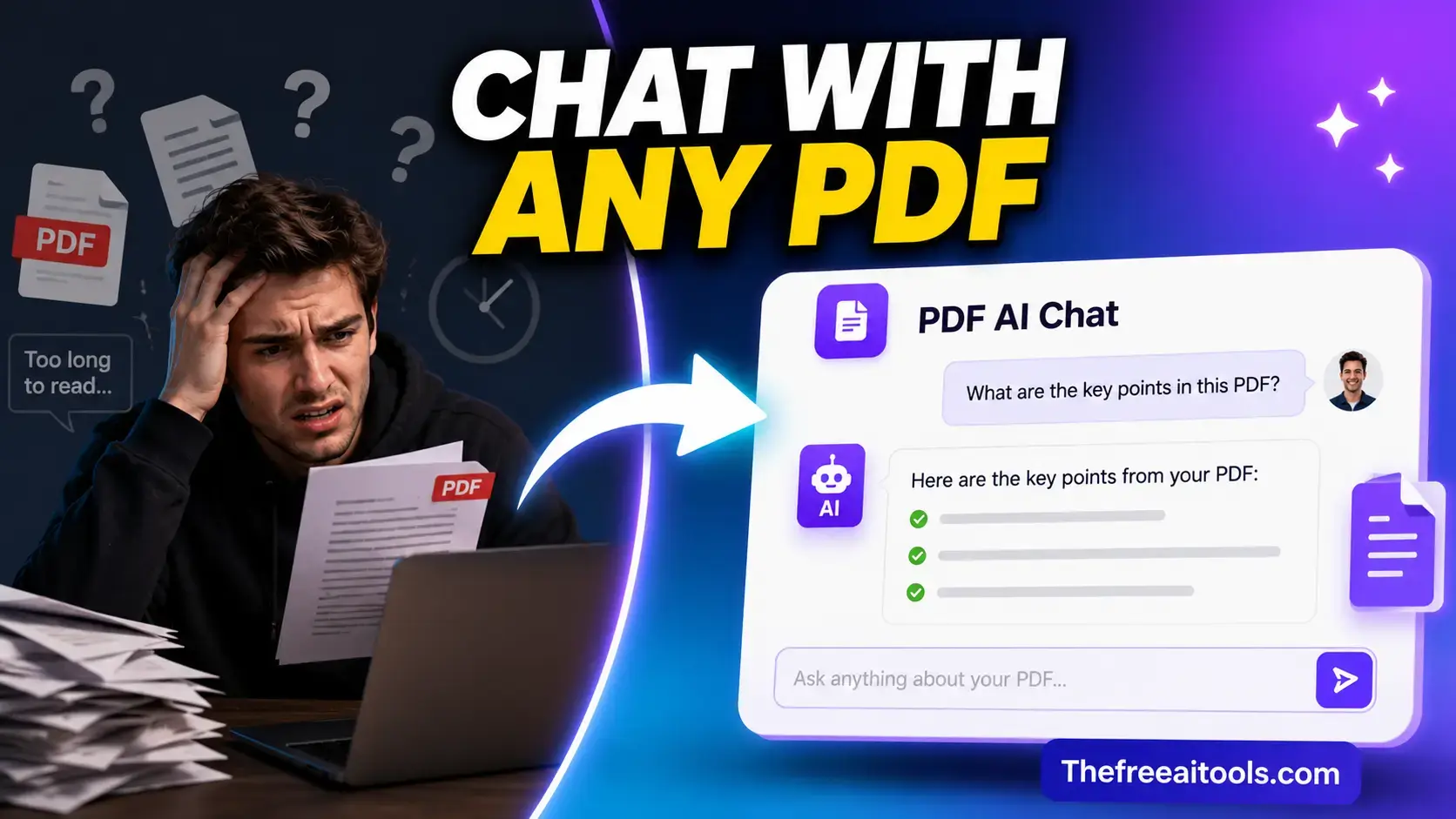
How "chat with PDF" actually works under the hood
PDF Q&A tools use Retrieval-Augmented Generation (RAG): the PDF text is split into chunks (typically 500–1000 tokens each), converted to vector embeddings, and stored in a local vector index. When you ask a question, the tool finds the chunks most semantically similar to your question, injects them into a prompt, and sends that to a language model. The model answers based only on those retrieved chunks — not the full document.
This means the accuracy of the answer depends on two things: whether the relevant text was retrieved (retrieval accuracy), and whether the model correctly synthesized the retrieved text (generation accuracy). Both can fail independently — and when they fail, the tool often produces a confident-sounding wrong answer.
Why PDF Q&A tools give wrong answers with confidence
- The answer spans multiple sectionsIf the answer requires combining information from page 3 and page 47, the retrieval step may only fetch one of those sections. The model answers from incomplete context, filling the gap with plausible-sounding but fabricated content.
- The question uses different words than the documentVector similarity is not perfect synonym matching. Asking about "revenue" when the document says "sales" may retrieve wrong chunks. Rephrasing your question using the document's own terminology dramatically improves retrieval accuracy.
- The document uses tables, charts, or imagesMost RAG pipelines extract plain text. Data in tables is often extracted poorly or incorrectly (merged cells, misaligned columns). Charts and images are skipped entirely. Numerical answers from tables are the highest-risk category for hallucination.
How to prompt for more accurate answers
Ask the tool to quote the source passage: "What does the document say about X? Quote the relevant section." If the tool can't quote it, the answer is likely hallucinated. For numerical data, ask for the page number or section: "On what page is the revenue figure mentioned?" Then verify manually. Treat every answer as a starting point for verification, not a final answer — especially for numbers, dates, names, and contractual terms.
Best prompts for chatting with PDFs — by document type
| Document type | Prompt to use |
|---|---|
| Research paper | Summarize the key findings and methodology in 5 bullet points. What are the limitations acknowledged by the authors? |
| Contract / legal agreement | List every obligation of each party. What are the termination clauses? What happens if a party breaches the agreement? |
| Annual report / financial doc | What was the total revenue and net income? What risks did management highlight? Summarize the outlook section. |
| Technical documentation | Explain [feature name] in simple terms. What are the prerequisites? Give me a step-by-step quick-start guide. |
| Textbook chapter | Create 10 multiple-choice practice questions from this chapter. Then explain [concept] as if I am a beginner. |
| Job offer letter | List the salary, start date, benefits, non-compete terms, and any equity or bonus details. What is missing compared to a standard offer? |
| User manual / FAQ | What troubleshooting steps are recommended for [problem]? Is there a warranty section? What voids the warranty? |
| Academic thesis | What is the research question? Summarize the abstract, methodology, and conclusion in plain English. |