Free Binary/Text Converter Online — No Signup Required
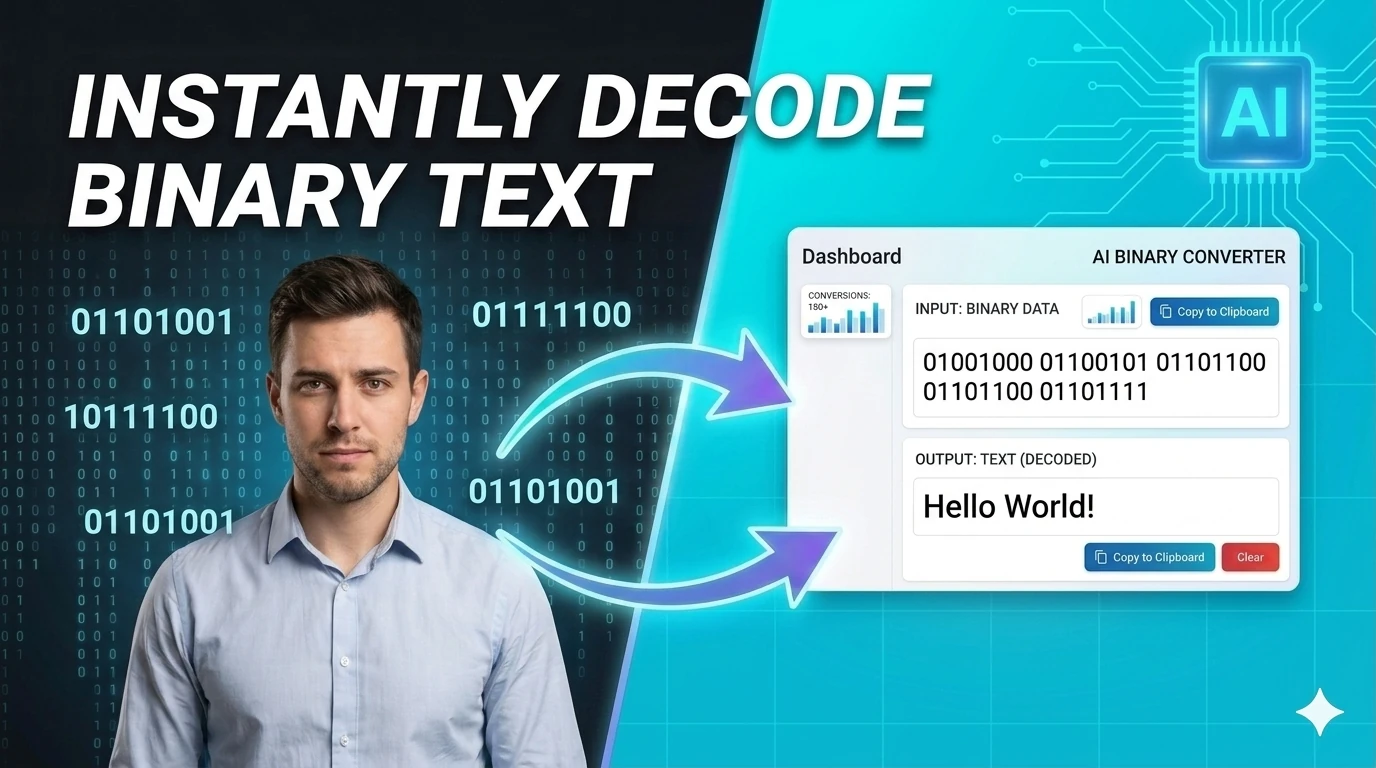
Binary/Text Converter helps you Convert plain text into binary and decode binary back to text — essential tool for encoding and CS education — free, in 2026, without leaving the browser. It is built for writers, students, support teams, and marketers, so you can clean, transform, count, compare, or export text without switching apps with a fast public URL, clear output, and a workflow that stays focused on the task instead of setup.
Loading tool interface...
What is Binary/Text Converter?
Binary-to-text conversion translates between human-readable text and its binary (base-2) representation. Every character in a text string is stored as a number in memory, and that number is represented in binary as a sequence of 0s and 1s. In ASCII, the letter 'A' is the number 65, which in binary is 01000001. This conversion is fundamental to understanding how computers store and transmit text at the bit level — it is taught in computer science courses, used in CTF (capture the flag) security challenges, and applied when debugging low-level data encoding issues.
This converter handles both directions: paste binary (space-separated 8-bit groups like `01001000 01101001`) to decode the text, or enter text to see its binary representation. It supports ASCII for standard Latin characters and UTF-8 for Unicode text including emoji and non-Latin scripts. One limitation: binary representations of extended Unicode characters (multi-byte sequences) are longer than 8 bits per character — for example, an emoji may require 32 bits (four bytes) in binary.
- 1
Select the conversion direction
Choose Text to Binary (encode) or Binary to Text (decode).
- 2
Enter your input
For text-to-binary, type any text. For binary-to-text, enter space-separated 8-bit groups (e.g., `01001000 01101001`).
- 3
Copy the result
The converted output appears instantly. Copy and use in your course work, CTF challenge, or debugging session.
- Bidirectional: text-to-binary and binary-to-text
- Supports ASCII and UTF-8 encoding
- Space-separated 8-bit group output for readability
- Free, no signup, browser-only processing
Continue this workflow with nearby browser-based tools so you can validate, convert, and ship output without context switching.
- Free text & ai content tools category pageSee every browser-based text & ai content workflow in one index.
- About this siteWho built these tools and why everything runs in your browser.
- Browser-based base64 encode/decodeEncode and decode text to and from Base64 format instantly in your browser — essential developer utility.
- Browser-based hash generatorCreate and compare common hash outputs for text input instantly - useful for checksums and integrity checks.
- Browser-based morse code converterEncode text as Morse code and decode Morse back into text — includes audio playback support.
- Browser-based url encode/decodeEncode and decode URLs with percent-encoding support — fix broken query strings and API parameters instantly.
Binary/Text Converter FAQs
Quick answers about the workflow, privacy, and where this tool fits in a broader job.
What is the difference between binary and Base64?
Binary (base-2) uses only 0 and 1, and one byte (8 bits) represents one ASCII character. Base64 encodes binary data as printable ASCII text using 64 characters, producing a more compact and URL-safe representation. Use Base64 for data transmission; use binary for teaching or debugging bit-level encoding.
Why are some characters multiple bytes in binary?
ASCII defines 128 characters, each fitting in 7 bits (1 byte). UTF-8 extends this for Unicode: characters outside the ASCII range use 2–4 bytes. An emoji like 😀 requires 4 bytes (32 bits) in UTF-8, so its binary representation is 32 digits long.
Can I convert hexadecimal to binary with this tool?
This tool converts between text and binary. To convert hexadecimal (hex) to binary, use the format: each hex digit maps to exactly 4 binary digits (e.g., hex `A` = binary `1010`). A dedicated hex-to-binary or Base64 tool handles hexadecimal specifically.
Related Free Online Tools
Keep the workflow moving with nearby tools that solve the next likely step.
Base64 Encode/Decode
Encode and decode text to and from Base64 format instantly in your browser — essential developer utility.
Explore free base64 encode/decode
Hash Generator
Create and compare common hash outputs for text input instantly - useful for checksums and integrity checks.
Explore free hash generator
Morse Code Converter
Encode text as Morse code and decode Morse back into text — includes audio playback support.
Explore free morse code converter
URL Encode/Decode
Encode and decode URLs with percent-encoding support — fix broken query strings and API parameters instantly.
Explore free url encode/decode
Last updated:
Tested in Chrome, Firefox, and Safari on desktop and mobile.