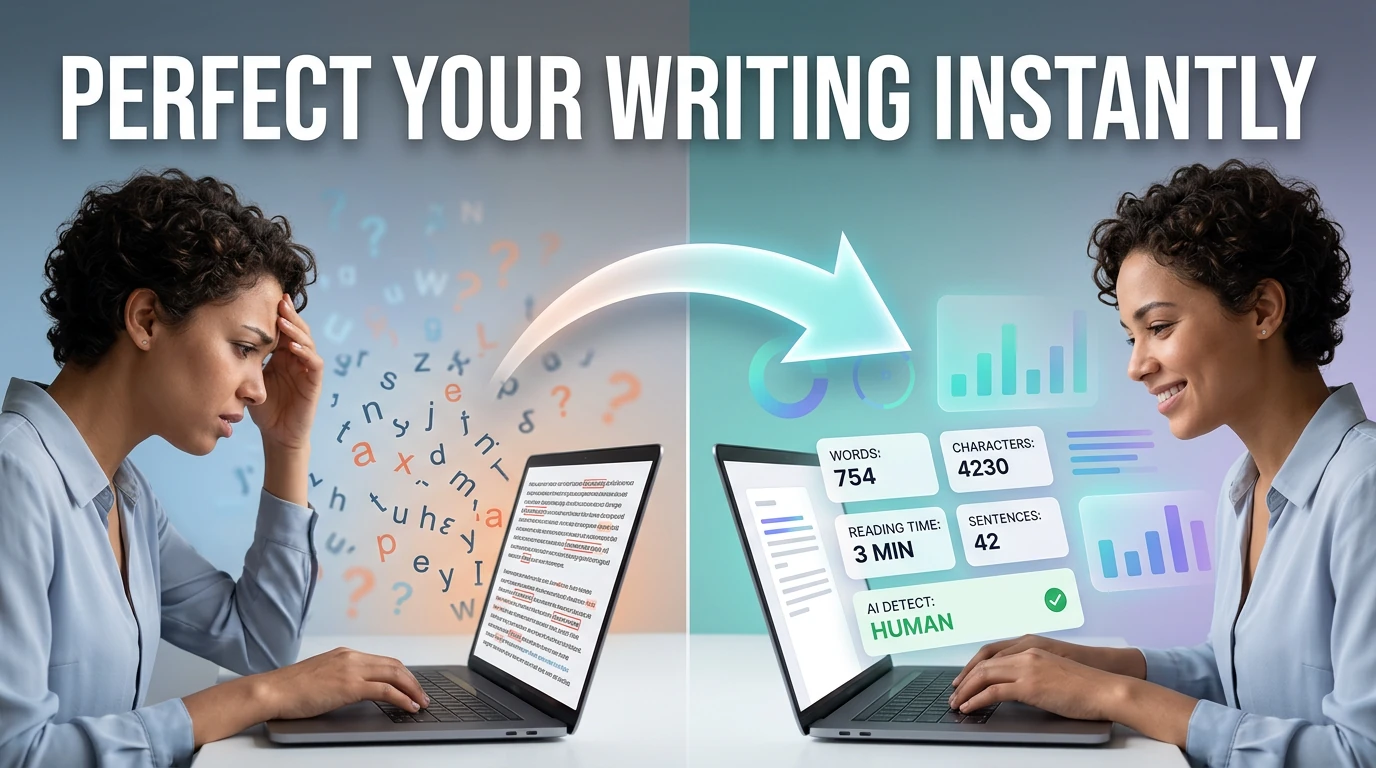
When word processors give you the wrong count
Google Docs counts everything in the document — headers, footers, footnotes, captions — unless you manually select body text first and then check "Selected text only." Most people don't do this. The result: you think you hit the 250-word abstract limit for your journal submission, but 40 of those words are in footnotes that the editor's system won't count.
This tool counts exactly what you paste. Copy just the body text, paste it here, and get the count for that specific text. No headers, no hidden metadata, no document-level settings to toggle. It also handles cases where you need character counts with or without spaces — a metric Google Docs buries in a submenu, but which LinkedIn posts, Twitter/X, and SMS gateways actually enforce.
Character limits you actually need to know
Platform limits as of May 2026. When a platform says "characters" it usually means Unicode code points, not bytes — emoji count as 1, not 4.
| Platform / Context | Limit | Type |
|---|---|---|
| Twitter / X post | 280 | characters (URLs count as 23) |
| LinkedIn post | 3,000 | characters |
| LinkedIn article title | 150 | characters |
| Instagram caption | 2,200 | characters (only 125 shown before More) |
| Meta title tag | 50–60 | characters (SERP display, not hard limit) |
| Meta description | 155–160 | characters (SERP display, not hard limit) |
| SMS (GSM-7) | 160 | characters per segment (multi-part above 160) |
| YouTube video title | 100 | characters (60 shown in search) |
| Email subject line | ~60 | characters shown in most clients |
How the counter works — and where you'll see differences
Words are counted by splitting the text on whitespace sequences — the same approach used by Unix's wc -wcommand. A "word" is any non-whitespace sequence. Reading time is estimated at 238 words per minute, which is the median silent reading speed for adults according to a 2019 meta-analysis across 190 studies.
Three edge cases where counts differ between tools:
- Hyphenated words"well-known" counts as one word here (no space = one token). MS Word and Google Docs also count it as one. Some academic style guides count it as two. If your submission has a strict limit and uses hyphenated compounds, check the style guide.
- URLsA URL like
https://example.com/path?q=1counts as one word. In practice, a link in your text will inflate word count by 1 but character count significantly. - Code blocksIf you paste code, every token (function name, variable, keyword) counts as a word. A 10-line function might add 30–50 words to your count. Copy prose sections separately from code if you need accurate word counts for written content.