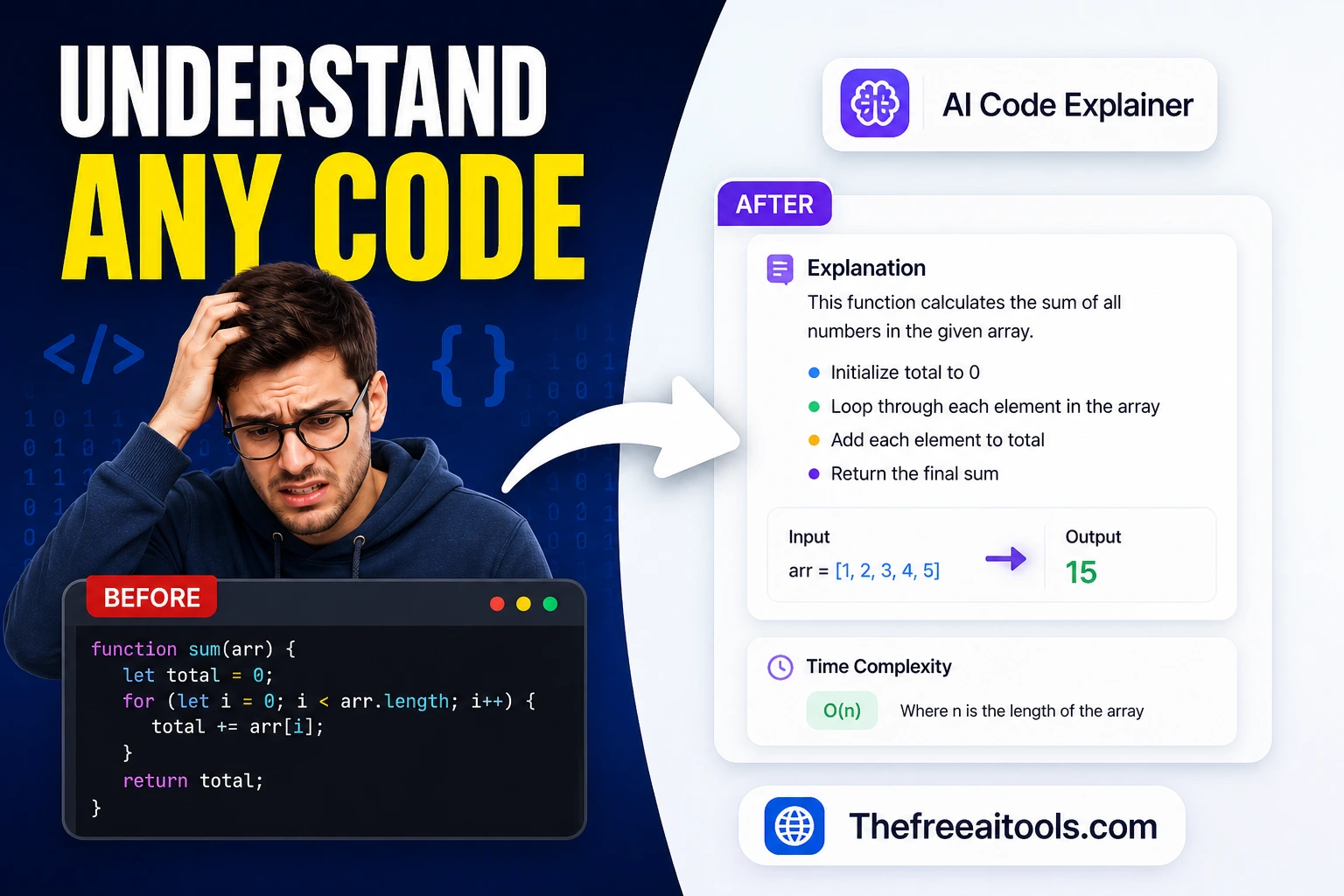
What AI code explanations are actually good for
AI explanations excel at three tasks: translating unfamiliar syntax into plain language ("what does this arrow function with destructuring do?"), summarizing what a function does at a high level when you're reading someone else's codebase, and identifying the general pattern being used ("this is a memoization cache with a fixed-size eviction policy"). These are orientation tasks — the explanation gets you to the right conceptual frame faster than reading documentation from scratch.
Three cases where AI explanations mislead you
- Domain-specific business logicAn AI explaining a function named
calculateSettlementFee()will describe what the math does, not why the business rule exists. Understanding the intent requires reading the spec, the ticket, or asking the original author — the AI doesn't have that context. - Side effects and state mutationsAI explanations tend to describe what a function returns but understate what it changes globally — database writes, cache invalidations, external API calls, event emissions. These side effects are often more important than the return value and are easily missed in a summary.
- Confident explanations of buggy codeIf you paste code that has a subtle bug, an AI explanation often describes what the code was intended to do, not what it actually does wrong. It explains the logic as if it were correct. Always test the code; don't rely on an explanation to verify correctness.