Free Accessibility Tools Online — Audit Your Site for WCAG Compliance

This hub collects free browser-based web accessibility testing tools for designers, developers, and QA teams in 2026: contrast checkers, heading reviewers, ARIA validators, focus order tools, and alt text analyzers — all no-signup, no-install.

Updated · Reviewed by The Free AI Tools Editorial Team — Web accessibility and WCAG tools review


224+ tools across 13 categories
Accessibility Focus Order Visualizer — free online tool

Accessibility Focus Order Visualizer

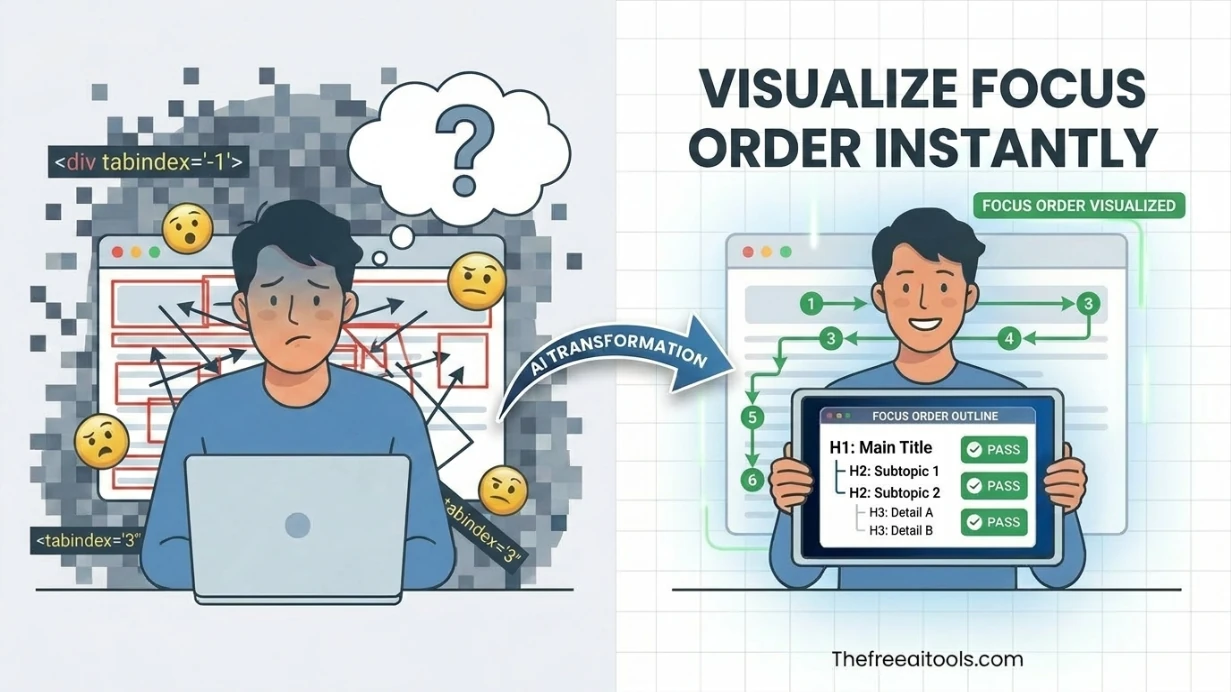
Map keyboard tab order, skip-link flow, and focus traps from pasted HTML so teams can catch navigation issues before shipping. The visual overlay makes a11y reviews faster for product, QA, and frontend teams.
Alt Text Length Checker — free online tool

Alt Text Length Checker

Review image alt text for length, clarity, duplication, and decorative-image handling. It helps content teams write accessible image descriptions without relying on AI or third-party APIs.

Color Picker — free online tool

Color Picker

Pick colors and convert between HEX, RGB, and HSL formats — with live preview and clipboard copy.

About these tools

Web accessibility has moved from optional best practice to legal requirement in most major markets by 2026. ADA lawsuits against inaccessible websites in the US have increased year-over-year, and multiple jurisdictions have enacted similar legislation.

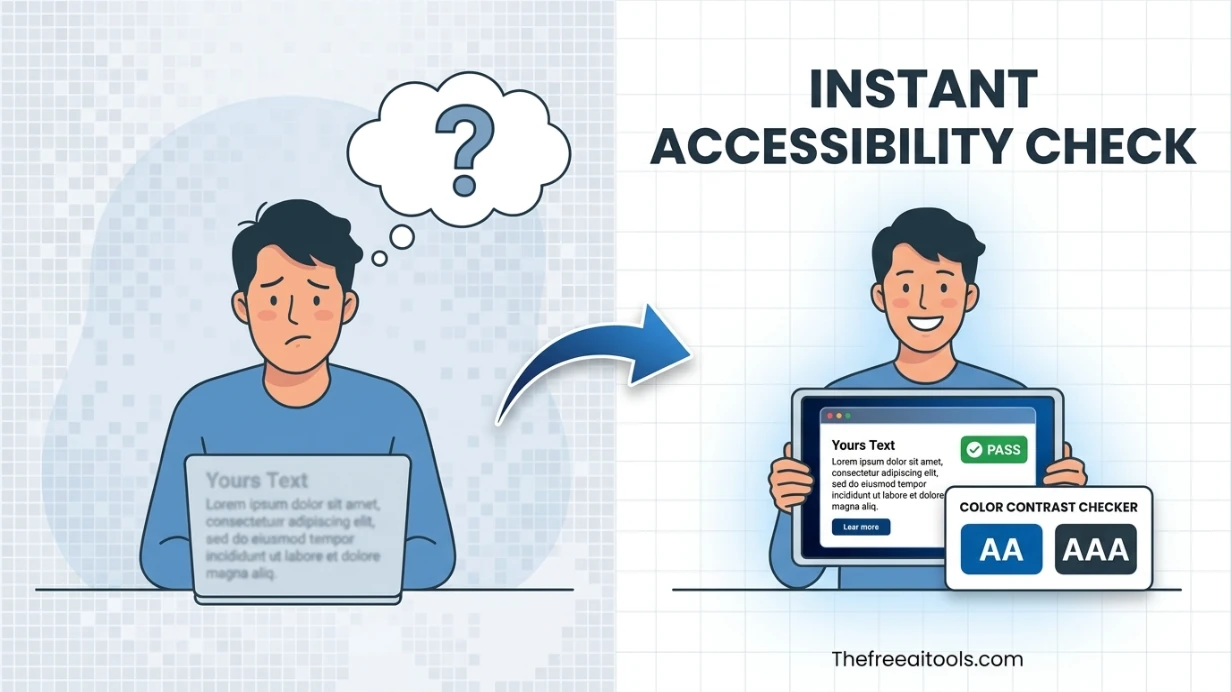
Color contrast is the most commonly failed accessibility criterion in web design. Beautiful design choices — light gray text on white backgrounds, white text on medium-toned images — frequently fail WCAG contrast requirements.

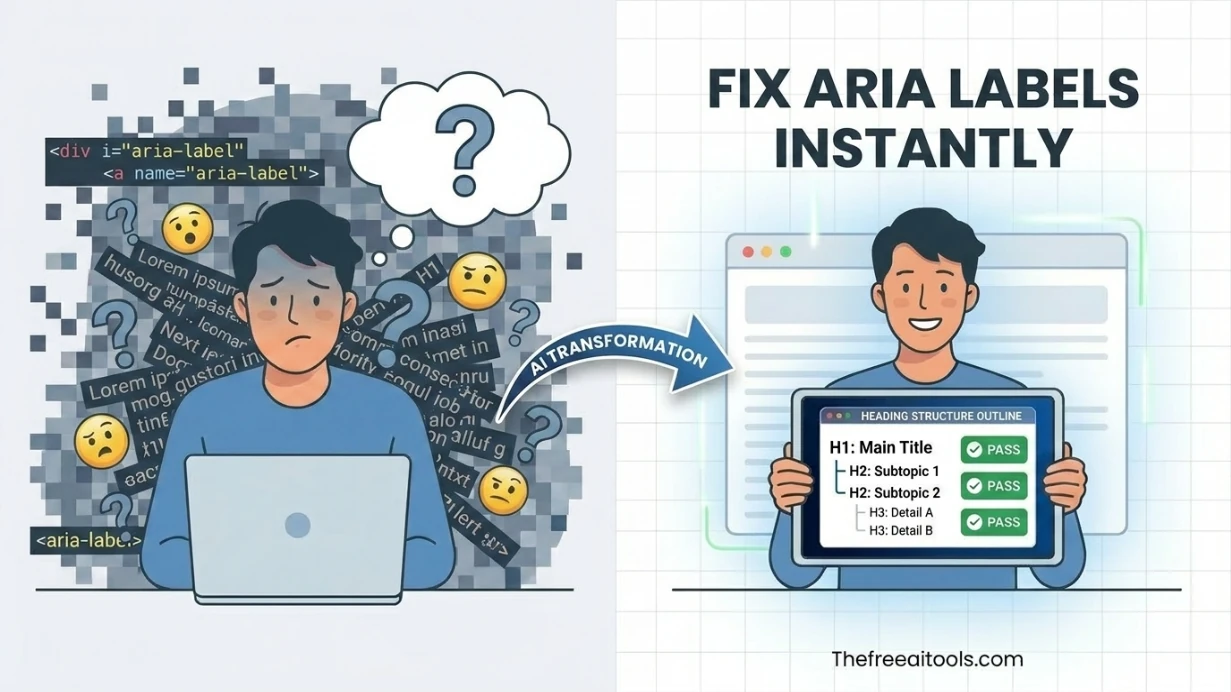
ARIA attributes are the mechanism through which complex interactive UI components communicate their role and state to screen readers. The ARIA label reviewer scans page markup for common ARIA implementation errors.

Focus management is one of the most technically complex areas of accessibility compliance. Every interactive element must be reachable and operable by keyboard alone, and the focus order must follow a logical reading sequence.

All tools in this topic

Developer Tools

AI Agent Code GeneratorDescribe any task and get a complete AI agent with working code — build automation scripts, bots, and pipelines instantly.AI Diagram GeneratorGenerate visual diagrams and flowcharts from prompts with a browser-native AI workspace.AI Page Builder AgentGenerate complete, professional HTML pages from plain-text descriptions. Build landing pages, portfolios, dashboards, SaaS pages, and e-commerce sites with live preview, HTML export, Three.js 3D, Chart.js, and GSAP animations. Free, no account required.AI Page Builder AgentGenerate professional landing pages, portfolios, dashboards, and more from a text description. Live preview, HTML export, and optional Three.js 3D, Chart.js, and GSAP animations — free, no account needed.Base64 Image EncoderConvert uploaded images directly into Base64 strings — embed images inline in emails, HTML, or CSS.Class Diagram MakerDraft Mermaid-compatible UML class diagrams with a browser-based editor — visualize OOP architecture.Code ConverterConvert code between 15+ programming languages with idiomatic AI output. Python to JavaScript, Java to C#, TypeScript to Python, SQL dialect conversion, and more — no login required.Code ExplainerPaste any code snippet and get an instant plain-English explanation. Supports Python, JavaScript, TypeScript, Java, C++, Go, Rust, SQL, and 20+ languages with beginner-to-expert depth levels.Cron Expression ParserValidate cron schedules and preview upcoming run times — debug cron jobs and scheduled task expressions.CSS Minifier/FormatterMinify or beautify CSS code for production optimization or readable development — instant browser-side processing.CSV to JSON ConverterConvert CSV data to JSON and vice versa with ease — perfect for data import/export and API payload preparation.Data URI GeneratorGenerate inline data URIs from uploaded files and text assets — eliminate external HTTP requests for small assets.Environment Variables ParserParse .env file content into structured JSON and key/value tables — debug dotenv configs instantly.ER Diagram MakerCreate entity-relationship diagrams with schema notes and Mermaid output — design database schemas visually.Error Message SolverPaste any error log or stack trace and get instant root cause analysis with step-by-step fix instructions. Supports Python, JavaScript, Java, Node.js, React, and 20+ frameworks.Flowchart MakerBuild process diagrams and flowcharts from Mermaid-style syntax — visualize workflows and logic instantly.HTML to Markdown ConverterConvert raw HTML into clean readable markdown syntax — useful for blog migration and content portability.HTML/XML EscapeConvert special characters to and from HTML entities — prevent XSS and fix broken markup instantly.JavaScript Minifier/FormatterMinify or beautify JavaScript code for production builds or debugging — reduce JS bundle size instantly.JSON Formatter & ValidatorFormat, validate, and minify JSON with error highlighting — instantly beautify messy JSON responses.JSON Path FinderSearch nested JSON objects and return matching paths for keys and values — JSONPath query tool.JSON Schema Builder & ValidatorGenerate JSON Schema from sample payloads, validate example objects, and inspect required fields or type mismatches. It is useful when teams need portable contracts without spinning up a backend.JSON to XML ConverterTransform JSON objects into formatted XML markup — convert API payloads to XML for SOAP and legacy integrations.Markdown to HTML ConverterRender markdown into clean sanitized HTML with a live preview — convert .md files to web-ready markup.Pomodoro Timer — Free Online Focus TimerStay focused with the Pomodoro Technique. 25-minute work sessions, 5-minute breaks, and 15-minute long breaks. Free online timer with sound alerts and session tracking.Pretty Log FormatterClean up JSON logs, key-value lines, and stack traces for readability — debug server logs instantly.Query String ParserParse URLs and query strings into readable key-value parameters — debug API requests and redirects instantly.Regex Escape HelperEscape plain text safely for regular-expression literals — convert strings to regex-safe patterns.Sequence Diagram MakerVisualize API and system interactions with Mermaid-compatible sequence diagrams — document microservices clearly.SQL FormatterFormat and beautify SQL queries for better readability — clean up messy SELECT statements and JOIN chains.SQL to JSON ConverterTurn SQL INSERT statements into JSON data structures — useful for data migration and API payload generation.UML Diagram Generator AICreate UML class, sequence, use-case, and ER diagrams with live preview and export-ready output.URL Encode/DecodeEncode and decode URLs with percent-encoding support — fix broken query strings and API parameters instantly.UUID GeneratorGenerate UUIDs (v4) in bulk with instant copy and export — unique identifiers for databases and APIs.XML Formatter & ValidatorPretty-print XML and flag malformed markup in your browser — format RSS, SOAP, and config XML files.YAML to JSON ConverterConvert between YAML and JSON formats instantly — essential for CI/CD, Kubernetes, and API config workflows.

Free accessibility tools FAQs

Quick answers about the workflow, privacy, and where this tool fits in a broader job.

What WCAG standards do these accessibility tools check against?

The tools in this hub primarily check against WCAG 2.1 Level AA criteria, which is the most widely referenced accessibility standard for legal compliance in the US (ADA), EU (EN 301 549), and other jurisdictions.

What is a color contrast checker and why is it important?

A color contrast checker calculates the luminance ratio between foreground text color and background color. WCAG requires a minimum 4.5:1 ratio for normal text and 3:1 for large text.

What does the heading structure analyzer check?

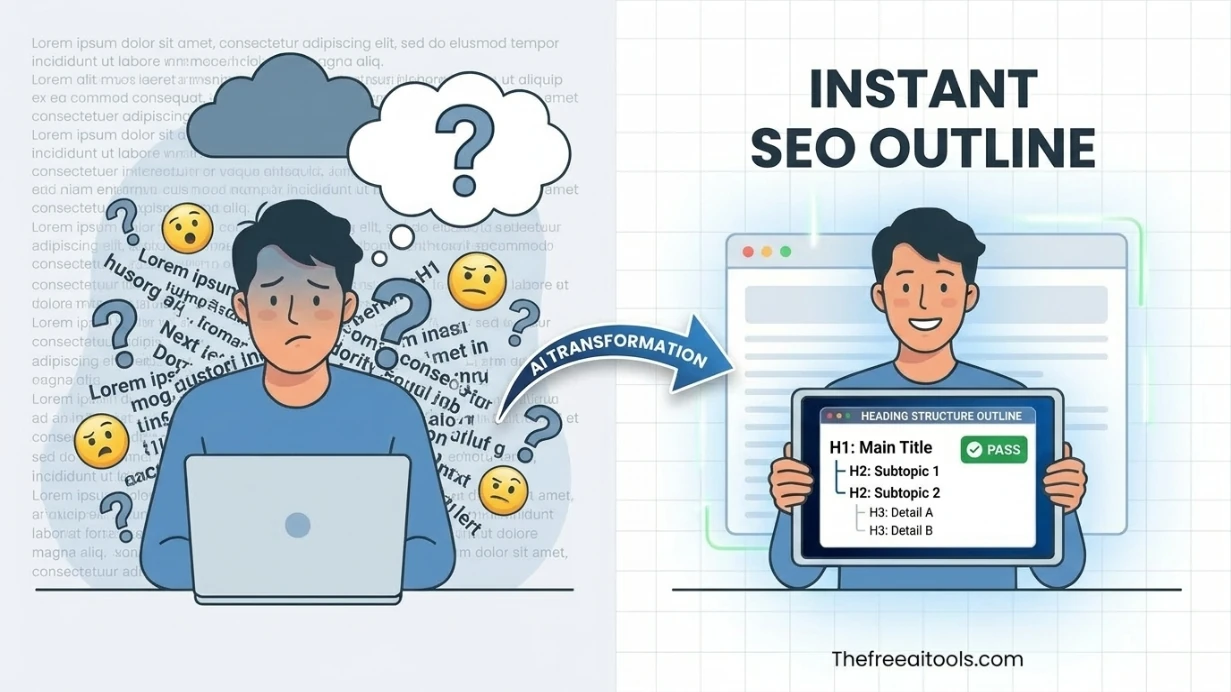
The heading structure analyzer extracts all heading elements (H1-H6) from a page and displays them as an outline to verify logical hierarchy, aiding navigation for screen reader users.

What is the focus order visualizer useful for?

The focus order visualizer shows the sequence in which keyboard focus moves through interactive elements when users press the Tab key, ensuring keyboard-only users can navigate content predictably.

How does the alt text length checker help with image accessibility?

The alt text length checker evaluates whether image alt attributes are present and appropriately descriptive — not too short (missing) and not too long (over 125 characters).

Free Website Analysis Tools Online — Audit, Inspect & OptimizeUse free website analysis tools in 2026 to extract SEO metadata, check keyword density, test page speed, audit open graph tags, map redirects, validate schema, and inspect internal links — no account needed.Best Free Technical SEO Tools — Audit, Fix & Optimize Your SiteDiscover the best free technical SEO tools in 2026: site auditors, robots.txt generators, XML sitemap builders, canonical tag tools, redirect checkers, schema validators, SSL checkers, and crawl utilities — no account needed.Free SEO Audit Tools Online — Audit Your Entire Site From One HubRun a free SEO audit online in 2026 with browser-based tools: metadata extractors, broken link checkers, redirect analyzers, schema validators, page speed simulators, canonical checkers, and sitemap auditors — no account needed.Free SEO Tools for Agencies — Audit and Optimize Every Client Site for FreeUse free SEO tools for agencies in 2026: multi-client metadata generators, schema markup builders, redirect analyzers, sitemap tools, broken link checkers, UTM builders, SERP previewers, and accessibility checkers — no account, no per-seat pricing.Free SEO Checker Tools — Instant SEO Audit for Any URLUse free SEO checker tools online in 2026: SEO meta extractors, broken link checkers, redirect analyzers, page speed simulators, schema validators, SERP previewers, keyword density checkers, and heading analyzers — audit any URL instantly, no account needed.Best Free SEO Tools OnlineBrowse the best free SEO tools online in 2026: metadata generators, robots.txt builders, sitemap creators, SSL checkers, DNS lookups, and technical SEO workflows — no account needed.

The complete toolkit

224+ free browser tools

Every tool runs instantly in your browser — no account, no download, no cost. Across 13 categories for everyday tasks.

☕ Support Us